Last Updated: June 24, 2026
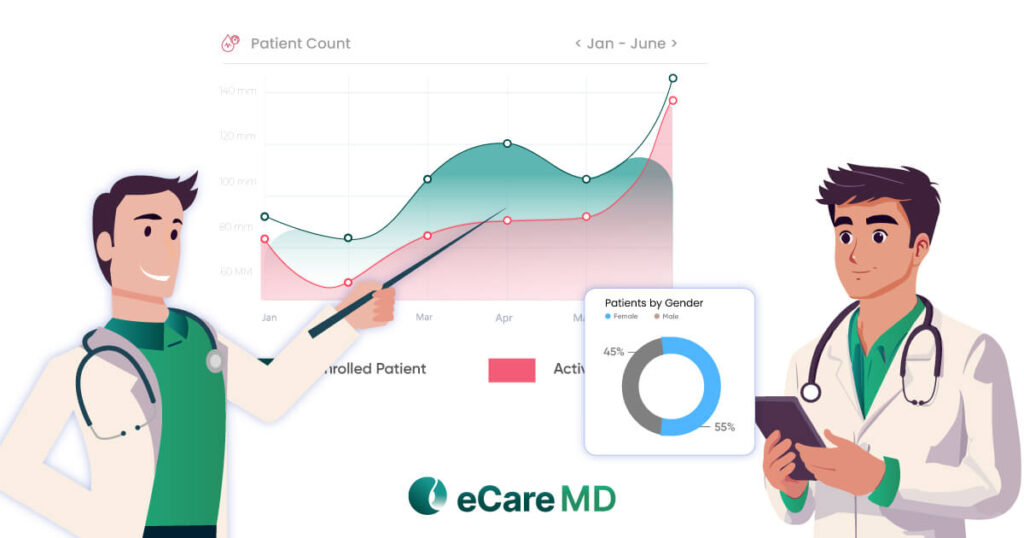
More patient data, more readings, and more alerts. What does it look like to you? A progress?
Well, it’s less like an advantage and more like a burden.
Data overload is slowly becoming part of every healthcare setting. It usually happens when data doesn’t fit well into the clinical workflow.
In many practices, RPM data still lives outside the EHR, scattered across different platforms. So, instead of having a clear picture of your patient’s health, you can end up switching between systems, gathering patient information together, and looking for gaps in records. Quietly, these silos can slow down everything, making it harder for you to deliver timely and informed care.
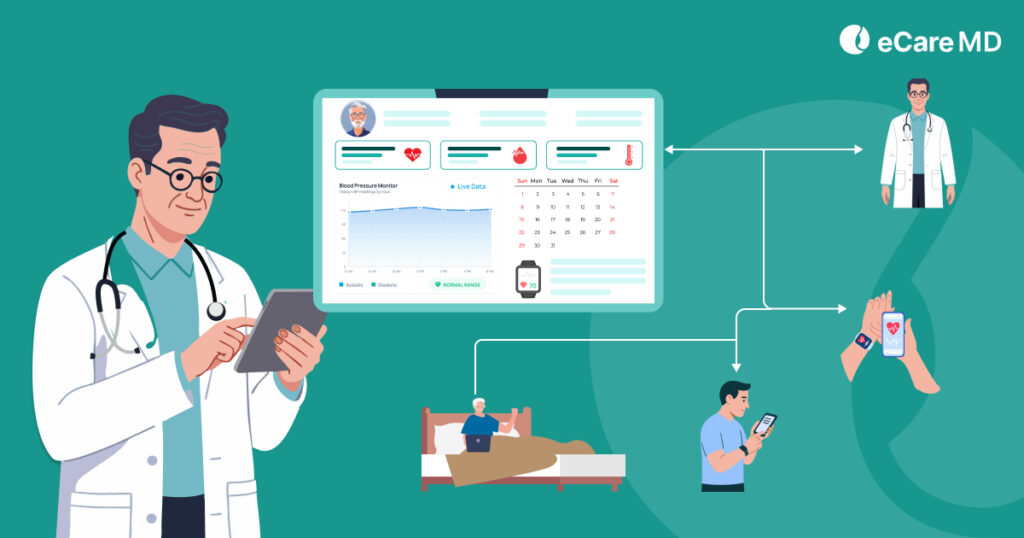
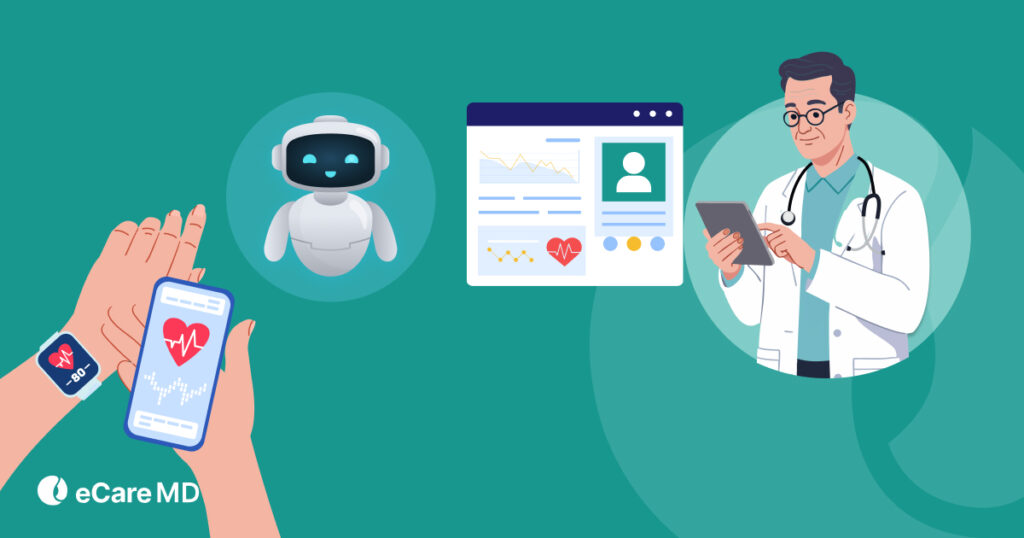
However, with EHR integration and remote patient monitoring, you can see a real difference. Integrating RPM data directly into the EHR can help you create a single and unified patient view.
Let this blog be your comprehensive guide to learn how to integrate remote patient monitoring with EHR systems, with its benefits and challenges.
What EHR Integration Means in RPM
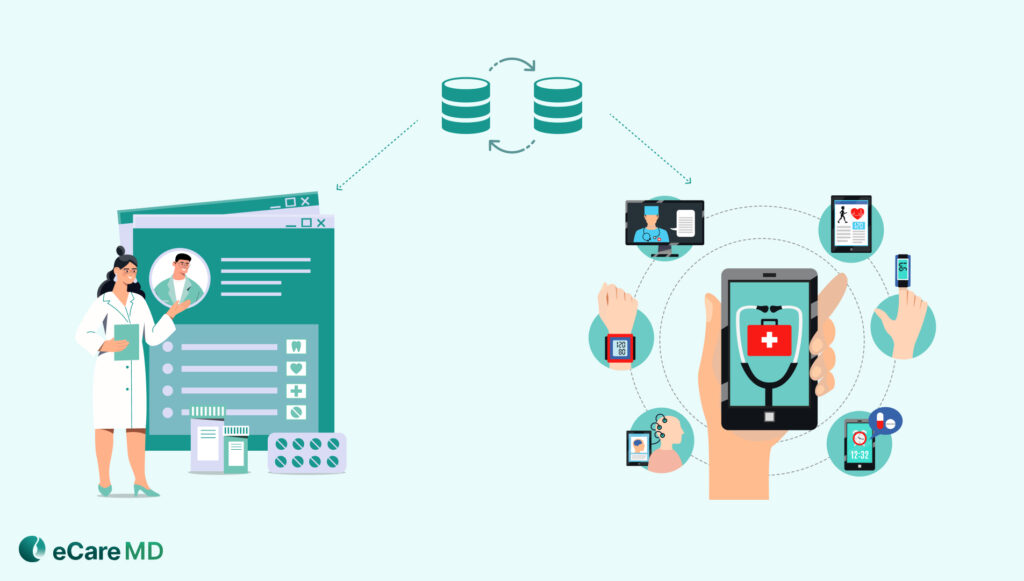
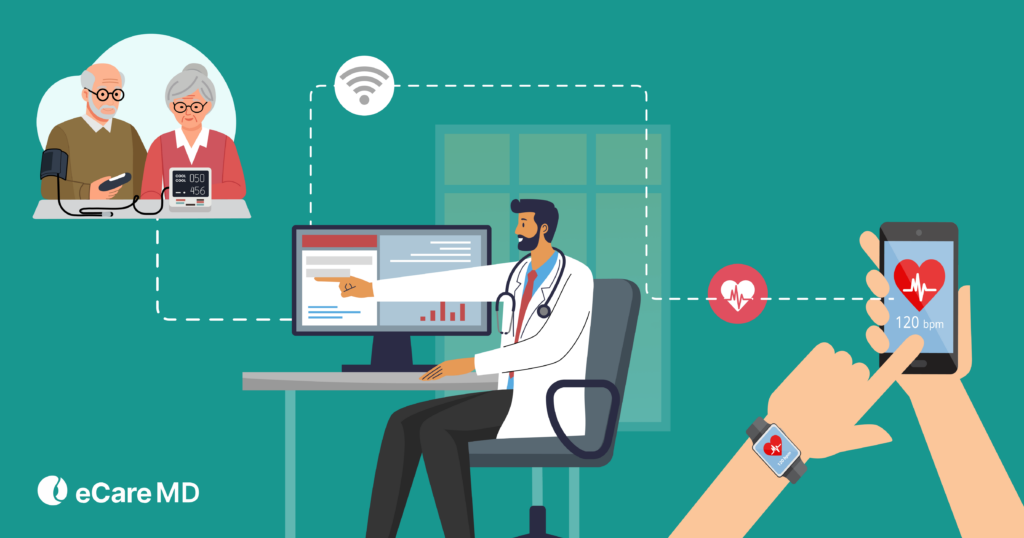
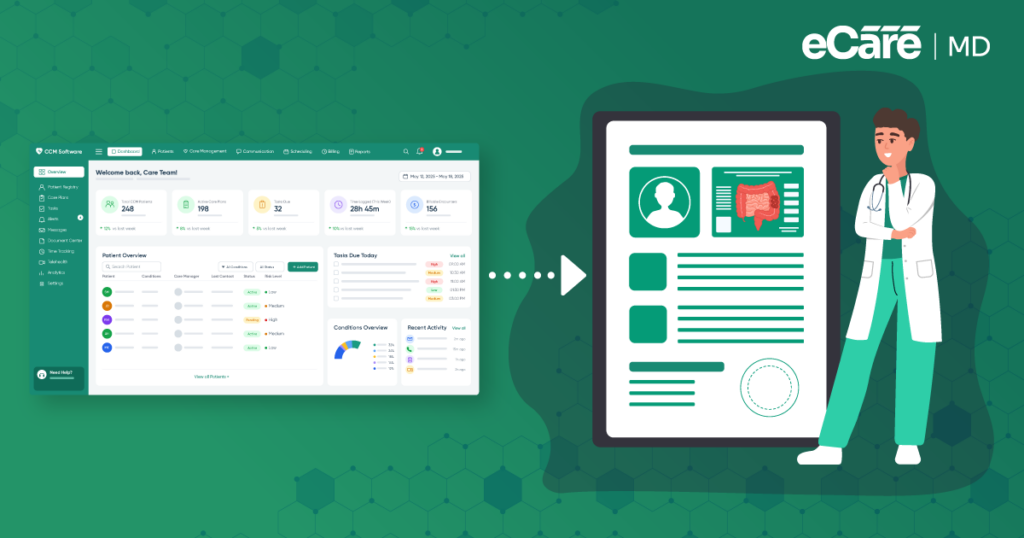
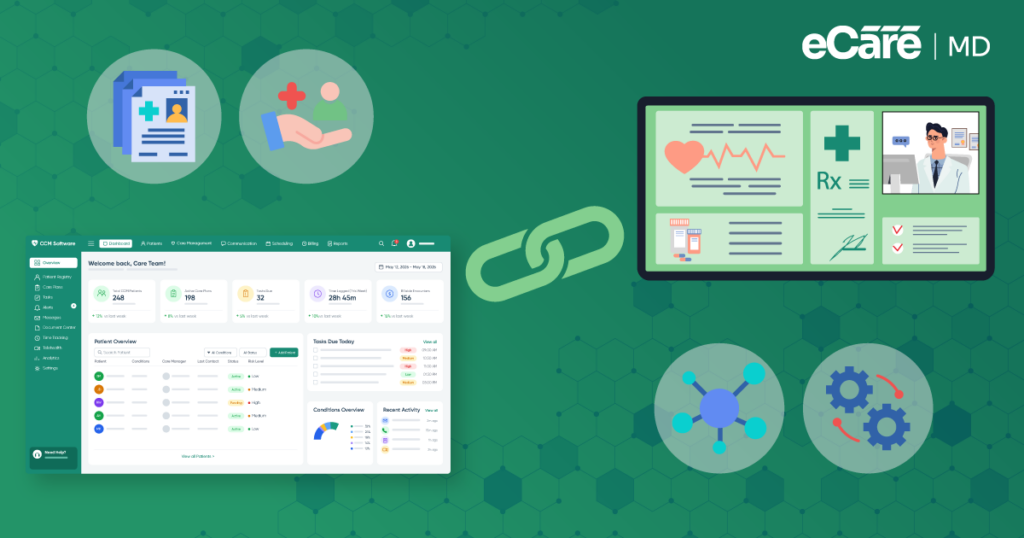
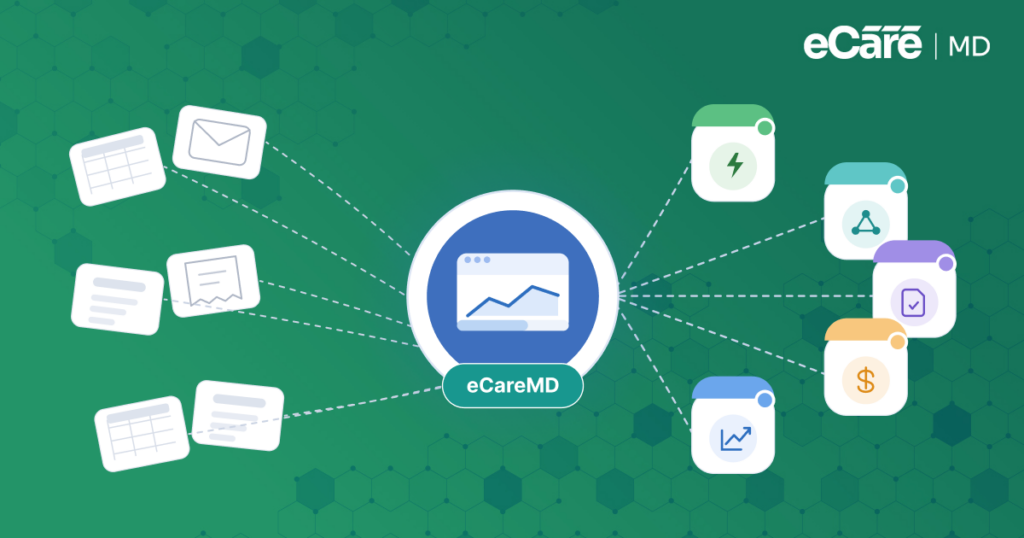
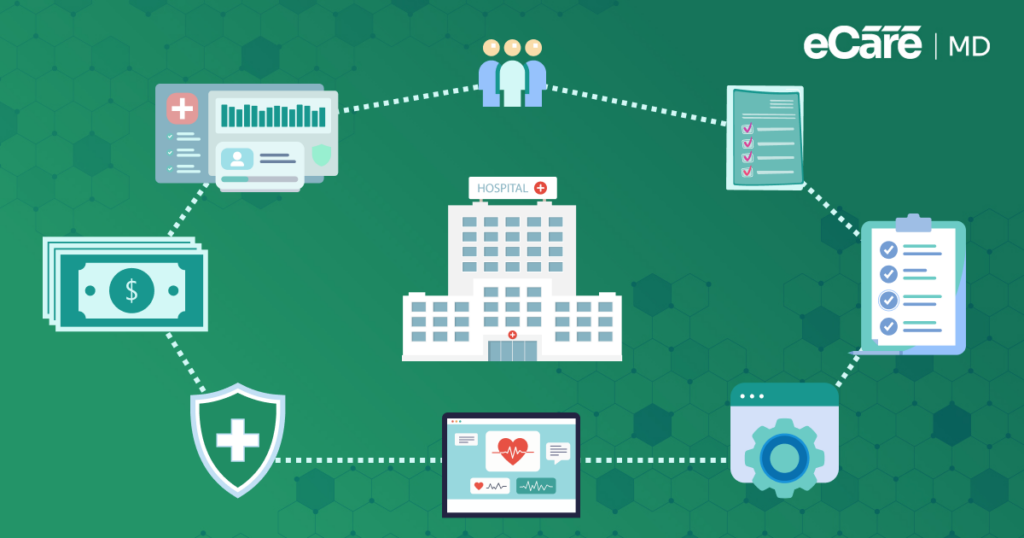
In simple terms, EHR integration remote patient monitoring is all about making sure that RPM data becomes part of your patient’s actual medical record, rather than living in isolation. For example, ensuring every reading, alert, and trend flows directly into the EHR and does not just sit in a separate dashboard
This further drives true healthcare interoperability RPM. Don’t look at it like just systems talking to each other; it’s actually understanding and using data in a meaningful way. If you do integration in the right way, your patient information can move seamlessly between RPM platforms and EHRs. This also reduces the chances of missed details or duplicate work.
Equally important is keeping everything within the clinical workflow, so it will be easier for you to review vitals, track trends, and respond to alerts.
How EHR Integration Works in Practice
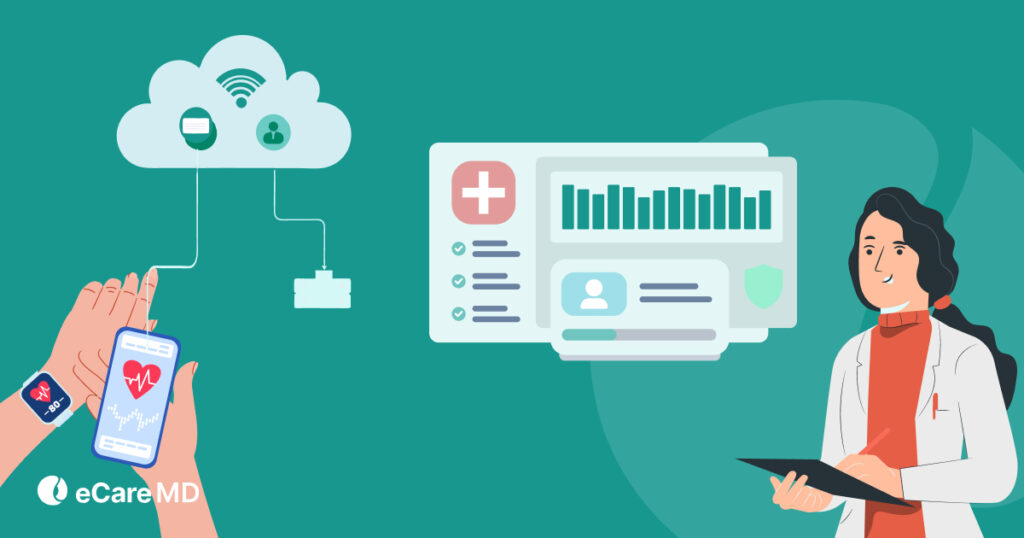
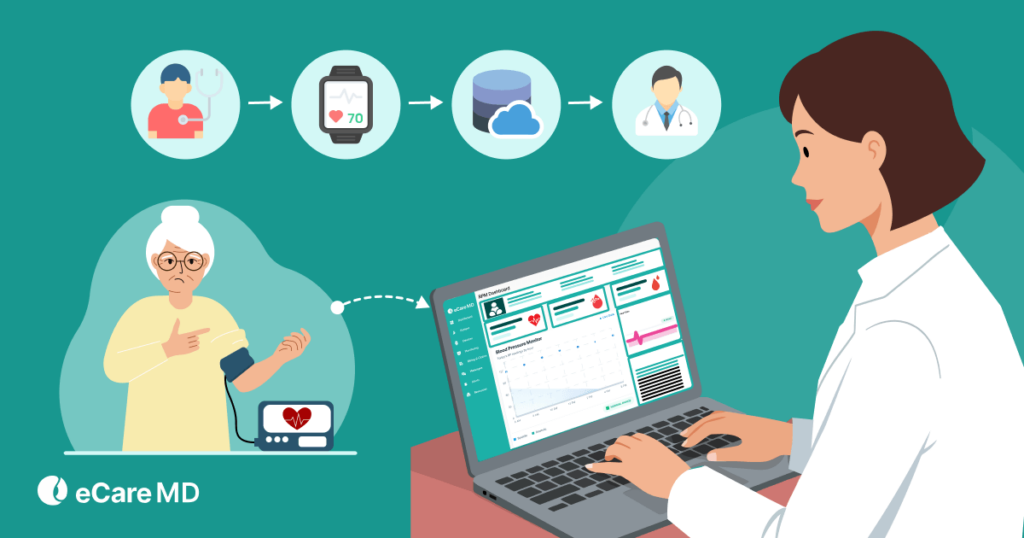
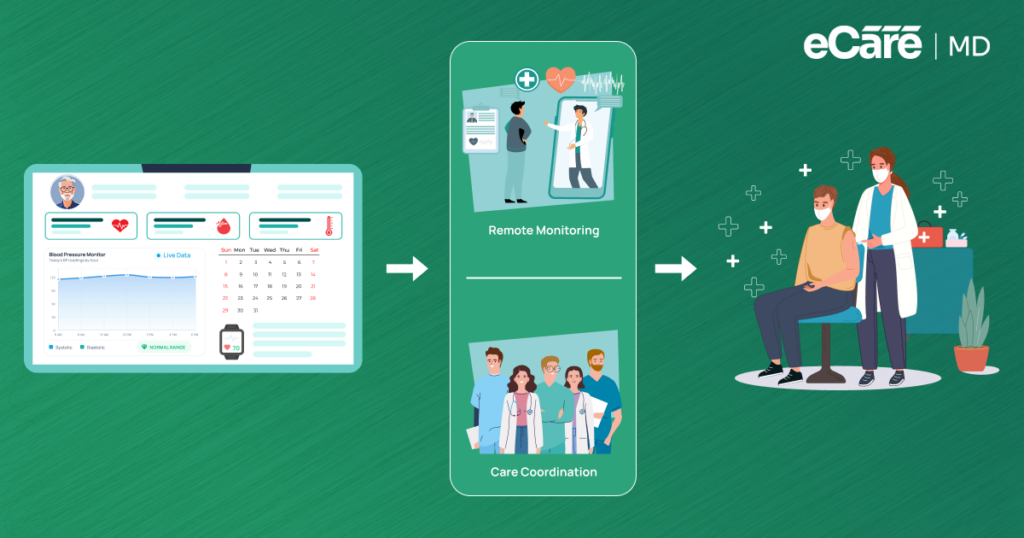
EHR integration remote patient monitoring follows a structured data flow in real-world RPM programs. This helps you to keep everything connected and actionable:
Let’s see how it actually works
1. Data Collection from Devices:
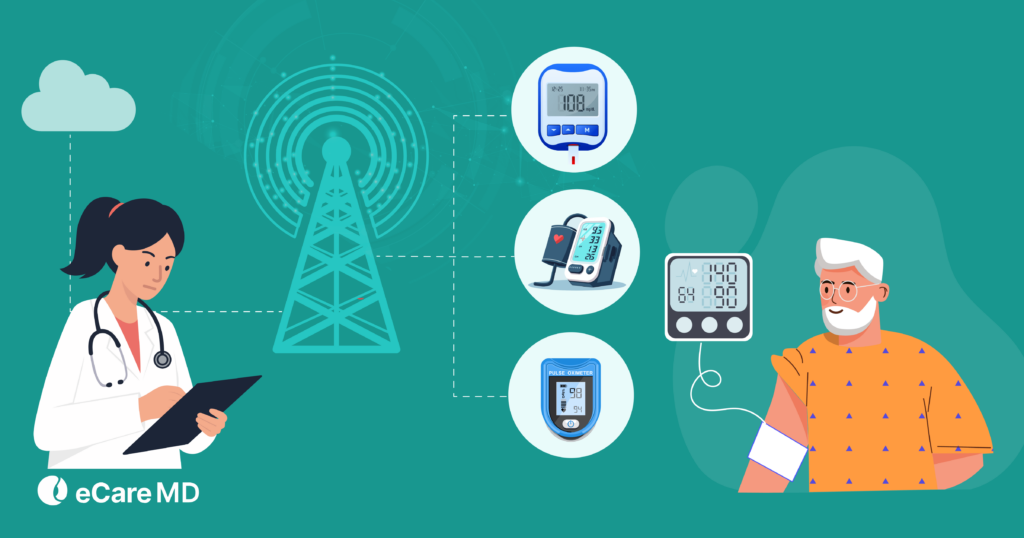
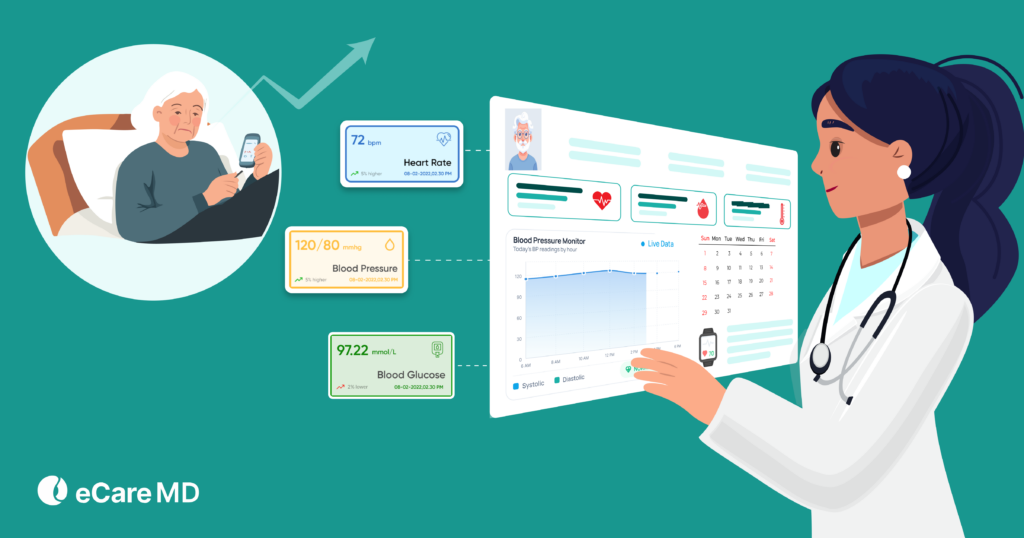
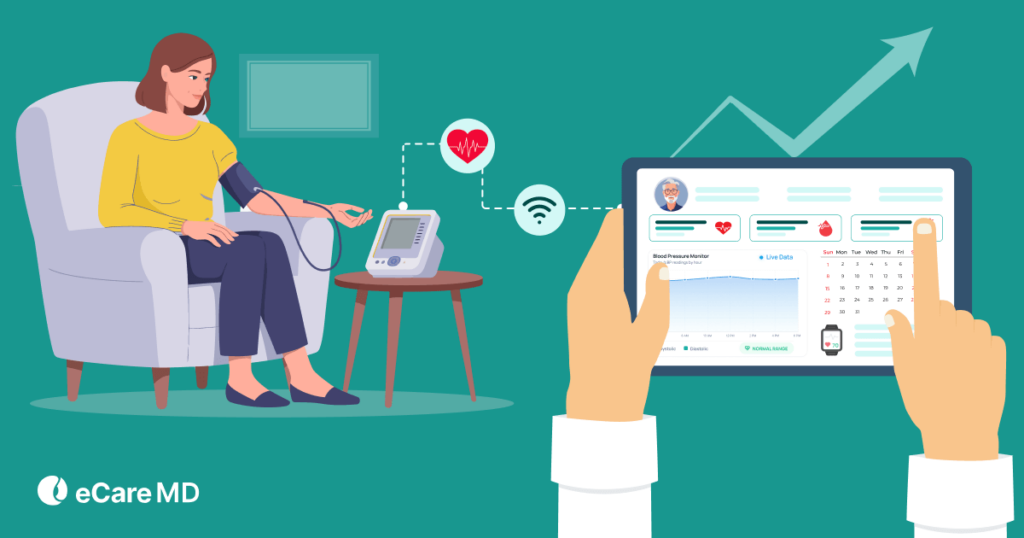
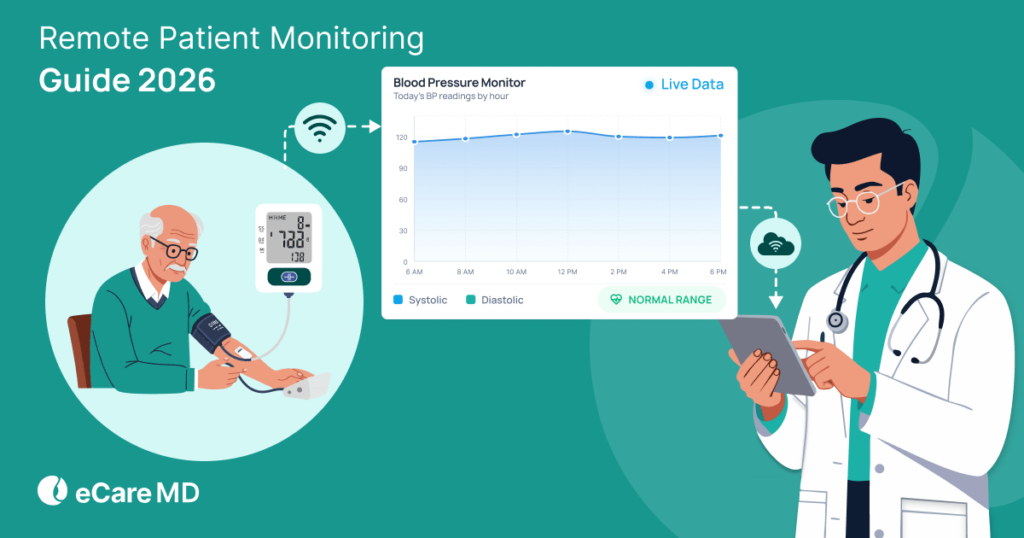
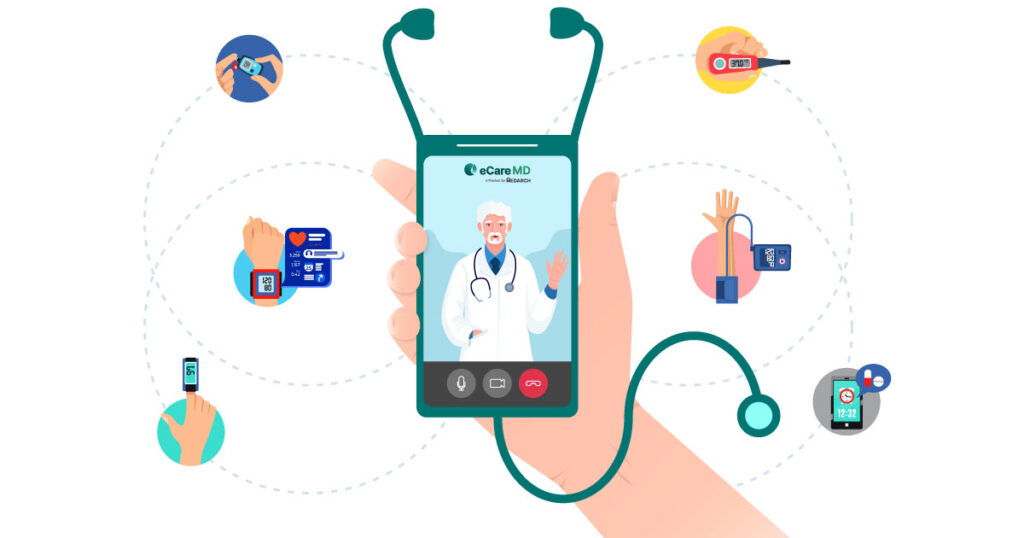
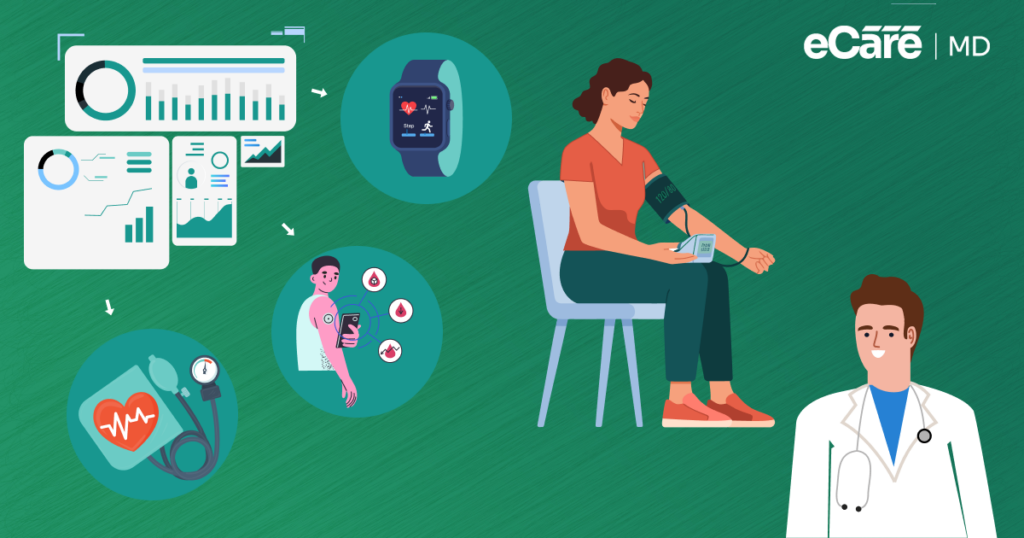
RPM devices capture patient vitals, including blood pressure, pulse rate, glucose levels, weight, etc. This data is then sent to a centralized monitoring platform.
2. Data Processing in the RPM Platform:
The platform turns raw data like trends and alerts into meaningful insights by organizing, analyzing, and flagging abnormalities.
3. Data Transmission to the EHR:
Using standards like FHIR (for real-time APIs) and HL7 (for structured messaging), the processed data is securely pushed into the patient’s EHR record.
4. Real-Time Access for Clinicians:
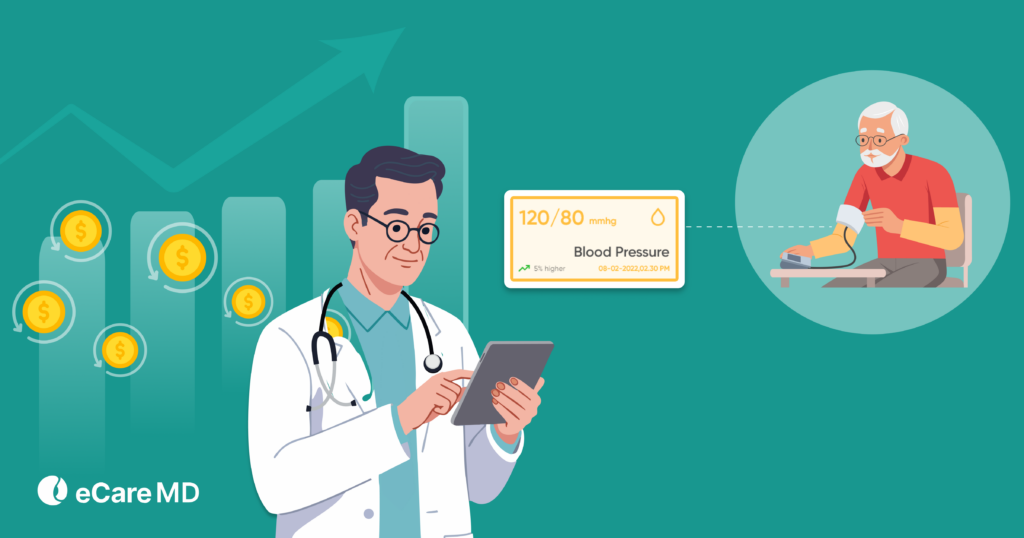
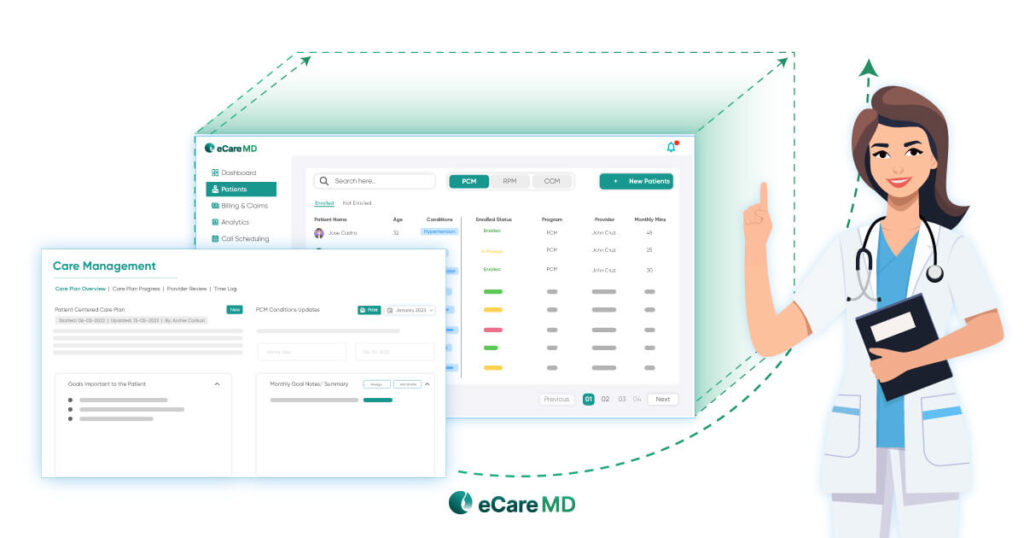
You can now view vitals, alerts, and trends directly within their existing workflow; there is no need to switch systems or manually enter data.
5. Action and Documentation:
With accurate, up-to-date information in one place, you can make faster clinical decisions, intervene early, and maintain proper documentation for care and compliance.
This entire workflow is driven by mandates like the 21st Century Cures Act. This act focuses more on seamless data exchange and accessibility.
Why Bidirectional Integration Matters
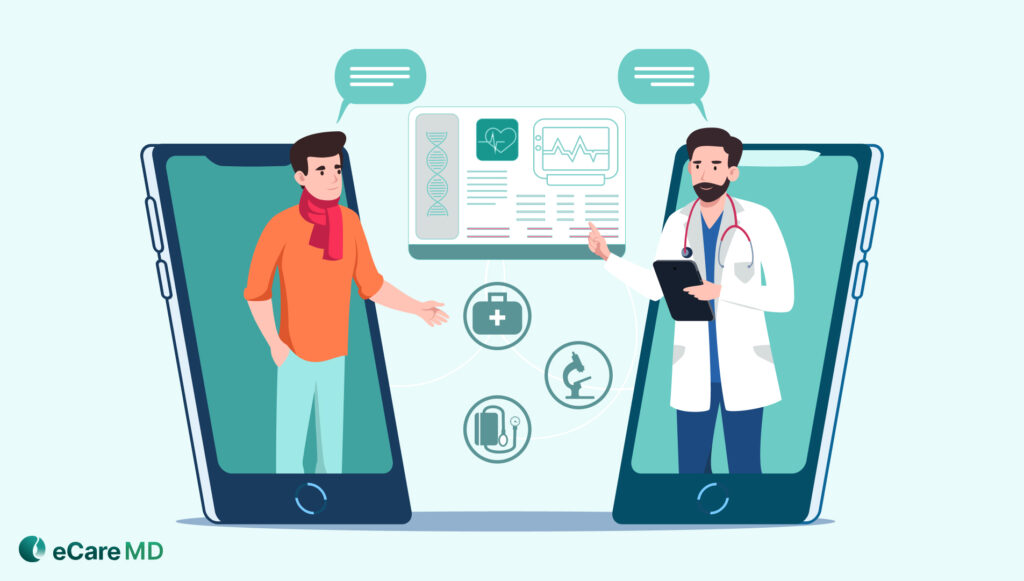
At first, you may think that any integration is progress. But one-way data flow, like from RPM into the EHR, can only get you halfway there. You can see the data, but you still have to step outside the system to take action.
This is exactly where bidirectional EHR integration remote patient monitoring makes a huge difference by allowing data to move both ways. You can receive your patient vitals, and at the same time, you can also send updates like medication plans, notes, or instructions back through the system.
This two-way approach helps to keep everything connected. It also reduces system switching, saves time, and makes workflow seamless. Rather than jumping between tools, you can manage care in one place.
Common Challenges in RPM–EHR Integration
Even though EHR integration RPM offers clear benefits, the path to integration often comes with a few practical roadblocks:
| Challenge | What It Means in Practice | Impact on RPM Programs |
|---|---|---|
| Vendor Limitations | Systems like Epic, Cerner, and Athenahealth have different integration capabilities | Requires customization, slows implementation |
| Data Standardization Issues | Differences between FHIR and HL7 can create mapping challenges | Leads to inconsistent or incomplete patient data |
| Integration Complexity & Cost | Technical setup, resource investment, and workflow adjustments | Can disrupt operations during implementation |
| Inconsistent Data Flow | Delays or gaps in syncing RPM data with EHR | Reduces trust in data and affects clinical decisions |
Implementing EHR Integration Successfully
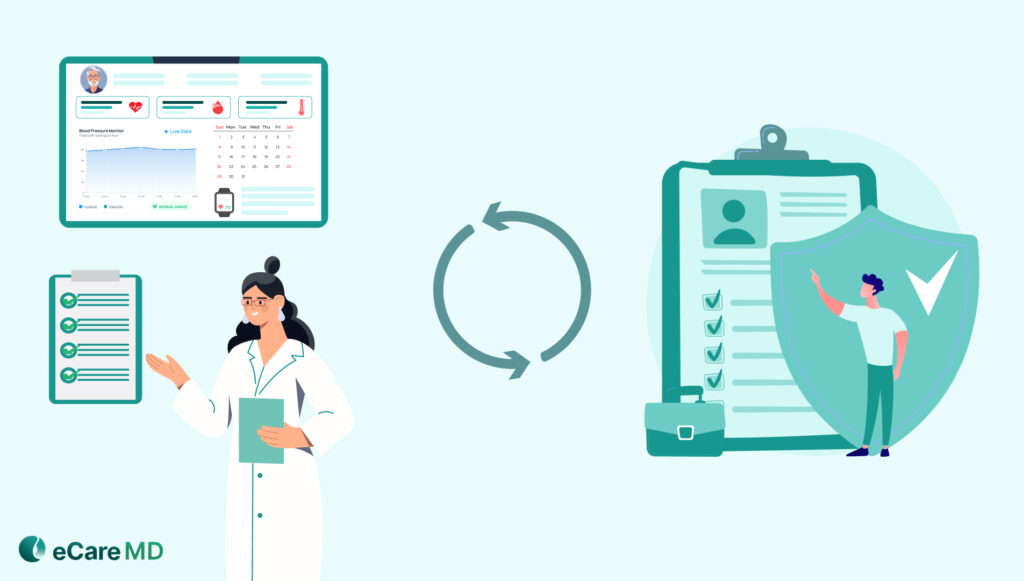
The next step after understanding challenges is putting integration into practice. To make EHR integration RPM work seamlessly, it needs a clear approach.
You should assess what your EHR supports and whether it aligns with standards like FHIR and HL7, as it sets the foundation and avoids issues later. From there, integration should follow your workflow. RPM data is required to appear where you already work, so it becomes part of your routine rather than extra work.
Before expanding, equally important is testing. A controlled rollout helps you to ensure that data flows accurately, while highlighting gaps early. After placing it perfectly, the training staff further helps to lock everything in. This makes adoption smoother and more continuous.
Accurate, timestamped data, consistent documentation, and audit-ready records are some of the key things you should always check throughout the process.
Furthermore, with EHR integration, real-time sync, and automated validation, you can make this much easier. It also helps you to reduce complexity while making sure that interoperability actually works day to day.
Conclusion
For RPM to truly work, interoperability isn’t optional—it’s essential. Without it, data stays disconnected. With it, care becomes more efficient, accurate, and complete.
That’s the value of EHR integration remote patient monitoring. It brings everything into one place, helping clinicians make faster decisions while keeping documentation clean and reliable.
Platforms like eCareMD support this with seamless EHR connectivity, FHIR and HL7 interoperability, real-time data sync, and audit-ready records—making integration simpler and more dependable.
Enable seamless interoperability with integrated RPM and EHR workflows. Click here to get started.
Frequently Asked Question’s
FHIR integration in RPM uses modern APIs to enable real-time data exchange between systems. It allows RPM platforms and EHRs to share patient data instantly, making it easier for clinicians to access up-to-date information without delays.
HIPAA does not mandate a single standard but requires strong encryption for data at rest and in transit. Industry best practices typically include AES-256 encryption and secure transmission protocols like TLS to maintain HIPAA compliant remote patient monitoring.
Start by assessing the EHR’s capabilities and supported standards. Then define how RPM data will fit into workflows. Test the integration on a small scale, train staff, and ensure data is accurate and properly documented. Once validated, the integration can be expanded across the organization.
Many leading EHR systems, including Epic, Cerner, and Athenahealth, support RPM integration using FHIR and HL7. The level of support may vary, but most modern systems are designed to enable interoperability with external platforms.









![The Future of Remote Patient Monitoring: CMS Innovations & Emerging Trends [2026]](/wp-content/uploads/2024/07/Blog-36-The-Future-of-Remote-Patient-Monitoring_-Trends-AI-Innovation-CMS-Updates-for-2026-1024x538.png)