Last Updated: September 29, 2026
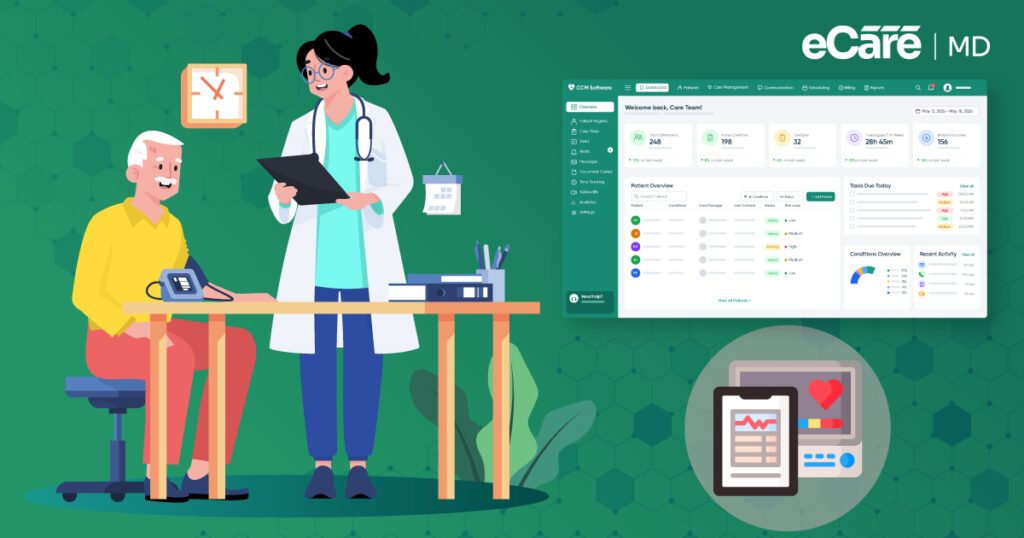
A care manager’s morning often begins with a quick review of patient updates. One patient needs a follow-up call, another has a change in their care plan, and someone else has shared new information that needs to be added to the record.
The care manager moves between these tasks, documenting interactions and sharing relevant details with other members of the care team.
It all feels like routine CCM work. But every click, note, message, and update can involve sensitive patient information. As more of these activities happen through digital systems, keeping that information secure becomes part of the workflow itself.
A chronic care management app can help teams organize patient information and coordinate care, but it also needs safeguards to protect that information from unauthorized access, accidental exposure, or insecure handling.
This is where data security in Chronic Care Management comes into focus. This guide explores common security risks, CCM HIPAA compliance, data privacy, security best practices, and HIPAA governance, along with how eCareMD supports secure CCM workflows.
Understanding data security in Chronic Care Management and HIPAA Compliance
As a care manager moves through the day, patient information follows almost every step of the CCM workflow. Health conditions, medications, care plans, clinical notes, contact details, and other protected health information (PHI) may be reviewed, updated, or shared while coordinating ongoing care.
CCM data security means protecting this information throughout those activities and ensuring it is accessible only to the people who need it. This is where chronic care management data privacy and security come together.
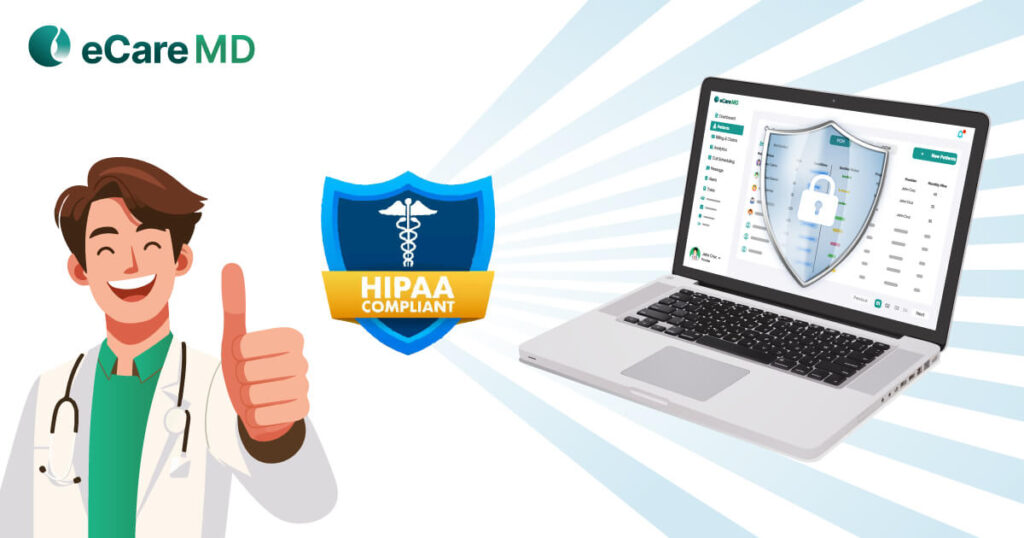
Privacy is about how patient information is collected, used, and shared, while security focuses on the safeguards that protect it, such as access controls, authentication, and encryption. HIPAA establishes requirements for protecting PHI, making CCM HIPAA compliance an important part of responsible data handling.
However, technical safeguards are only one piece of the picture. Broader HIPAA governance also involves policies, risk assessments, workforce training, and clear responsibilities. In short, secure technology helps protect data, while proper governance guides how the organization handles it.
Key Data Security Risks in Chronic Care Management
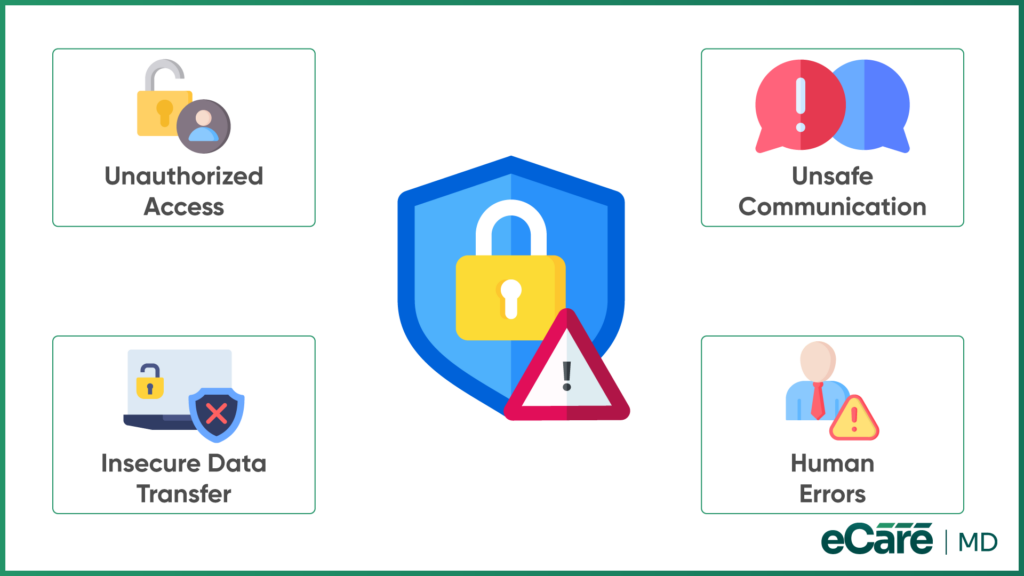
A typical CCM workflow involves accessing patient records, documenting updates, communicating with the care team, and moving information between systems. Each step can introduce a security risk if the right safeguards are not in place.
1. Unauthorized Access to Patient Information
A care team member may need access to a patient’s record, but that does not mean everyone should have the same level of access. Broad permissions or poorly managed accounts can expose PHI to unauthorized users.
Role-based access helps ensure that team members can only access the information needed for their responsibilities, supporting patient data security in CCM.
2. Data Exposure During Communication
Sharing patient updates is a regular part of CCM. However, using unsecured messaging or inappropriate communication channels can expose sensitive information. Secure communication methods help care teams exchange patient information while reducing unnecessary exposure.
3. Insecure Data Storage and Transmission
Patient information needs protection both when it is stored and when it moves between systems. Weak protection can increase the risk of unauthorized access or exposure. Encryption and secure transmission methods help protect information throughout these stages.
4. Human and Workflow-Related Risks
Security can also break down through everyday mistakes. Weak passwords, incorrect access, accidental disclosures, or inconsistent procedures can put patient information at risk. This is why effective CCM security depends on both reliable technology and the people using it.
CCM Data Security Best Practices
Once the risks are clear, the next step is building security into the everyday CCM workflow. The right CCM data security best practices can help protect patient information without making routine care coordination harder for the team.
1. Implement Role-Based Access Controls
A care manager may need access to patient records, while another staff member may only need specific information for their role. Role-based access controls help limit information based on staff responsibilities. Permissions should also be reviewed regularly and updated when roles change.
2. Use Secure Patient Communication
Patient updates often need to move quickly between care team members. Secure messaging and other protected communication technologies can help keep sensitive information within appropriate channels.
Teams should avoid using personal email, text messages, or other communication methods that are not approved for sensitive patient information.
3. Protect Data at Rest and in Transit
Patient information needs protection both when stored in a system and when being transferred between users or systems. Encryption helps make stored data unreadable to unauthorized users, while secure transmission methods protect information as it moves between systems.
4. Strengthen Authentication and Account Security
Strong authentication adds another layer of protection around patient records. Practices should use strong, unique credentials and appropriate authentication controls while protecting accounts from unauthorized use. Access should also be removed or updated promptly when staff responsibilities change.
5. Monitor Security Controls and Access
Security does not end after controls are put in place. Teams should regularly review access activity and security settings to identify unusual activity, unnecessary permissions, or workflow weaknesses. Addressing these issues early can help prevent small gaps from becoming larger security problems.
Discover how eCareMD supports secure, organized CCM workflows.
HIPAA Compliance in Chronic Care Management: Governance & Best Practices
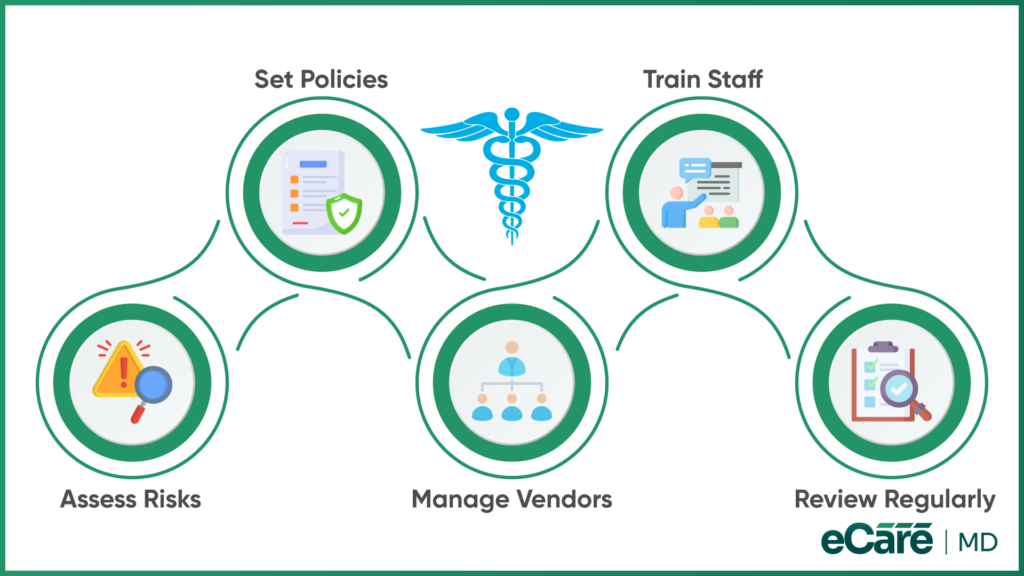
Security controls protect patient information, but they need an organization-wide framework behind them. HIPAA compliance in chronic care management depends on how a practice defines responsibilities, manages risks, and guides its workforce when handling PHI.
These HIPAA compliance best practices for chronic care management help turn privacy and security expectations into consistent daily practices.
1. Conduct HIPAA Risk Assessments
A practice needs to understand where PHI could be at risk before deciding how to address those risks. Regular HIPAA risk assessments help identify potential threats and evaluate whether existing administrative, physical, and technical safeguards are appropriate.
2. Establish Administrative Privacy and Security Policies
Clear policies give staff a common approach to handling patient information. They should define how PHI is accessed, handled, stored, and shared, while also outlining workforce responsibilities and expectations for protecting patient privacy.
3. Use Business Associate Agreements Where Required
CCM often involves technology vendors or other third parties that may handle PHI on behalf of a practice. When HIPAA requires it, a Business Associate Agreement (BAA) helps establish the vendor’s responsibilities for safeguarding that information and clarifies the obligations of both parties.
4. Train the Workforce on HIPAA Requirements
Even well-defined policies are only useful when staff understands how to follow them. Regular privacy and security training helps employees understand their responsibilities, handle PHI appropriately, and know how to report a potential privacy or security incident.
5. Review and Update Compliance Practices
HIPAA governance is not something a practice sets once and forgets. Changes in technology, workflows, staffing, and emerging risks can create new considerations. Practices should periodically review their policies, safeguards, and procedures and update them when necessary.
How eCareMD Protects Patient Data in CCM
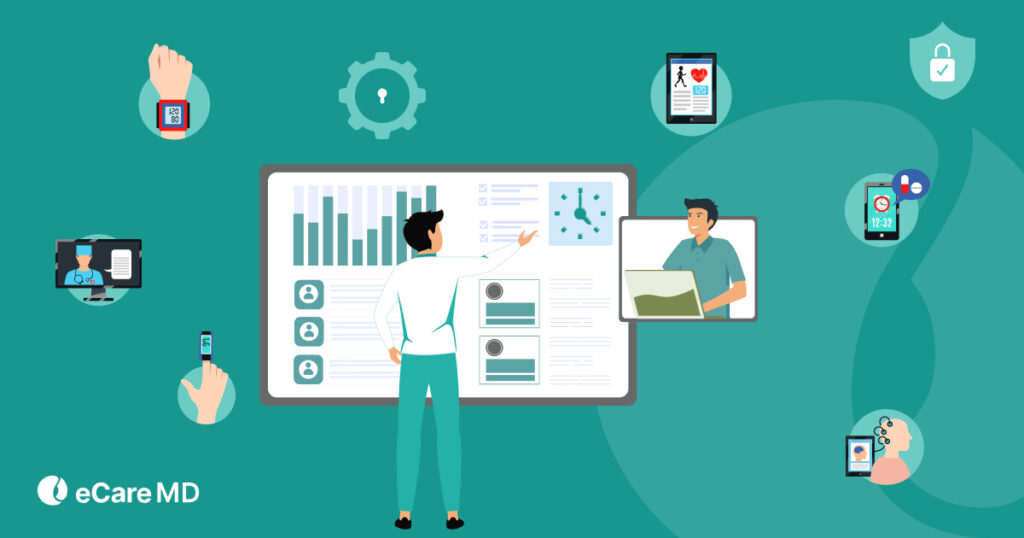
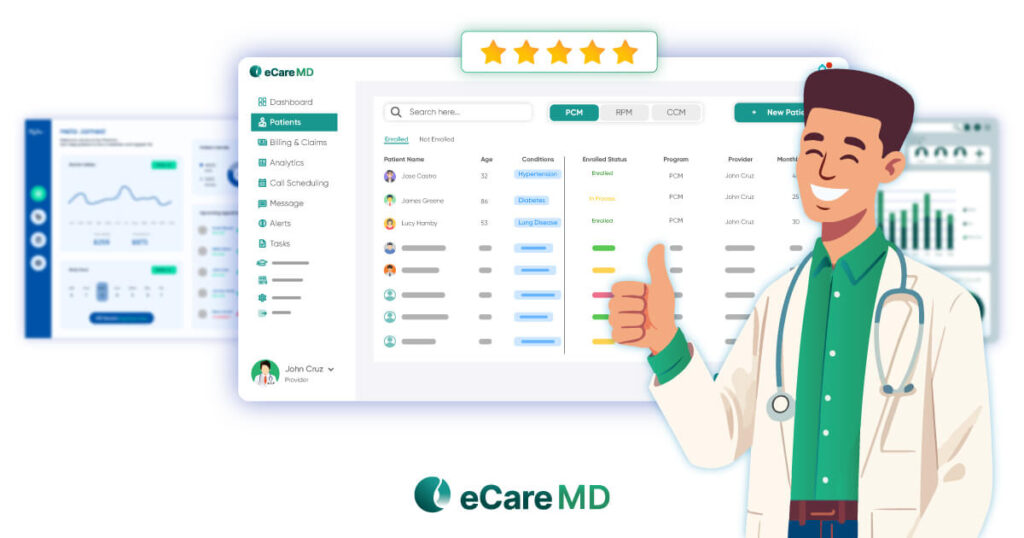
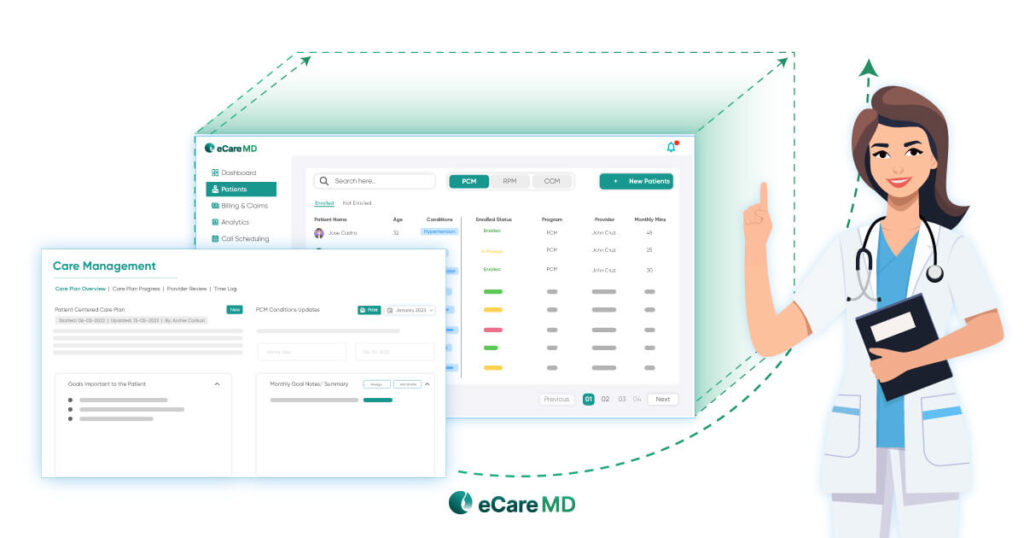
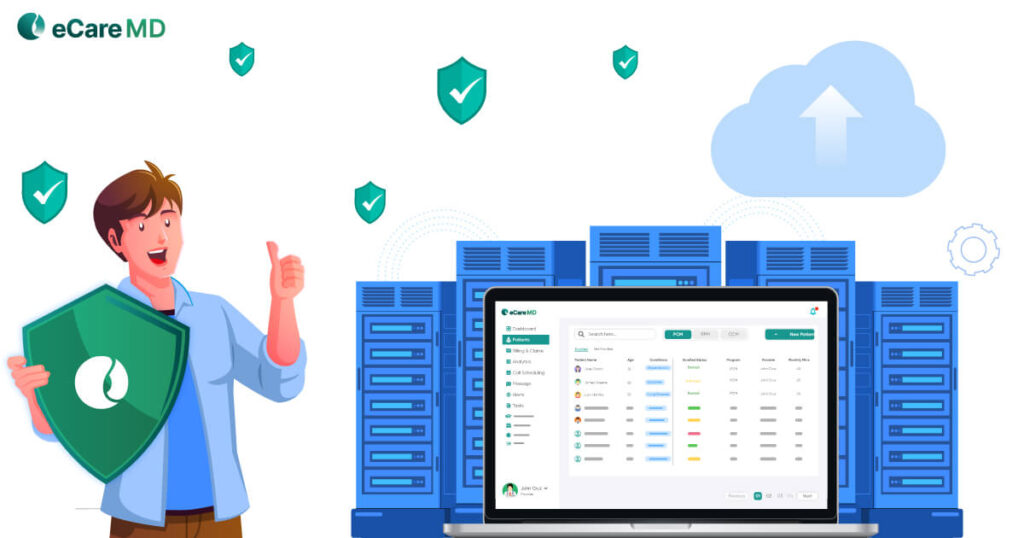
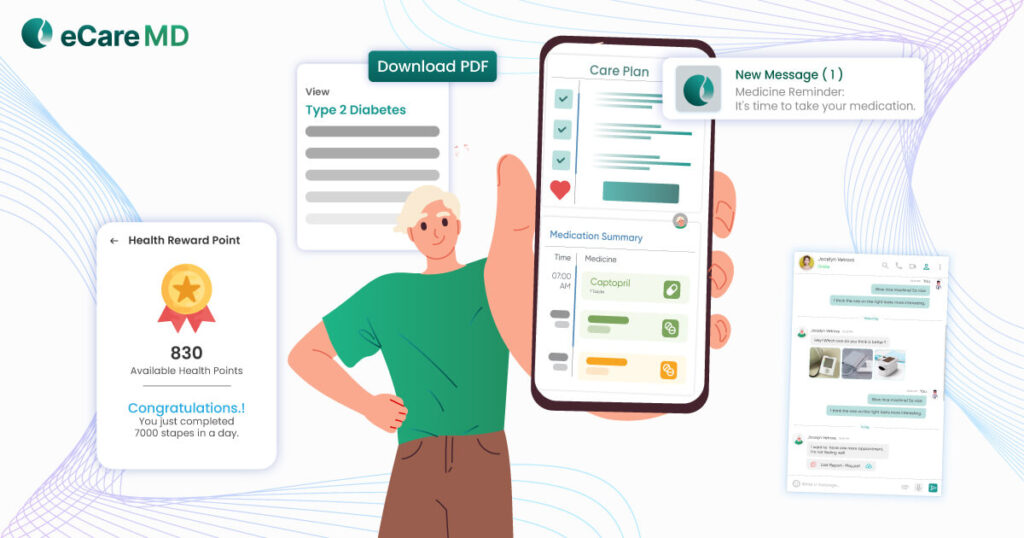
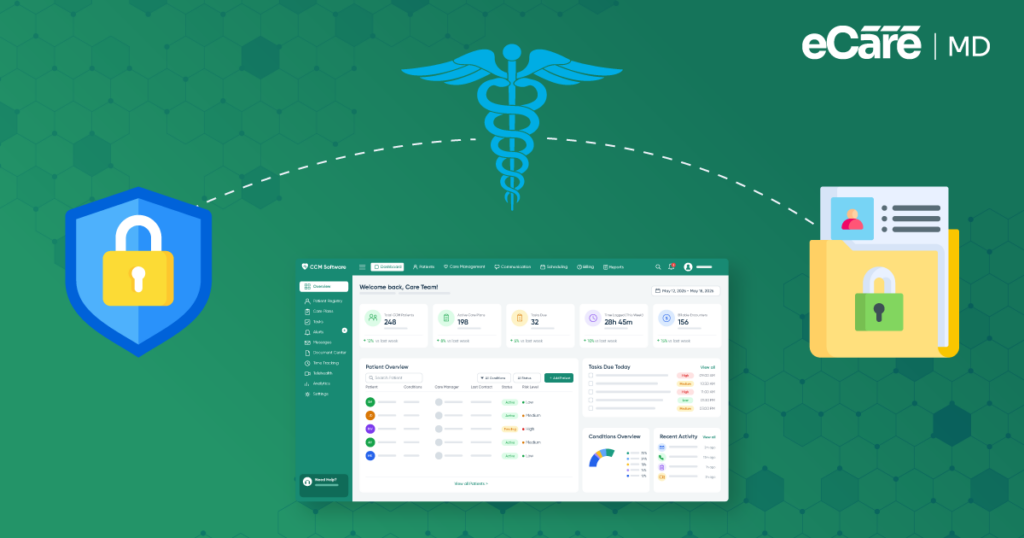
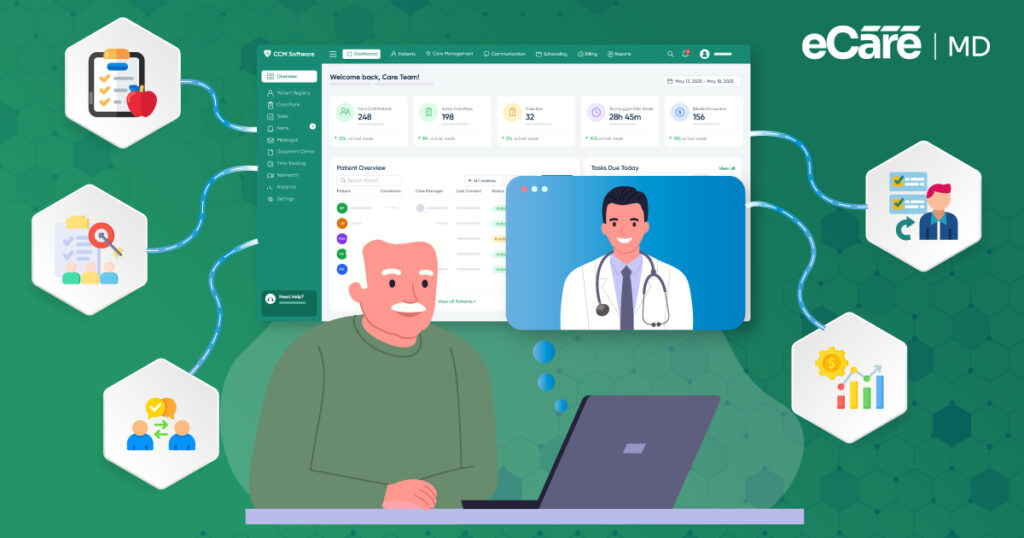
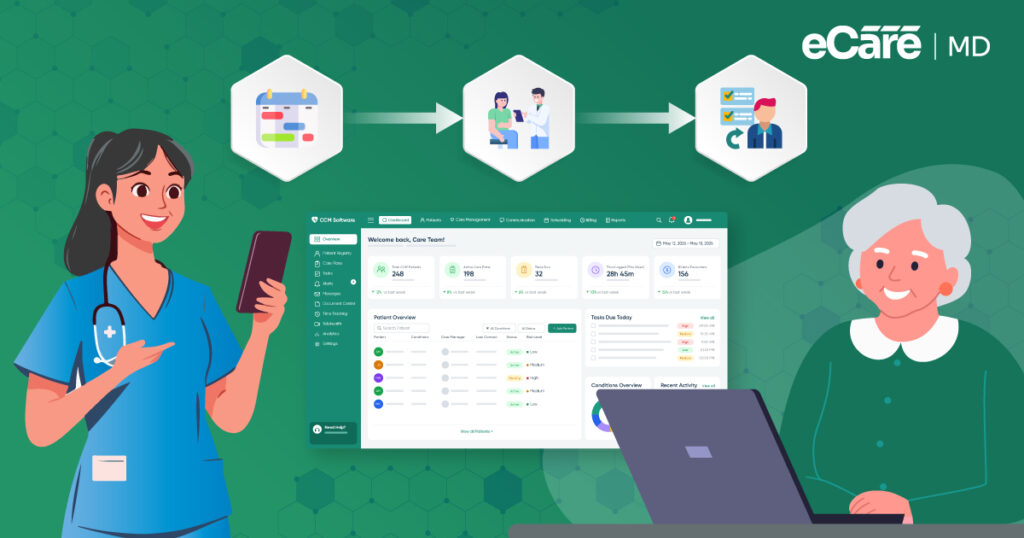
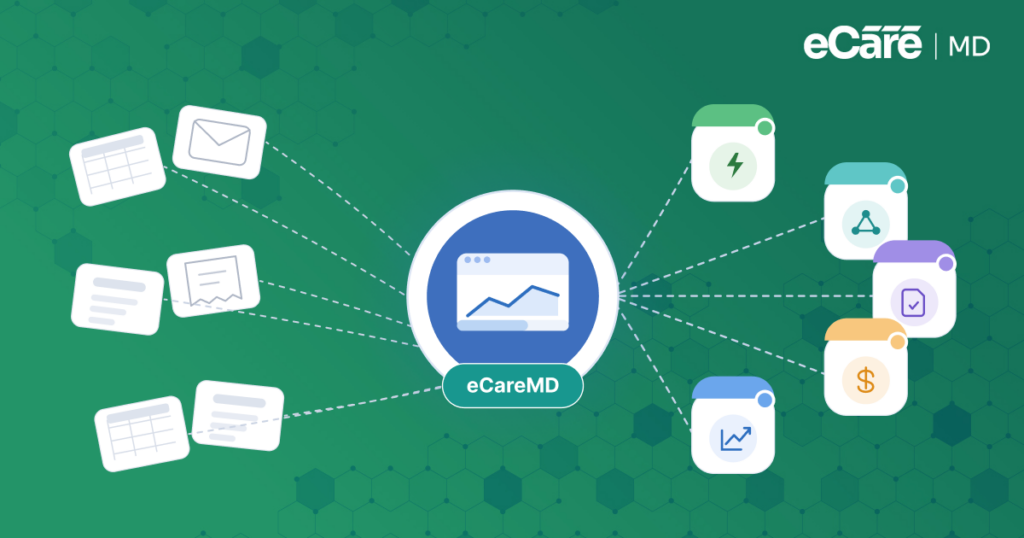
Once security risks and best practices are understood, technology can help put them into practice. eCareMD supports secure CCM workflows by giving care teams a centralized environment to manage patient information and coordinate care.
During a typical CCM task, the right team members can access relevant patient information, document care activities, and communicate about patient needs within the workflow.
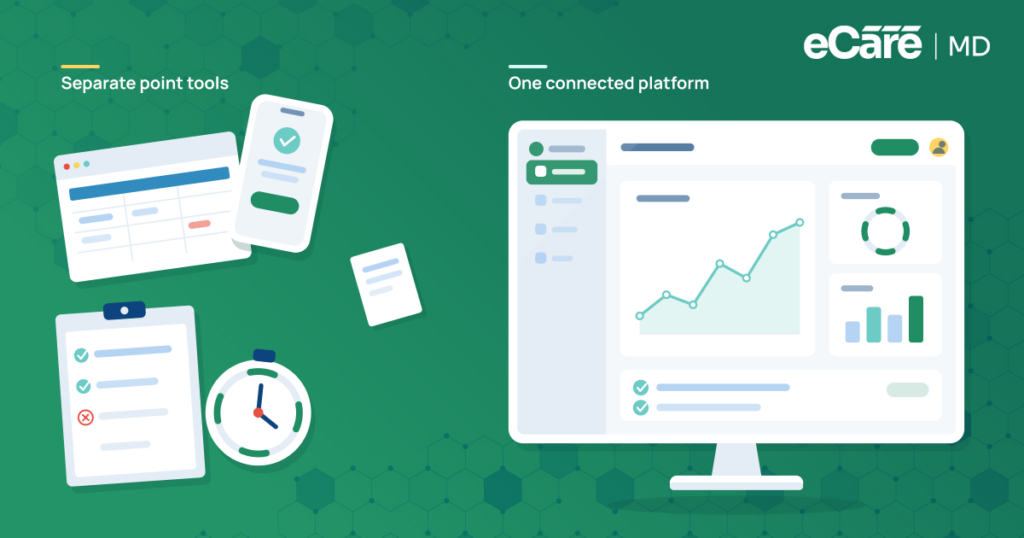
Keeping these activities organized in one place can also reduce unnecessary movement of information between disconnected tools. As part of broader care management systems, eCareMD helps make privacy and security considerations part of everyday CCM operations.
However, software is only one part of patient-data protection. eCareMD can support consistent security and privacy practices, while practices remain responsible for their policies, risk assessments, workforce training, and other HIPAA safeguards.
Conclusion
CCM depends on a steady flow of patient information, making data security an essential part of everyday care coordination. Protecting that information requires more than technical safeguards. Secure technology, clear privacy practices, HIPAA governance, workforce training, and consistent operational processes all have a role to play.
eCareMD supports this approach by helping care teams manage patient information and CCM activities within secure, consistent workflows. As part of modern care management systems, it can help practices bring privacy and security considerations into their day-to-day operations.
For practices looking to simplify CCM while keeping patient information protected, eCareMD provides the tools to support a more organized approach to care coordination. Explore eCareMD to see how it can support your CCM workflow.
Frequently Asked Question’s
CCM data security refers to the practices and safeguards used to protect patient information throughout chronic care management. This includes protecting data when it is accessed, stored, and shared, while ensuring that only authorized people can access the information needed for their responsibilities.
HIPAA compliance helps practices protect patients’ protected health information (PHI) and maintain appropriate privacy and security practices. Because CCM involves ongoing access to and exchange of patient information, following HIPAA requirements helps reduce privacy risks and supports responsible handling of sensitive health data.
CCM may involve health conditions, medications, treatment information, care plans, clinical notes, contact details, and other protected health information. Practices should protect this information throughout the CCM workflow, including when it is collected, documented, accessed, stored, and shared with authorized care team members.
Important practices include using role-based access, secure communication methods, encryption, strong authentication, and appropriate account controls. Practices should also monitor access activity and regularly review security measures to identify weaknesses. Staff should follow consistent procedures for handling patient information and reporting potential security incidents.
A HIPAA risk assessment helps a practice identify potential threats to protected health information and evaluate its existing safeguards. For CCM, this can include reviewing how patient information is accessed, handled, stored, and shared, along with administrative, physical, and technical safeguards.
A Business Associate Agreement may be required when a third-party vendor handles protected health information on behalf of a covered entity and qualifies as a business associate under HIPAA. The agreement establishes the vendor’s responsibilities for protecting PHI and clarifies responsibilities between the vendor and healthcare organization.
CCM software can support patient-data protection through controlled access, secure communication, centralized data management, and other security features. It can also help teams follow more consistent workflows. However, software alone does not ensure HIPAA compliance; practices still need appropriate policies, training, risk assessments, and safeguards.
Practices should look for appropriate access controls, secure communication, encryption, authentication, centralized data management, and tools for monitoring security activity. They should also evaluate the vendor’s security and privacy practices and understand how the software fits into their own HIPAA policies and operational safeguards.

![The Future of Remote Patient Monitoring: CMS Innovations & Emerging Trends [2026]](/wp-content/uploads/2024/07/Blog-36-The-Future-of-Remote-Patient-Monitoring_-Trends-AI-Innovation-CMS-Updates-for-2026-1024x538.png)