Last Updated: August 17, 2026
Your practice can outgrow its CCM software without realizing it. Yes, you read that right!
At first, the platform handled everything correctly. But as your patient list grows, your staff may find themselves depending on spreadsheets, manual workarounds, or extra steps just for keeping daily tasks moving.
As a result, billing takes longer, care teams have trouble keeping track of follow-ups, and a system that once made work easier starts creating more of it. This is exactly where many practices start to think about switching CCM software.
However, the catch here is you cannot simply turn off your old platform and start fresh the next morning. Patient data still needs to be available, billing needs to continue, and care teams cannot afford a break in their daily workflows. If your practice poorly planned a switch, it can turn a software upgrade into a workflow headache.
On the other hand, the right plan can make the transition much easier. A structured CCM software migration along with the right chronic disease management software helps your practice to move important data, workflows, and teams to a new platform without even putting patient care on pause.
In this blog, we’ll explain how to make that move step by step, from preparing for migration and transferring data to keeping billing on track, helping staff adapt, and preventing patient care disruption. A successful platform switch is not just about getting new software; it is about keeping the CCM program running smoothly while the change takes place.
How Do You Know It's Time to Switch CCM Software?
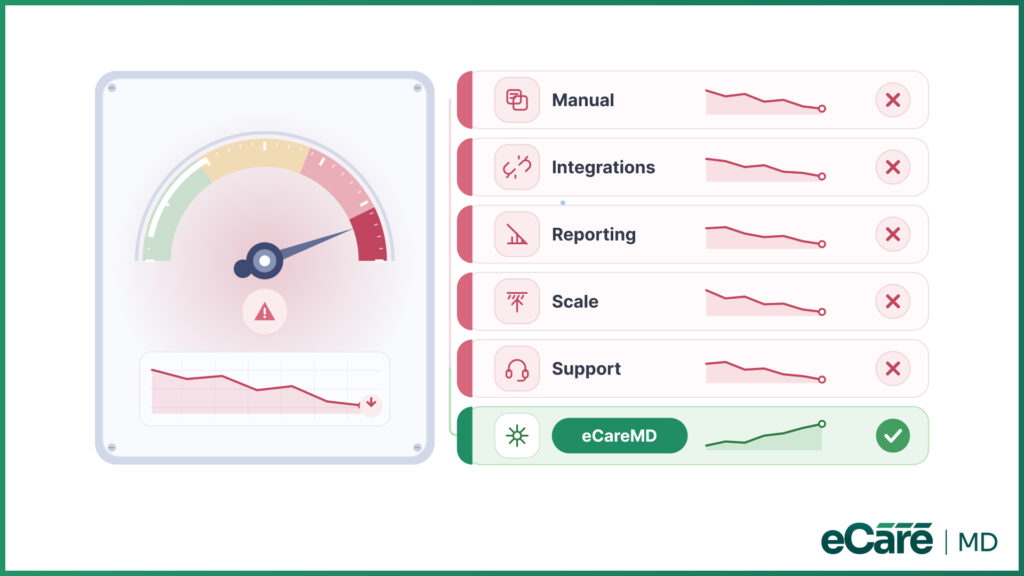
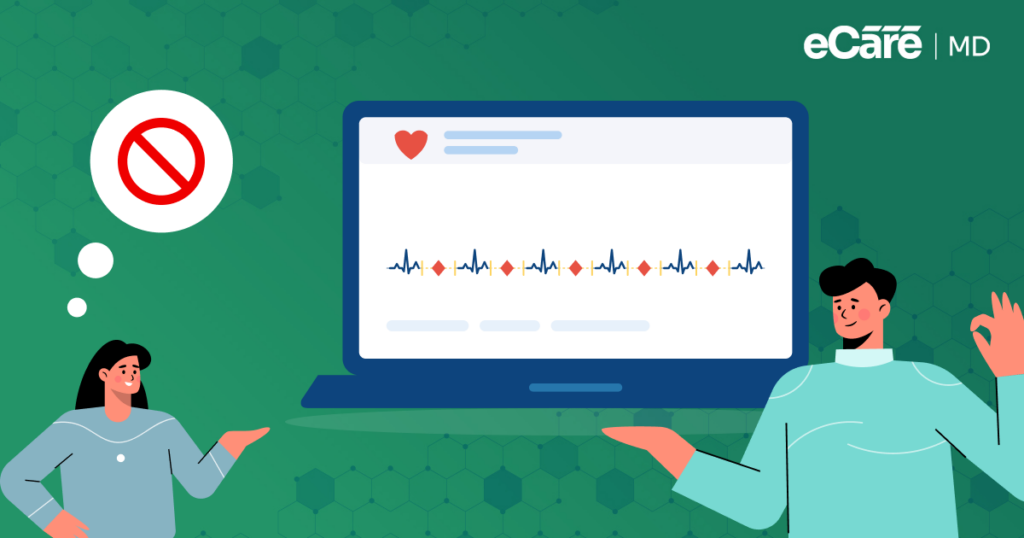
Sometimes, the signs are easy to spot. Your team may spend more time managing the software instead of managing patients, or simple CCM tasks may need too many steps to complete. If these frustrations become your daily routine, this is one of the signs that your current platform is no longer enough to keep up with your practice.
Let’s see some of the warning signs to watch for:
- Too many manual workflows: If your staff is constantly switching between spreadsheets, emails, and different systems to complete routine CCM tasks, the platform may be creating more work than it saves. Manual data entry and follow-ups can also increase the chances of missed tasks and errors.
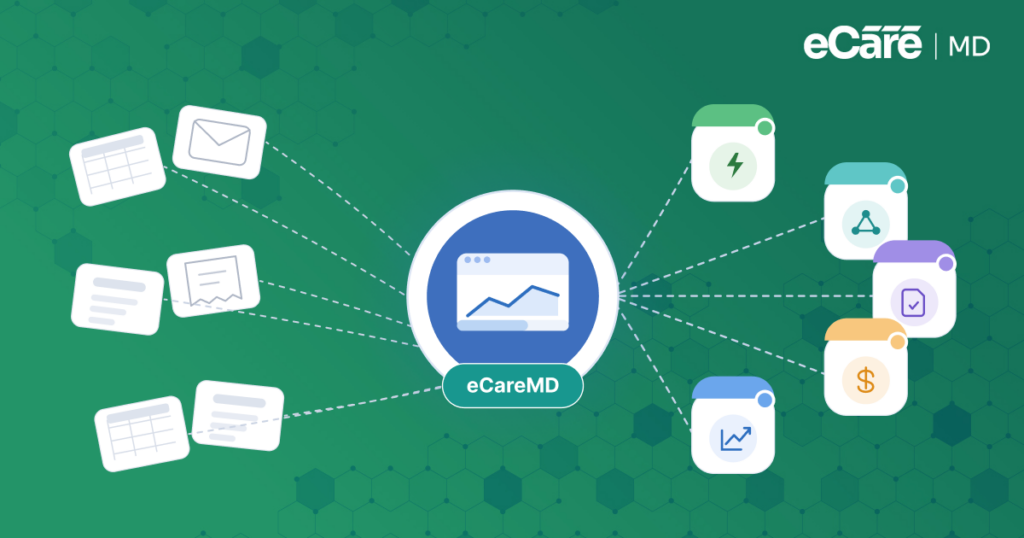
- Poor integrations: Your CCM platform should work well with the other systems your practice relies on. If it does not connect smoothly with your EHR, billing system, or other essential tools, staff may have to enter the same information multiple times.
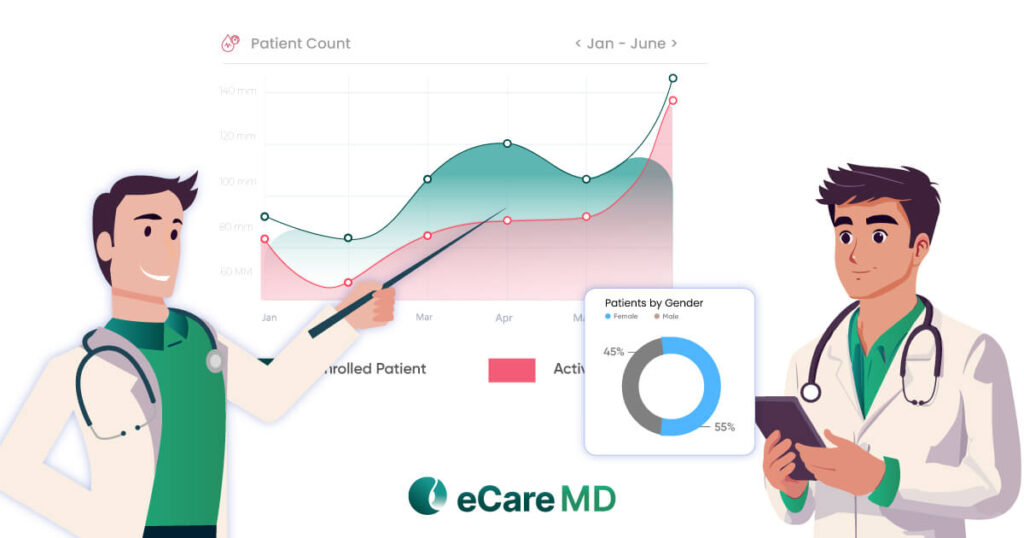
- Limited reporting: A CCM program generates valuable information about patient engagement, care activities, and program performance. If your team has to spend hours compiling reports or cannot easily access the information it needs, the platform may be holding your practice back.
- Scalability challenges: Software that works well for a smaller CCM patient population may struggle as the program grows. If adding more patients means adding more manual work, spreadsheets, or workarounds, it is a clear sign that your platform may not be built to scale with you.
- Weak vendor support: Even the best software can run into issues. But when support is slow, difficult to reach, or unable to provide practical solutions, small problems can quickly become bigger workflow disruptions.
When some of these issues start to show up at the same time, it may be time to stop patching the cracks and look for a better solution. By switching CCM software, your practice gains the opportunity to replace fragmented processes with a more connected and scalable system.
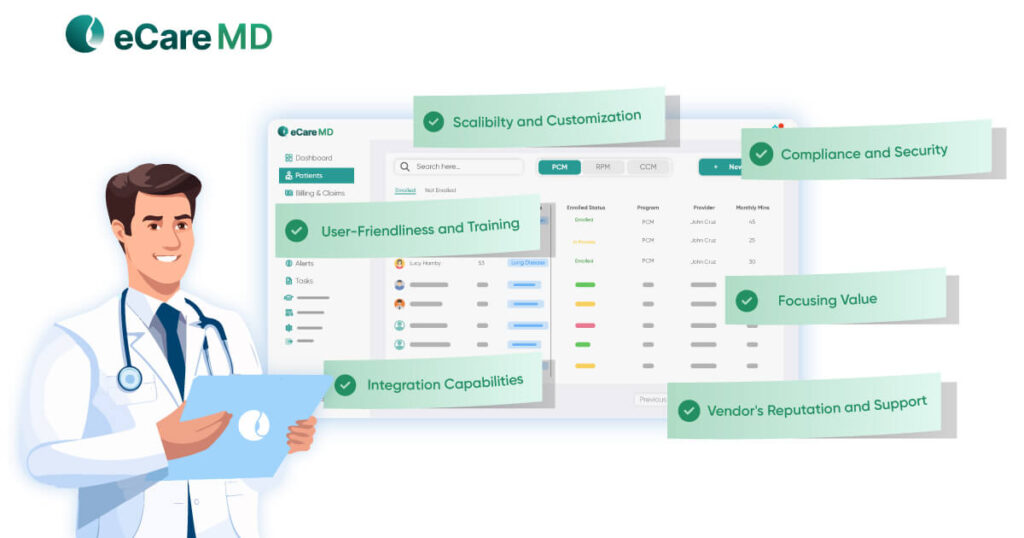
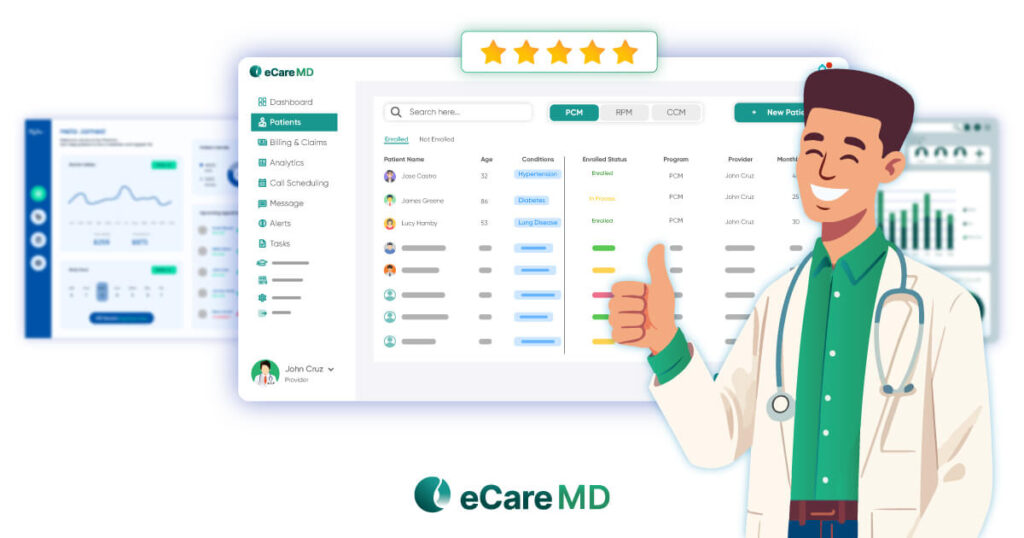
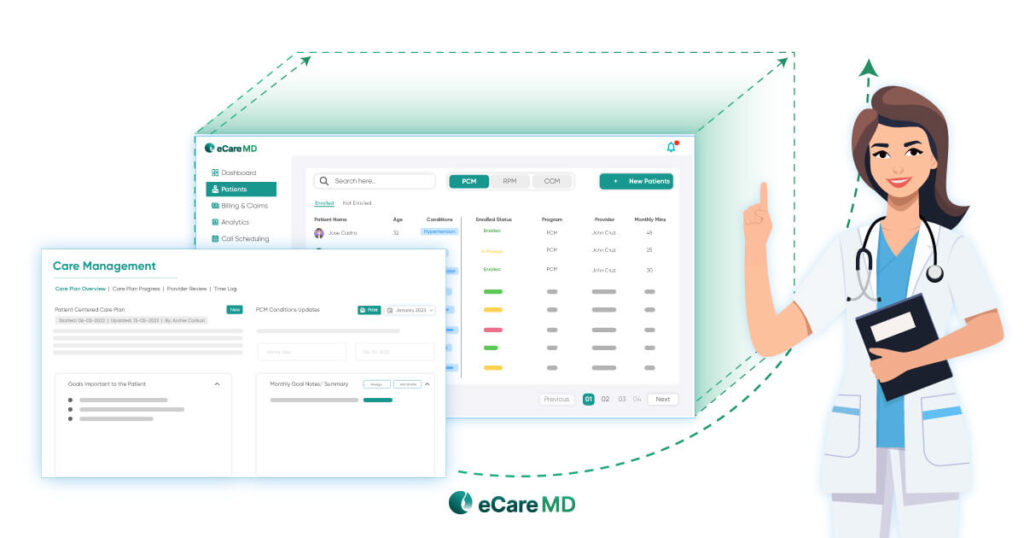
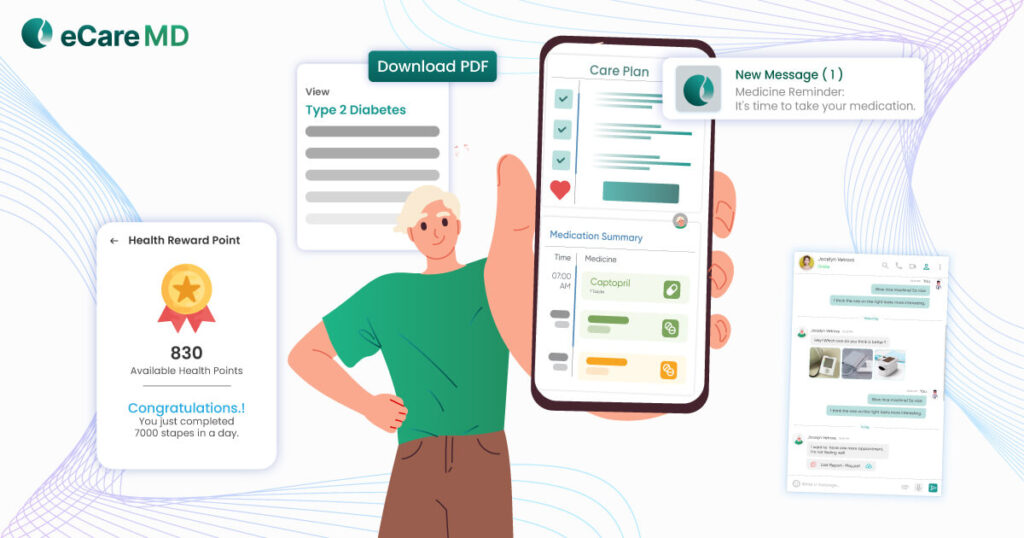
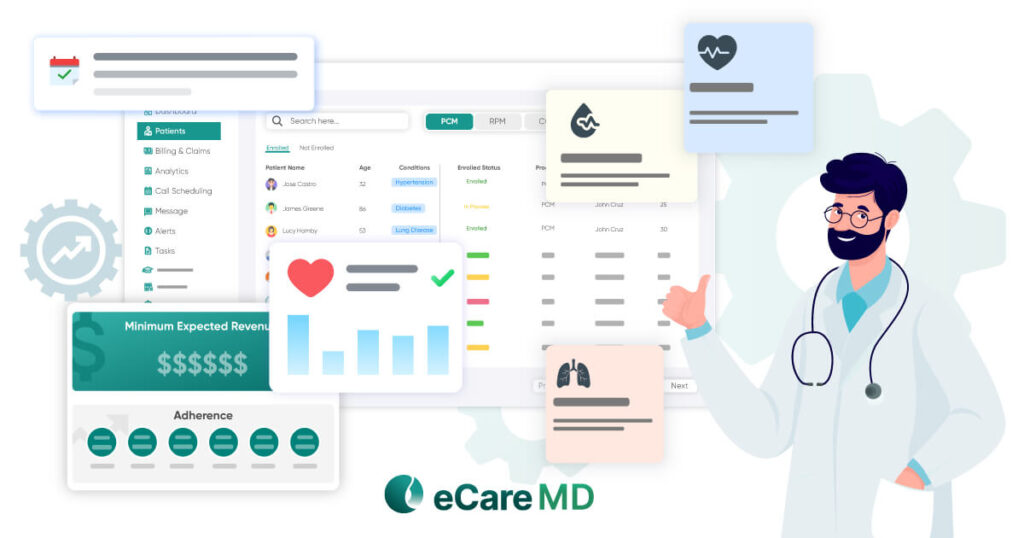
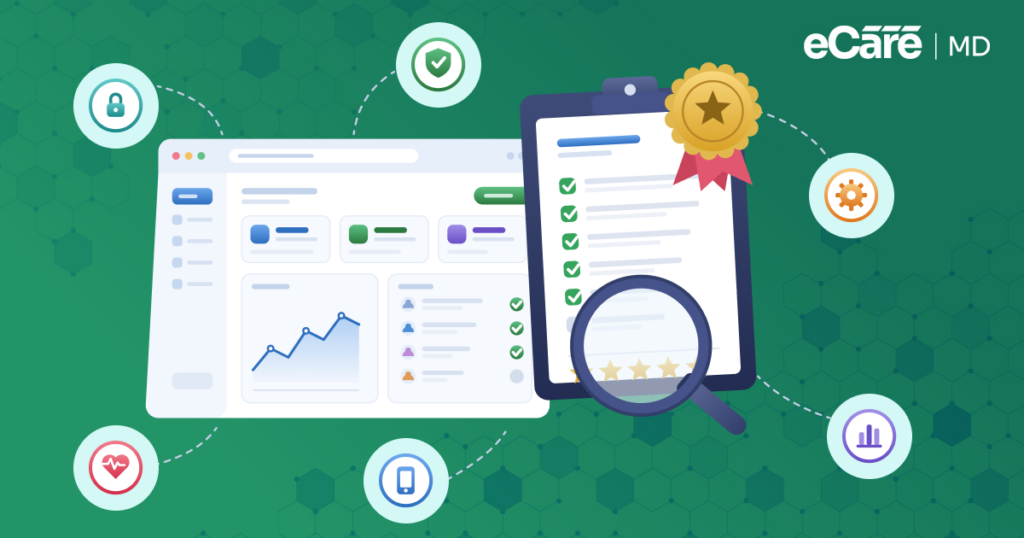
This is exactly where eCareMD can make a huge difference. Its modern and integrated CCM platform brings essential workflows together by supporting seamless connectivity with other healthcare systems and giving your practice better tools for managing patients, tracking activities, and monitoring program performance. Rather than working around software limitations, teams can spend more time focusing on the care patients require.
How to Plan a Successful CCM Software Migration
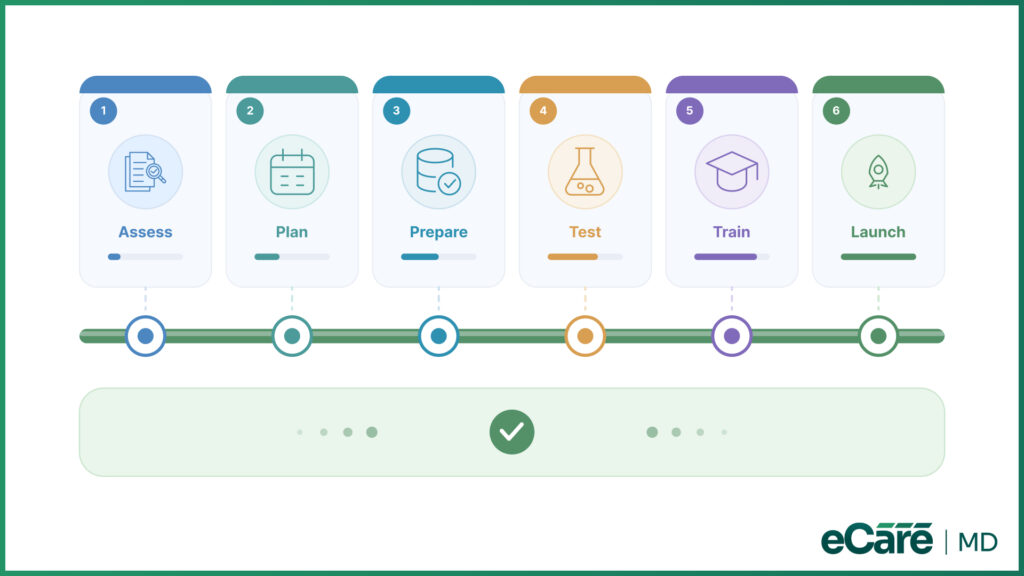
A seamless migration starts even before the new platform goes live. First, you should take a close look at your current workflow, patient data, billing processes, and system integrations. This helps you to identify what needs to be moved, improved, and where potential issues may arise.
From there, create a clear CCM software migration plan with timelines, assigned responsibilities, and backup plans for possible risks. Everyone involved must know what needs to happen, when it needs to happen, and who is responsible for each step.
Furthermore, data and integrations also require a careful check before launch. You should validate patient records to catch missing or inaccurate information, and test key workflows and integrations before going live.
Simply put, finding a problem during testing is far better than finding it after your team has already started using the new platform.
CCM Software Migration Roadmap
| Migration Stage | Key Activities |
|---|---|
| Assessment | Review workflows, patient data, integrations, and migration goals |
| Planning | Set timelines, responsibilities, and risk management steps |
| Data Preparation | Validate and prepare patient records |
| Testing | Verify integrations, workflows, and data accuracy |
| Staff Training | Train users before go-live |
| Go-Live | Launch with monitoring and support |
The transition also does not stop at go-live. Staff need some time to get comfortable with the new system; on the other hand, practice may need support as workflows settle into place.
eCareMD can support your practice across this process with migration planning, implementation, onboarding, and post-launch support. This further gives your team a clear path from the first assessments to a successful launch, instead of leaving them to navigate the transition alone.
How Can You Switch CCM Software Without Disrupting Patient Care?
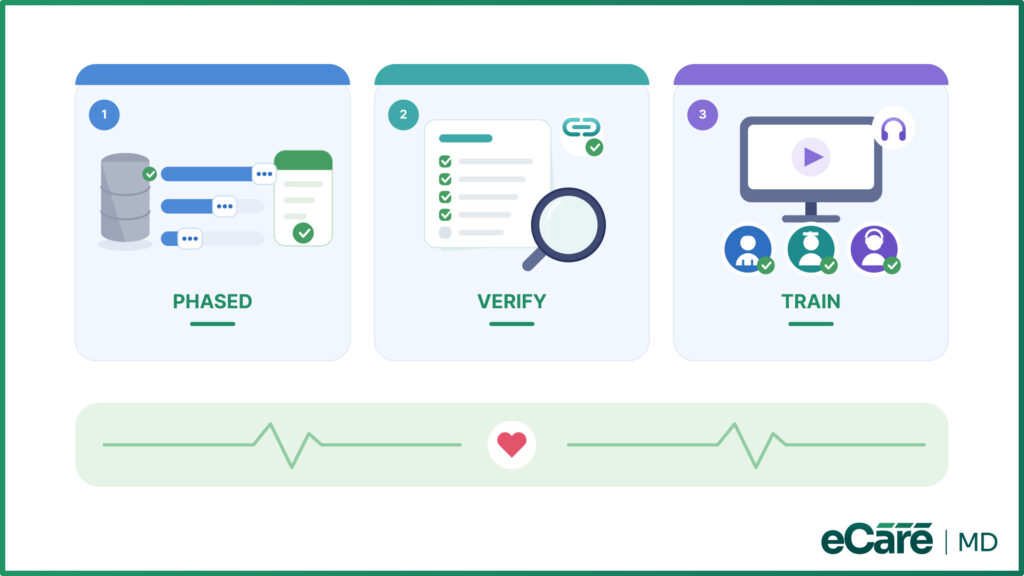
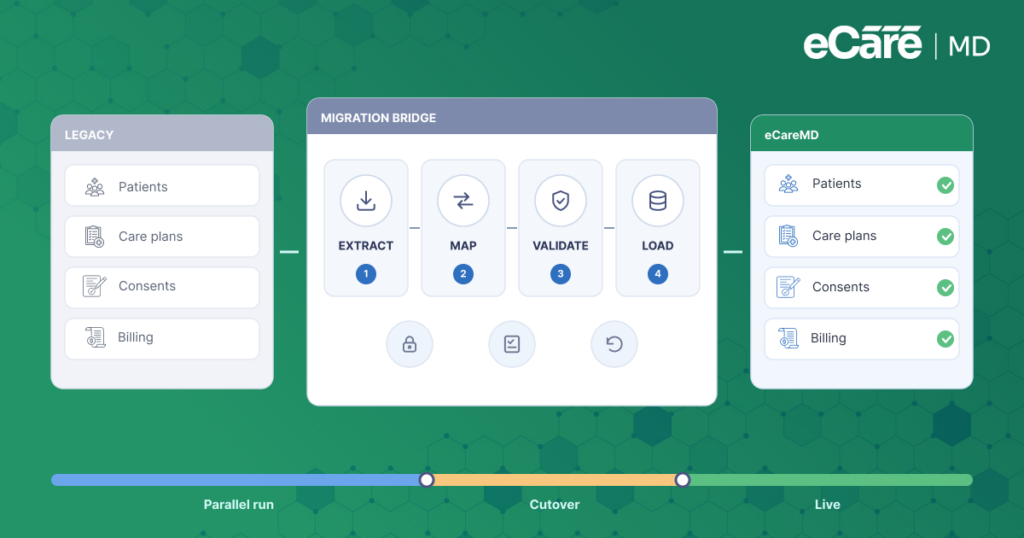
A CCM platform can change without patient care coming to a standstill. The key is to avoid treating the migration as a single big switch. Instead, move in phases so that your team has time for testing, adjusting, and addressing issues before they affect daily operations:
- Start with a phased migration:
Instead of transferring everything at once, move workflows or patient groups in manageable stages. This gives your care team time to confirm that the new system is working as expected while the existing program continues to run.
- Check the details before the final switch:
Before the old platform is fully retired, documentation, billing workflows, patient records, and system integrations must be tested. Even a small gap in an integration or billing workflow can create unnecessary delays later.
- Prepare the people using the system:
Role-based training helps each team member learn the features and workflows relevant to their responsibilities. After launch, continued support gives staff a place to turn when questions or unexpected issues come up.
eCareMD supports this transition with implementation guidance, staff onboarding, and post-launch support. By combining structured migration with the right support, practices can move to a new platform while keeping their CCM operations and patient care moving forward.
Why Healthcare Organizations Choose eCareMD for CCM Software Migration
When the technology partner is involved beyond simply handling over login credentials, switching platforms is easier. eCareMD, developed by Medarch Inc., supports practices through the migration process with dedicated implementation guidance, helping teams move from planning to go-live with fewer roadblocks.
Here’s what makes eCareMD a practical choice for CCM software migration:
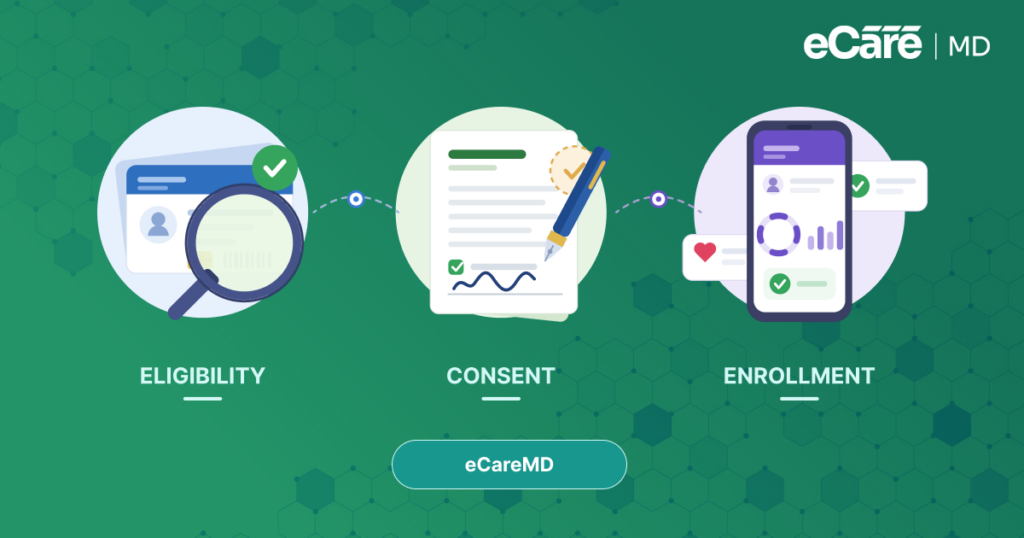
- Secure data migration: Patient information can be transferred carefully and validated to help maintain data accuracy and continuity.
- EHR interoperability: eCareMD is designed to connect with existing healthcare systems, reducing duplicate data entry and keeping information moving between workflows.
- Configurable workflows: Practices can configure workflows around their existing processes instead of forcing staff to completely change how they work.
- User training: Teams receive guidance and training to help users understand the new platform and become comfortable with their day-to-day workflows.
The goal is more than simply getting practices onto a new system. eCareMD helps minimize downtime during the transition while supporting more efficient workflows, stronger compliance, and long-term scalability as the CCM program grows.
With the right implementation support behind it, migration becomes less of a disruption and more of a step toward a CCM platform that can keep pace with the practice.
Conclusion
Switching to a new CCM platform does not have to mean putting your program on hold. With the right approach, practices can move their patient data, workflows, billing processes, and teams to a new system while keeping daily operations on track.
The key is to plan before making the move, validate data and integrations, train staff, test workflows, and provide support after go-live. When practices pair that preparation with the right technology partner, they can reduce migration risks and make the transition much easier for everyone involved.
If your current platform is creating more work than it solves, it may be time for a change. eCareMD’s chronic disease management software provides the technology and implementation support practices needed to move forward with confidence. As a scalable chronic care management solution, eCareMD helps practices streamline CCM operations today while preparing them for what comes next.
Frequently Asked Question’s
A healthcare practice should consider switching when its current CCM platform is creating ongoing operational problems or cannot support the practice as it grows. Warning signs include excessive manual data entry, disconnected workflows, poor EHR or billing integrations, limited reporting, slow system performance, and difficulty managing a larger patient population. If staff are regularly using spreadsheets or workarounds to fill gaps in the platform, it may be time to evaluate a more capable system.
CCM software migration can involve several moving parts, including patient data transfer, workflow changes, billing continuity, system integrations, and staff training. Data must be moved accurately without losing important patient information, while integrations need to work properly in the new environment. At the same time, practices need to keep their existing CCM activities running so that the migration does not create gaps in patient care or reimbursement.
Practices should begin by reviewing and validating their patient records before any data is transferred. A phased migration can then allow teams to move data in manageable groups while continuing essential activities on the existing system. Before the final transition, migrated records, documentation workflows, integrations, and other critical processes should be tested. This approach helps identify problems early and reduces the risk of missing information or interrupted care.
Yes. A well-planned migration can allow a practice to switch CCM platforms while maintaining continuity of care. Practices can use phased implementation, parallel workflow checks, pre-launch testing, and role-based staff training to reduce disruption. Post-launch monitoring is equally important because it gives the team an opportunity to quickly address unexpected issues while care coordination and other essential CCM activities continue.
Before starting a migration, organizations should document their current workflows and identify the patient data, billing processes, integrations, reports, and user roles that need to move to the new platform. They should also establish a clear timeline, assign responsibilities, define testing requirements, and identify potential migration risks. Preparing staff ahead of time is equally important because users need to understand how their daily tasks will work in the new system.
The timeline varies from one practice to another because every migration involves different systems, patient volumes, workflows, and integration requirements. A smaller practice with straightforward data and limited integrations may have a shorter transition, while a larger organization may need more time for data validation, customization, testing, and training. A detailed assessment before migration can help establish a realistic timeline and prevent the team from rushing important steps.
eCareMD supports practices throughout the migration process, starting with planning and implementation and continuing through onboarding and post-launch support. Its migration approach can help practices organize data transfer, configure workflows, prepare users, and test the platform before going live. Ongoing support after launch also helps teams resolve questions or workflow issues as they become familiar with the new system.
Yes. eCareMD is designed to support interoperability with existing healthcare systems, including EHR and billing workflows. Maintaining these connections is important because practices should not have to rebuild every part of their technology environment when changing CCM platforms. Proper integration can reduce duplicate data entry, support smoother information exchange, and help maintain billing and care coordination workflows throughout the transition.
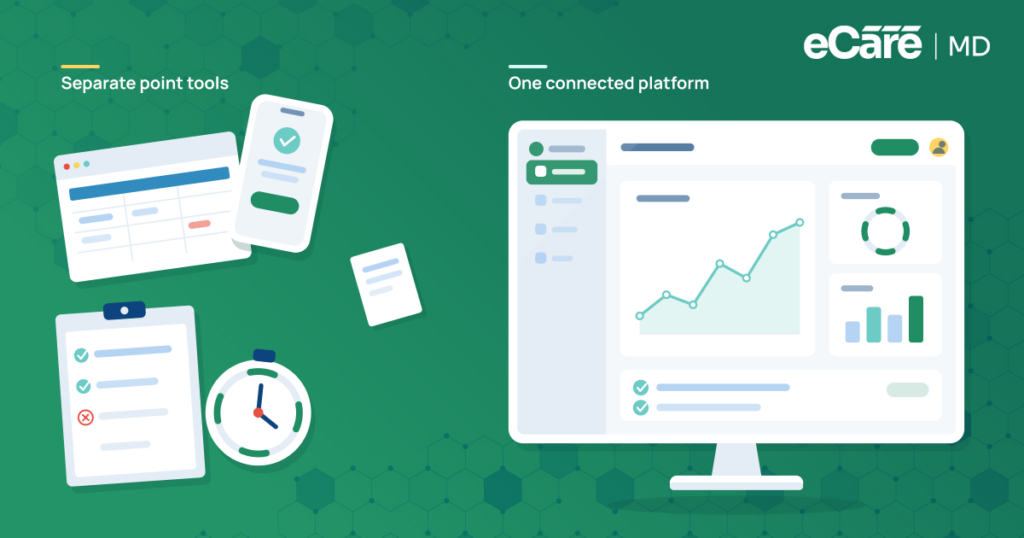
A modern chronic care management solution can simplify migration by bringing important CCM processes into one connected platform rather than spreading them across disconnected tools. Patient management, documentation, care coordination, reporting, time tracking, and billing-related workflows can be managed more efficiently. With fewer manual workarounds and better-connected systems, care teams can spend less time managing technology and more time managing patient needs.

![The Future of Remote Patient Monitoring: CMS Innovations & Emerging Trends [2026]](/wp-content/uploads/2024/07/Blog-36-The-Future-of-Remote-Patient-Monitoring_-Trends-AI-Innovation-CMS-Updates-for-2026-1024x538.png)