Last Updated: September 21, 2026
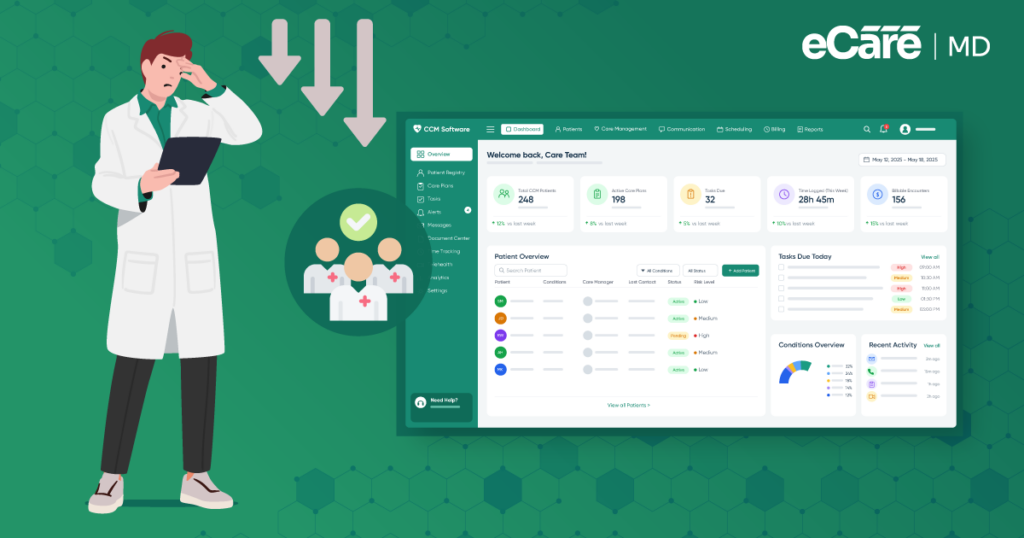
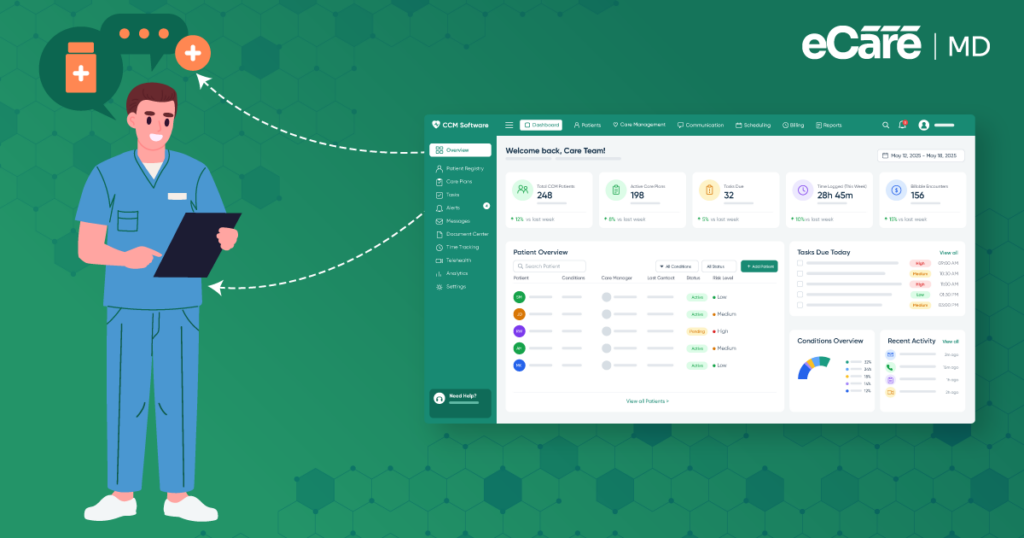
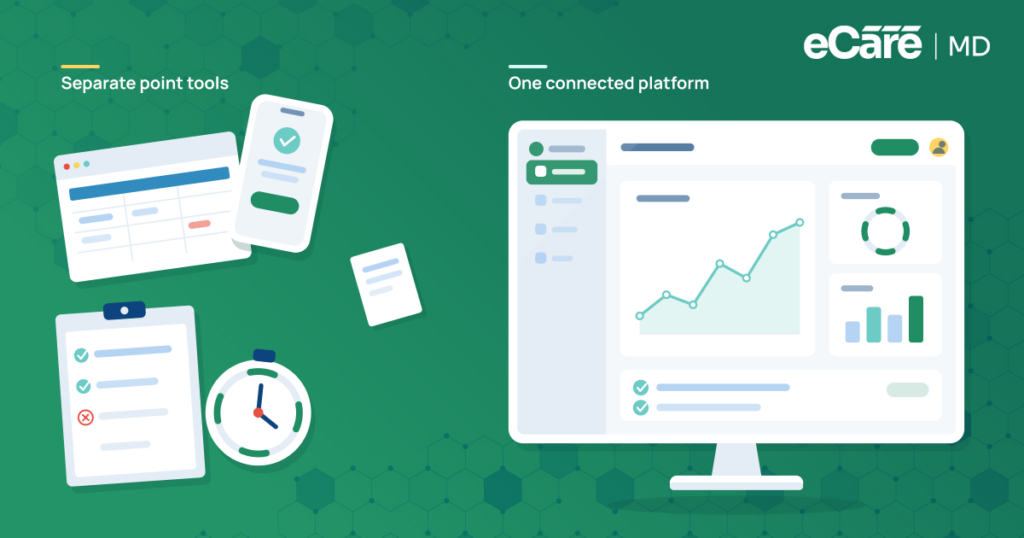
A care manager starts the day by checking a patient’s EHR for recent notes and medication updates. Then comes the CCM system, a spreadsheet, and a few more screens to piece everything together. Before long, the team is spending more time moving information around than using it to manage care.
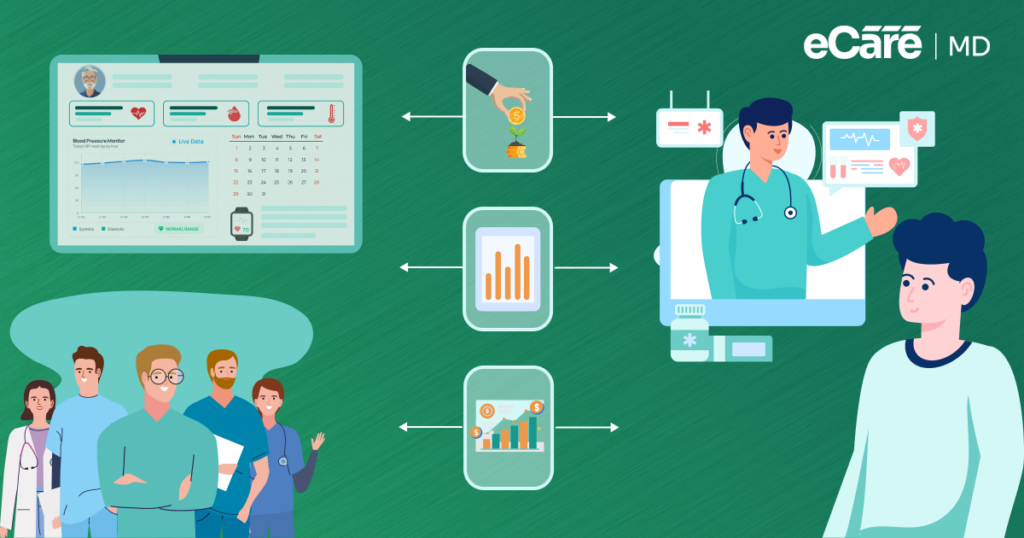
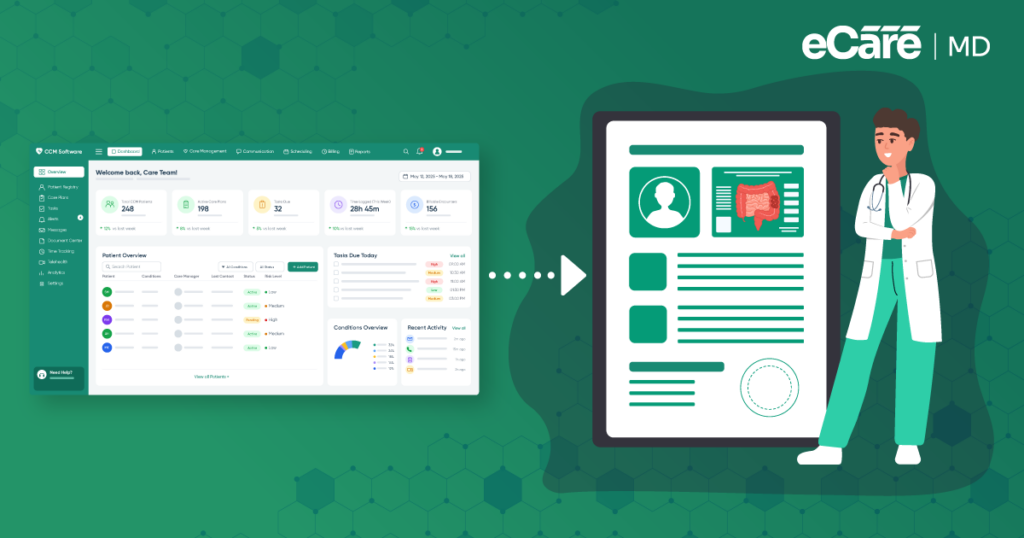
This is a common challenge when CCM workflows operate separately from the EHR. For practices using Medicare chronic care management software, having relevant patient information available across connected workflows can make everyday care coordination much easier.
CCM EHR integration helps bring these pieces together, while chronic care management interoperability allows information to move more smoothly between systems.
In this blog, we’ll look at how EHR and CCM systems can work together, the role of EHR integration in chronic care management, and what connected workflows can mean for everyday CCM operations.
What Is CCM EHR Integration and Interoperability?
The care manager in our example does not need another place to store patient information. What they need is for the systems they already use to talk to each other.
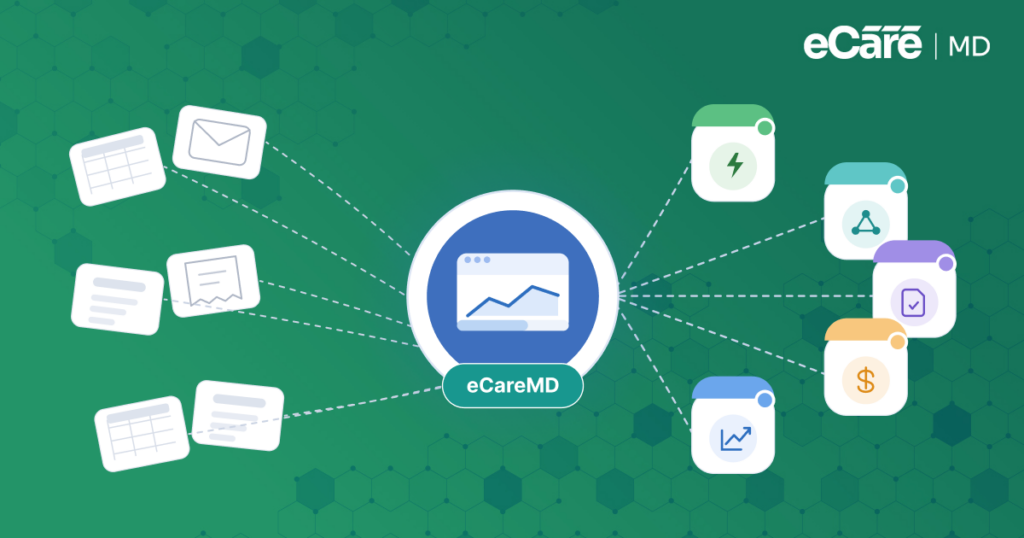
That is the basic idea behind CCM EHR integration. When a CCM system is connected to an EHR, relevant information can move between the two instead of requiring staff to enter or copy it manually. A patient’s recent visit, medication list, diagnosis, or care notes can become available where the care team needs them.
But simply connecting two systems is only part of the picture.
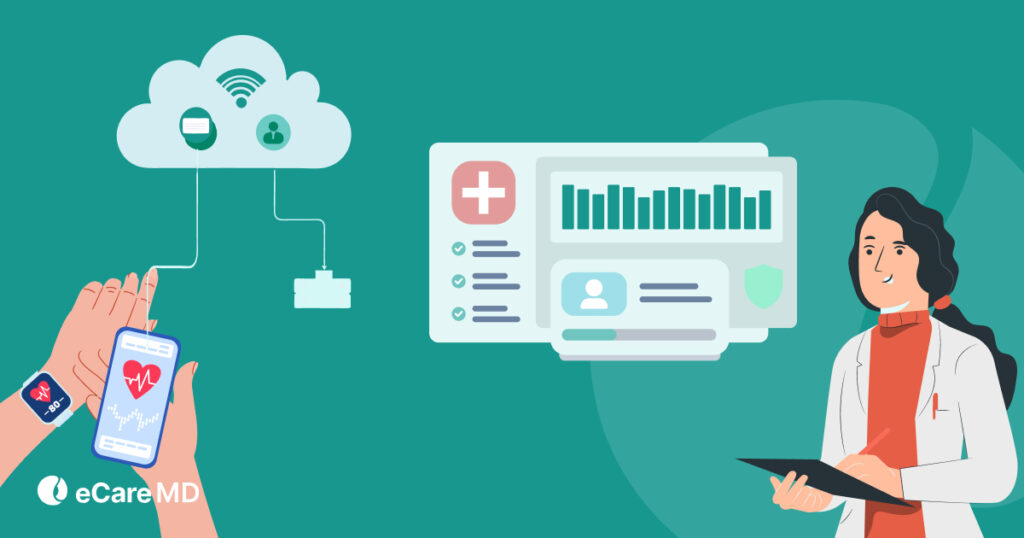
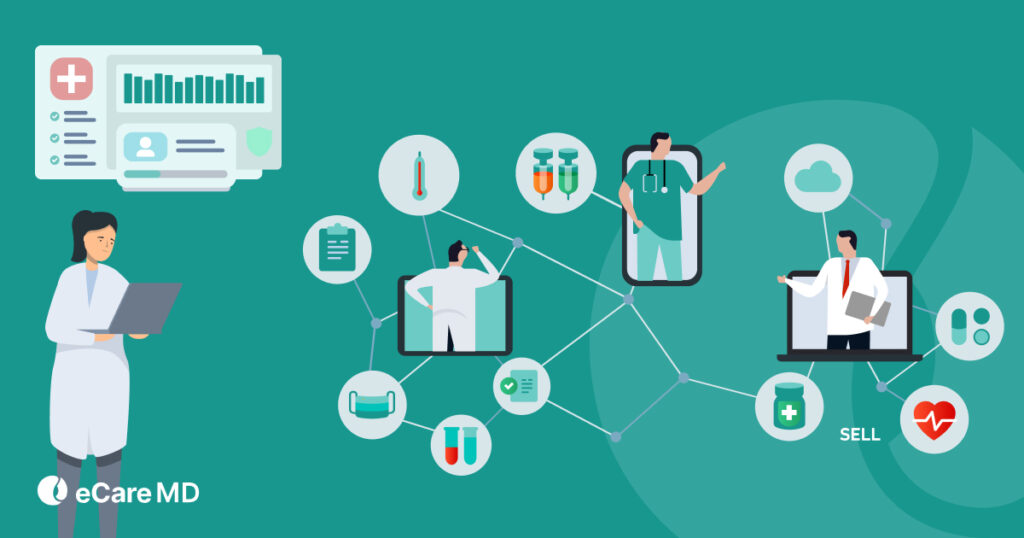
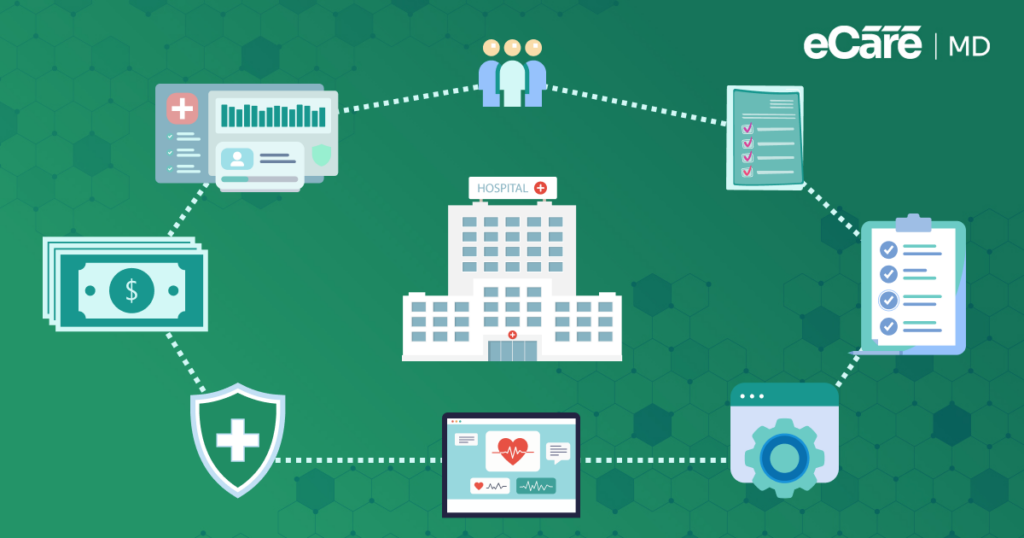
Think of it like connecting two roads. A basic connection gives information a path to travel. CCM software interoperability goes a step further by helping different healthcare systems, applications, and workflows exchange and use that information more effectively.
This makes EHR connectivity for chronic care management important for everyday CCM work. When systems work together, care teams can spend less time tracking down information and more time acting on it. And that is where the real value of EHR integration in chronic care management begins.
Key Benefits of Integrating EHR With Chronic Care Management
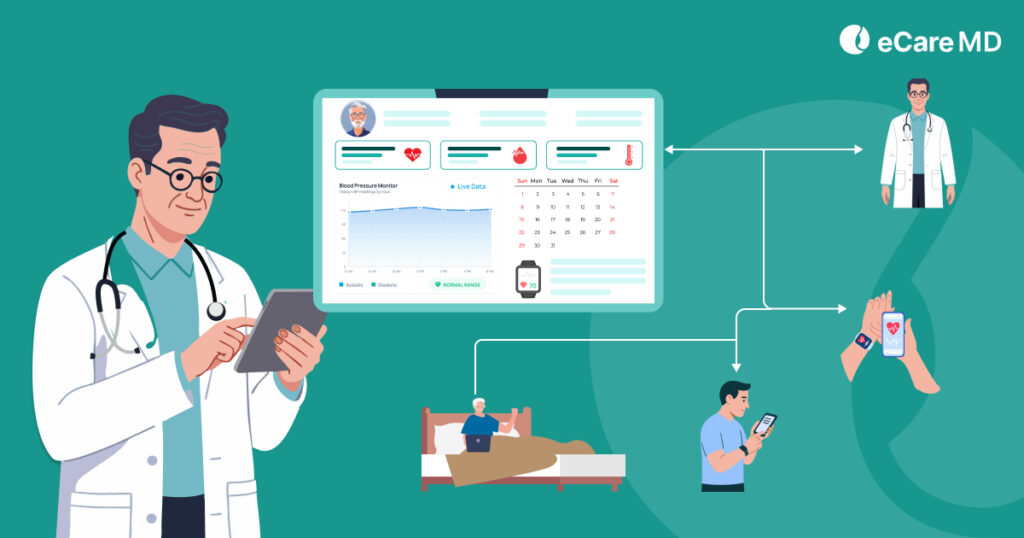
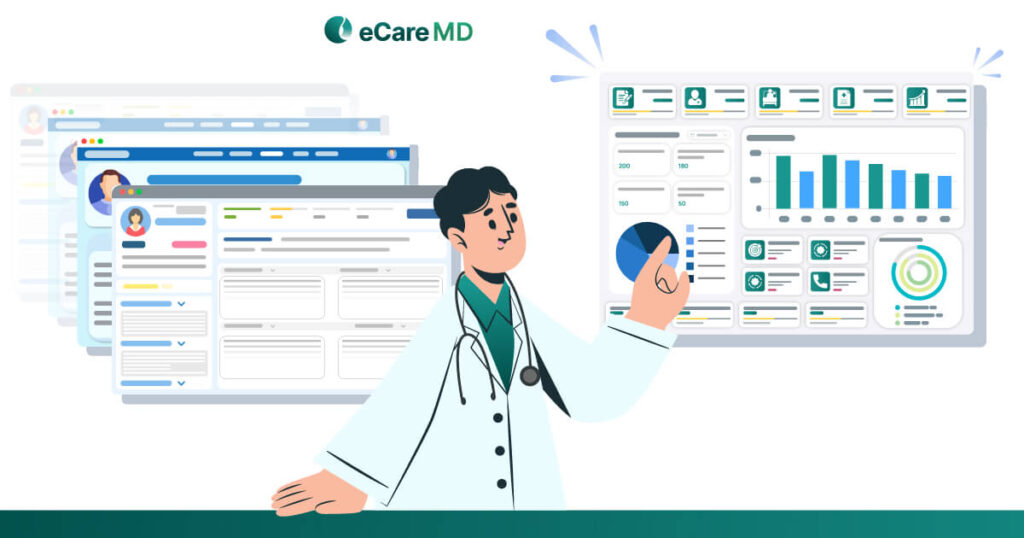
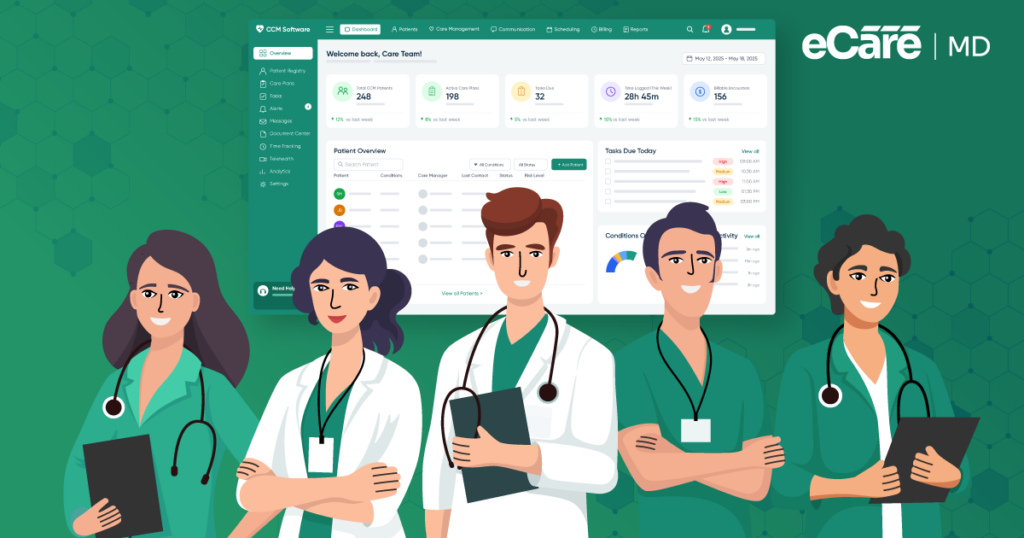
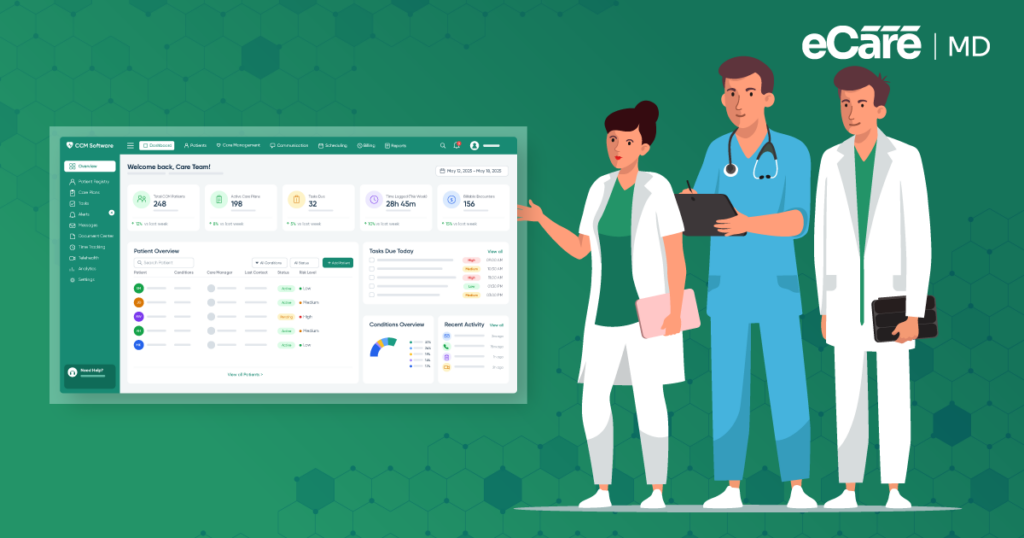
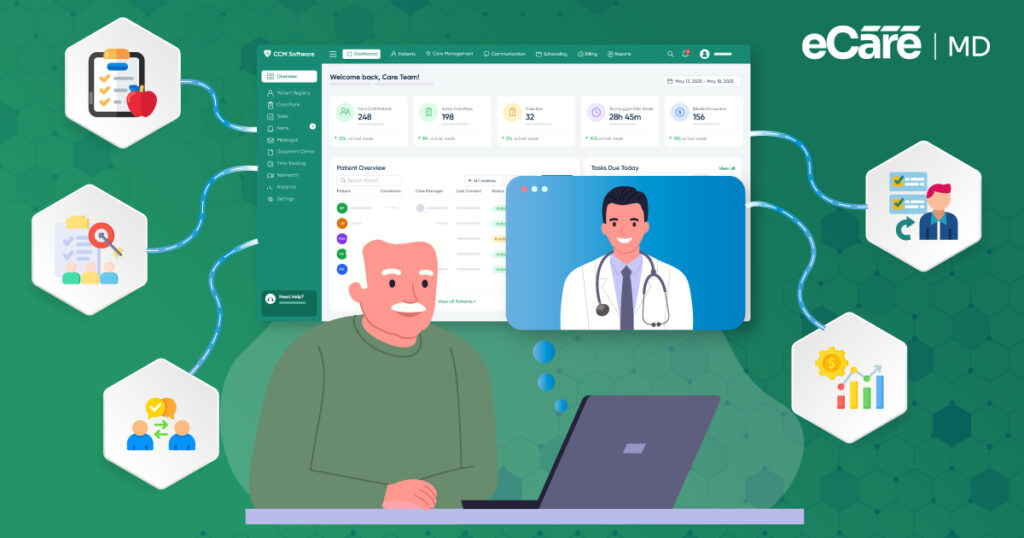
Now imagine that same care manager starting the day with connected systems. Instead of opening several screens to find out what changed, the relevant patient information is already available within the CCM workflow. A recent visit, updated medication, or new diagnosis gives the team a clearer picture of what the patient needs next.
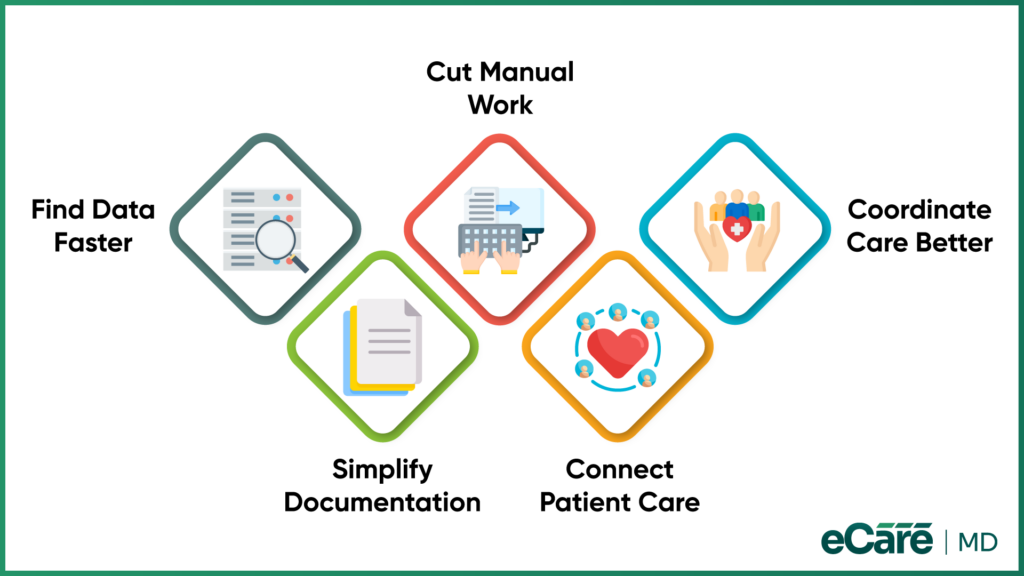
And the difference becomes even more noticeable as the day moves along. With EHR and CCM systems working together, the team can:
- Access relevant patient information faster without searching across multiple systems.
- Spend less time on duplicate data entry and other manual tasks.
- Coordinate care more easily because team members can work from consistent information.
- Streamline CCM documentation and workflows instead of repeatedly moving information between systems.
- Reduce fragmentation between clinical records and care-management activities.
These may sound like small improvements, but together they can change how a CCM team works. The real EHR integration benefits for chronic care management come from removing the gaps between systems and giving care teams information when they need it.
That is also how EHR integration improves chronic care management: less time spent chasing information and more time spent using it to move patient care forward.
Critical Considerations Before Integration
For the care manager, connecting two systems may sound like the finish line. But before that first piece of patient information moves from the EHR into the CCM workflow, the practice has a few things to check.
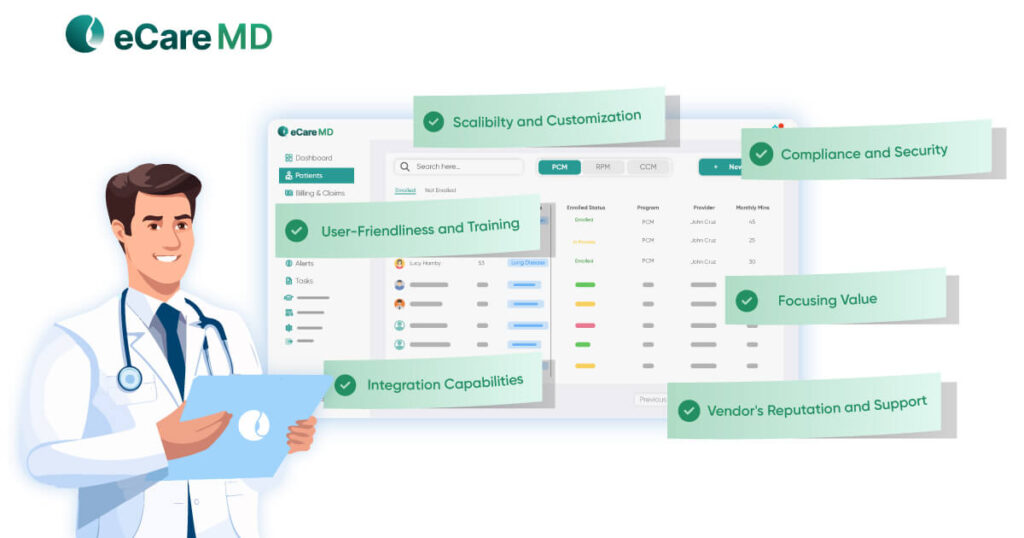
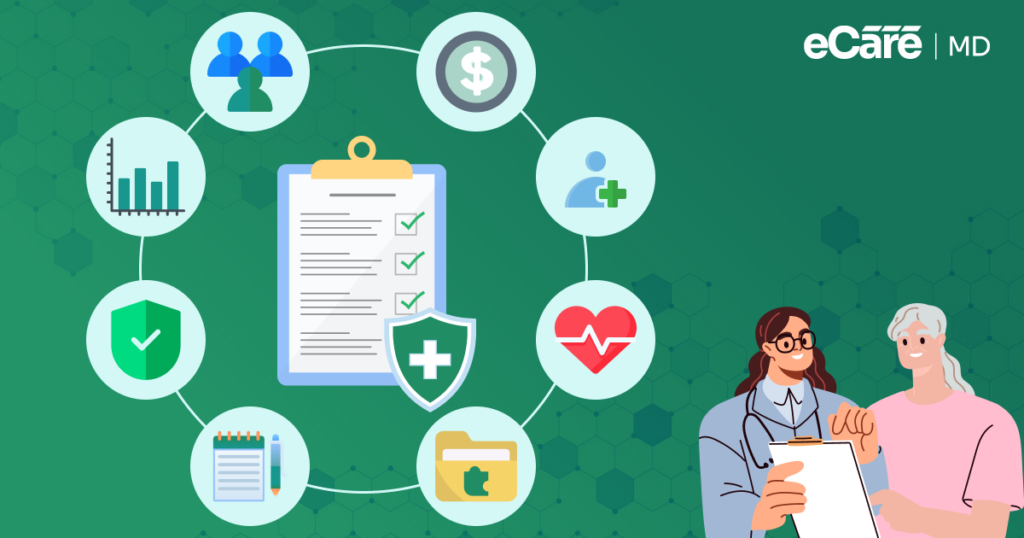
A good integration should make work easier, not add another layer to it. So, before connecting CCM software with an EHR, practices should look at five areas:
1. Can the systems exchange the right information?
The EHR and CCM system need to support the data required for CCM workflows. If important information cannot move between them, the integration may still leave care teams filling in the gaps manually.
2. Is patient data protected?
Security cannot be an afterthought. Practices should evaluate HIPAA requirements, user permissions, access controls, and how patient information is protected as it moves between systems.
3. Does the integration fit the existing workflow?
If integration creates extra screens, duplicate steps, or more manual work, the team may end up taking one step forward and two steps back. The goal is to fit technology into the workflow, not rebuild the workflow around it.
4. Will the data stay accurate?
Information needs to remain consistent across connected systems. Practices should consider how updates, corrections, and changes are synchronized so care teams are not working from outdated information.
5. Can the connection scale with the practice?
An integration that works for a small number of patients should not become a bottleneck as the CCM program grows. The practice should consider whether the connection can support increasing data, users, and care-management activity over time.
These checks may happen behind the scenes, but they have a direct impact on what happens in front of the care team. When compatibility, security, workflow, accuracy, and scalability are considered from the start, integration can remove friction instead of creating a new one.
Simplify CCM Integration Connect your EHR and CCM workflows with ease
How eCareMD Connects CCM With Existing EHR Workflows
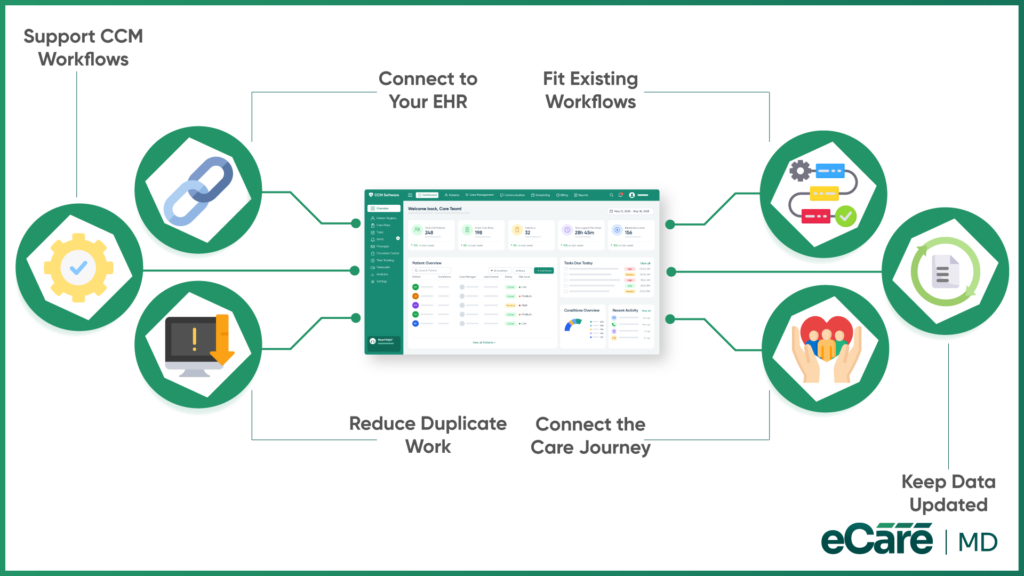
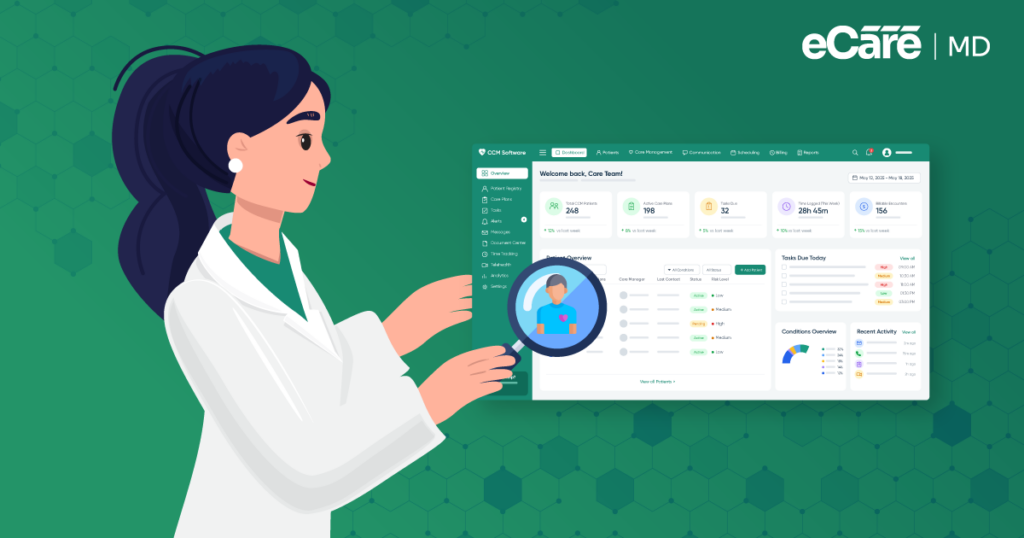
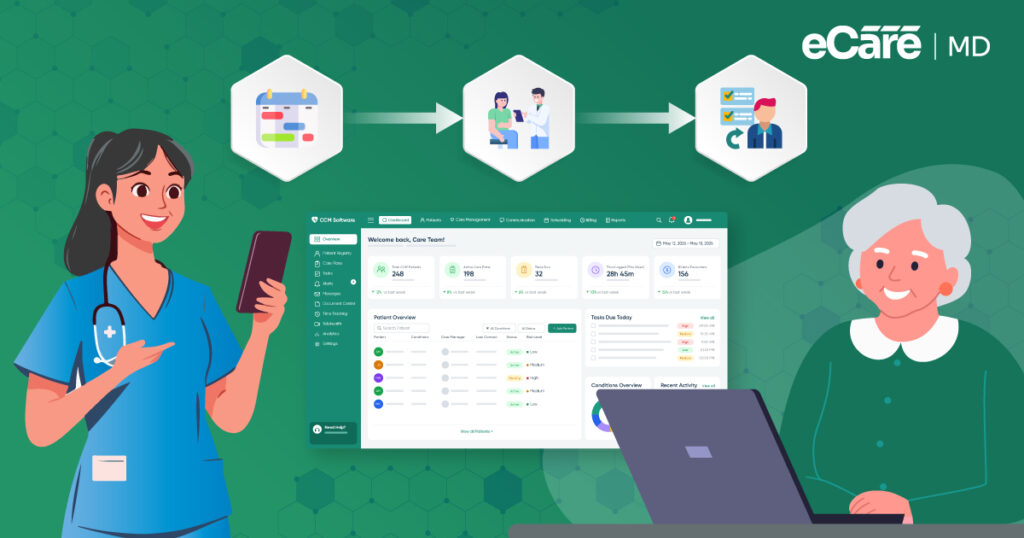
The earlier care manager had one major problem: the information was there, but it was spread across different places. That is where eCareMD’s approach to integration becomes important. Instead of asking the care team to build another workflow around disconnected systems, eCareMD is designed to connect CCM activities with the systems the practice already uses.
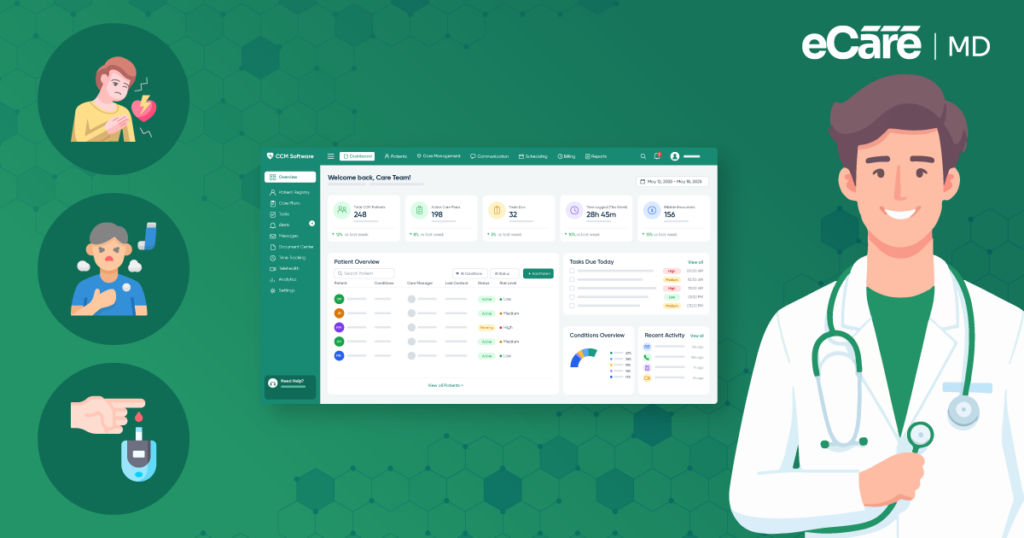
For practices managing Medicare patients, this can be especially useful. A Medicare chronic care management software solution needs to work alongside the EHR rather than operate as a separate island. By connecting relevant patient information with CCM workflows, eCareMD can help care teams spend less time searching for clinical details and more time using them for ongoing care management.
The same idea addresses another concern raised earlier: duplicate work. When information has to be copied from one system to another, every extra entry creates another opportunity for errors. EHR connectivity helps reduce that back-and-forth by allowing relevant information to move between connected systems, keeping the CCM workflow closer to the patient record.
There is also the question of workflow compatibility. Integration should not add another stop along the way. With eCareMD functioning as a connected CCM Platform, care teams can bring CCM activities into a workflow that works alongside their existing clinical systems rather than constantly switching between disconnected tools.
And that connection matters when patient information changes. A new visit, medication update, or other clinical detail should not leave the CCM team working from yesterday’s picture. Connected systems can help keep information more consistent and accessible, giving care teams a clearer view as they coordinate ongoing care.
In the end, the goal is not simply to connect two pieces of software. It is to close the gaps between the EHR and CCM workflow so the care manager can spend less time connecting the dots and more time acting on what those dots are telling them.
Download Free Checklist for Necessary Compliances and Regulatory Requirements
Download nowConclusion
By the end of the day, the care manager’s goal has not changed. They still need the right patient information to coordinate care. What changes is how much effort it takes to find and use it.
Effective CCM EHR integration is not about adding another isolated platform. It is about helping existing systems and workflows work together. When relevant information is easier to access, teams can spend less time entering the same details, searching across systems, or piecing together fragmented records. The result is a smoother CCM workflow and more time to focus on ongoing patient care.
That is where eCareMD can fit into the picture. By connecting CCM workflows with existing systems, its CCM Platform can help practices reduce the gaps between clinical information and care-management activities.
When the systems connect, the care team can finally stop spending so much time connecting the dots.
Frequently Asked Question’s
Healthcare interoperability is the ability of different healthcare systems to exchange and use patient information effectively. For chronic care, this matters because patients often receive ongoing care from multiple providers and teams. When EHRs, CCM software, and other systems can work together, care teams can access relevant information more easily, reduce duplicate work, and coordinate care with a clearer view of the patient.
Chronic care management software can connect with existing EHRs and other healthcare systems to help information move between workflows. Instead of manually copying patient details from one system to another, care teams can access relevant information within their CCM workflow. This can reduce administrative work while making day-to-day care coordination more efficient.
Data interoperability gives care teams timely access to relevant patient information, which can support more informed care decisions and better coordination. When clinical and care-management information is easier to access, teams can identify changes, follow care plans, and respond to patient needs more effectively. Over time, this can contribute to more consistent and coordinated chronic care.
CCM software should use appropriate security measures to protect patient information as it moves between connected systems. Practices should look for solutions that support HIPAA requirements, access controls, user permissions, and secure data transmission. Security should be considered alongside interoperability so that easier access to information does not come at the expense of patient privacy.
Healthcare interoperability can be challenging because practices often use systems built by different vendors, with different data formats, workflows, and technical capabilities. Data quality, security requirements, legacy systems, and inconsistent standards can also make information exchange more difficult. Successful interoperability therefore requires more than simply connecting two systems; the systems must be able to exchange and use information reliably.
Practices should evaluate whether the systems can exchange the information needed for CCM workflows and whether the integration fits existing processes. Security and HIPAA considerations, access controls, data accuracy, synchronization, and the potential for additional administrative work should also be reviewed. The goal is to create a connection that simplifies the workflow rather than adding another layer of work for the care team.

![The Future of Remote Patient Monitoring: CMS Innovations & Emerging Trends [2026]](/wp-content/uploads/2024/07/Blog-36-The-Future-of-Remote-Patient-Monitoring_-Trends-AI-Innovation-CMS-Updates-for-2026-1024x538.png)