Last Updated: September 3, 2026
A text message can be sent in seconds. A reminder can be delivered automatically. A phone call can be completed and logged.
But none of that necessarily means the patient has communicated with the care team.
For patients living with chronic conditions, a lot can change between appointments. They may have questions about their medication, notice new symptoms, or simply struggle to follow their care plan. If communication only goes one way, those changes can easily stay off the radar.
That is why two-way patient communication in CCM is more than just sending reminders or making routine calls. Patients need ways to respond, ask questions, and share what is happening with their health.
Whether it is through a phone call, SMS, or secure messaging, the right communication method can help keep both the patient and care team on the same page.
In this guide, we’ll explore how these two-way communication methods for chronic care management can support better patient communication in chronic care management, when to use phone, SMS, or secure messaging, and how the right chronic care management approach can help keep those conversations going.
Benefits of Improved Patient Engagement
Not every patient concern needs a long phone conversation. At the same time, a quick text may not be enough when a patient has questions about a new symptom or is struggling with their care plan. The key is to use the communication method that fits the situation.
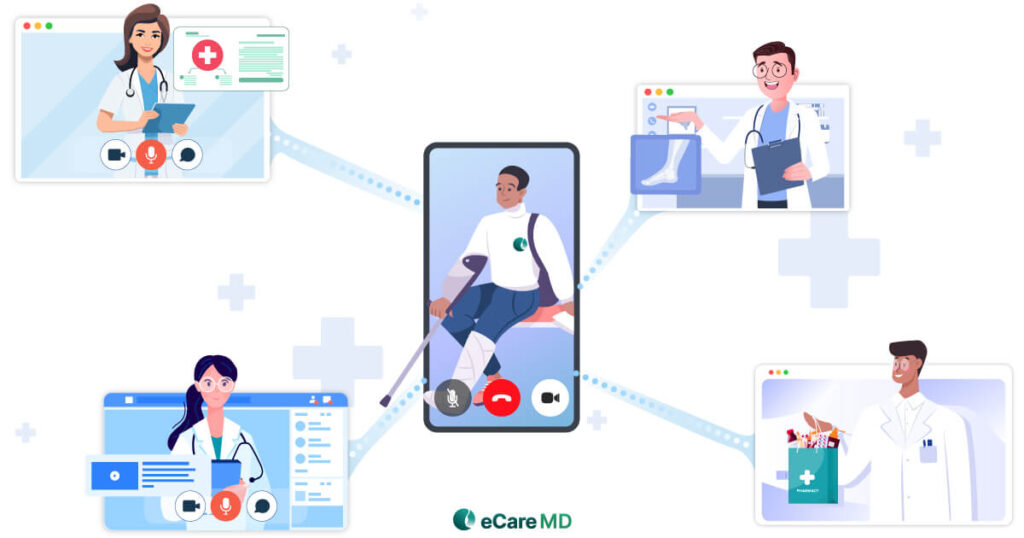
For patient communication in chronic care management, phone calls, SMS, and secure messaging can each play a different role. When used together, they give patients more than one way to stay connected with their care team.
1. Phone Calls
Some conversations are simply easier to have over the phone. A patient may be confused about their medication, experiencing changes in their condition, or need help understanding the next steps in their care plan. In these situations, back-and-forth communication in real time can make a real difference.
Phone calls allow patients to explain their concerns and give care teams the opportunity to ask follow-up questions immediately. There is less room for misunderstandings, and both sides can clarify information as the conversation happens. For more detailed or sensitive concerns, sometimes it is better to talk things through rather than go back and forth through messages.
2. SMS/Text Messaging
Not every interaction needs that level of discussion, though. Sometimes, a quick message is all it takes to keep the conversation moving.
SMS can support appointment reminders, routine check-ins, follow-ups, and other short interactions. More importantly, patients can respond directly instead of simply receiving information. A care team might send a quick check-in, and the patient can confirm, ask a question, or share an update without having to wait for the next scheduled call.
This convenience makes texting a useful part of two-way communication methods for chronic care management, especially when a simple response can help the care team understand what needs attention.
3. Secure Messaging
Then there are conversations that are not urgent enough for a phone call but need more space than a text message. That is where secure messaging can fit in.
Patients can use secure messaging to ask non-urgent questions, share updates, or follow up on previous conversations while keeping communication connected to their care. It also gives care teams a way to respond when appropriate and maintain a record of those interactions.
When communication is easy to continue, patients are less likely to feel like they have to wait until their next appointment to raise every concern. CCM patient messaging can help support these ongoing exchanges and give patients another way to stay involved in their care.
The point is not to choose one method and use it for everything. Effective two-way communication in healthcare means knowing when a detailed conversation, a quick response, or an ongoing message exchange makes the most sense. And once the right channels are in place, the next challenge is making sure those conversations actually encourage patients to engage.
How to Improve Patient Communication in Chronic Care Management
Having multiple ways to communicate is useful, but simply offering phone calls, texts, or messaging does not automatically lead to better conversations. Patients also need to know when they can reach out, what they should use each channel for, and whether someone will respond.
That is where a few practical steps can make a difference. Here’s how to improve patient communication in chronic care management and make two-way communication easier for both patients and care teams.
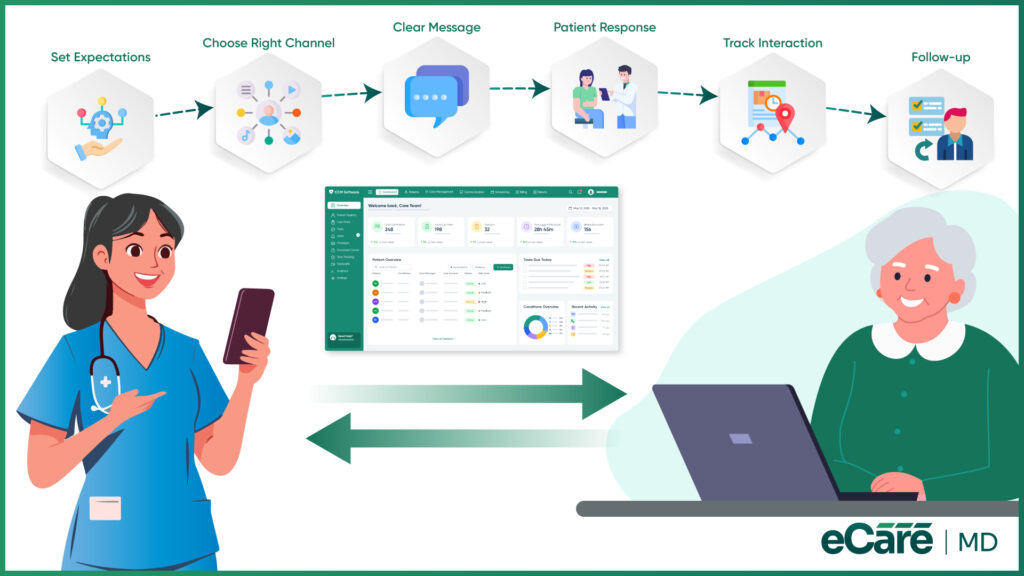
1. Set Clear Communication Expectations
Patients should not have to guess when it is appropriate to contact their care team or how long they may need to wait for a response. A quick conversation during enrollment can help set the ground rules.
For example, patients can be told which concerns are appropriate for messaging, when a phone call may be better, and what to do in urgent situations. Setting these expectations early helps avoid confusion and keeps communication from becoming a free-for-all.
2. Use Patient-Preferred Communication Channels
One patient may be comfortable responding to a text within minutes, while another may rarely check messages and prefer a phone call. Using the same method for everyone can make communication less effective before the conversation even begins.
Whenever possible, care teams should consider what works best for each patient, along with accessibility and communication needs. Giving patients a choice can make it easier for them to stay engaged rather than forcing them into a one-size-fits-all approach.
3. Make Messages Clear and Actionable
A message should not leave the patient wondering, “What am I supposed to do with this?”
Whether it is a text, secure message, or follow-up, keep the communication clear and focused. Let patients know what information they need to provide or what action they need to take next. Instead of sending a vague reminder, a simple and specific message can make it easier for patients to respond.
Sometimes, less really is more.
4. Create Opportunities for Patients to Respond
Two-way communication only works when patients feel that they are expected to participate, not just receive instructions.
Care teams can encourage responses by asking simple follow-up questions, inviting patients to share changes in their condition, and making it clear that questions are welcome. Something as straightforward as asking, “Has anything changed since our last check-in?” can open the door to information that might otherwise go unmentioned.
The goal is to make patient responses a normal part of the CCM workflow rather than treating them as an exception.
5. Document and Track Communication
Communication can quickly become difficult to manage when different team members are speaking with the same patient across multiple channels. Without a clear record, important details can get lost in the shuffle.
Keeping relevant interactions organized and accessible helps the entire care team understand what has already been discussed, what follow-up is needed, and whether the patient has raised any concerns. This also supports continuity when more than one team member is involved in the patient’s care.
When these practices come together, two-way patient communication in CCM becomes easier to manage and more useful for everyone involved. The next piece of the puzzle is understanding what can get in the way of these conversations and how care teams can avoid common communication challenges.
Why Two-Way Communication Matters for Successful CCM
Communication in a CCM program should not end once a care team sends a reminder, makes a check-in call, or shares care instructions. The other half of the conversation matters just as much.
A patient’s response can reveal something a scheduled visit may not. They may mention that a medication is causing problems, share a new concern, or simply clarify that they did not understand the instructions they received. These small updates can give care teams a clearer picture of what is happening between routine interactions.
This is one of the biggest reasons for two-way patient communication in CCM matters. When patients have a clear and convenient way to respond, care teams are not working only with the information available during scheduled check-ins. Communication can continue as needs arise, helping maintain continuity between routine visits.
However, keeping those conversations effective is not always straightforward. A phone call may go unanswered. A text message may be missed. Important updates may also be scattered across different communication channels, making it harder for care teams to keep track of what was discussed and what still needs follow-up. And as the number of CCM patients grows, the volume of communication can quickly become difficult to manage.
The goal, therefore, is not simply to communicate more. It is to make sure communication reaches the right person, gives patients a way to respond, and helps care teams act on relevant information without losing important details along the way.
When that process works well, two-way communication in healthcare can help keep care teams informed and patients connected between routine visits. The next step is understanding how chronic care management software can help bring these conversations into a more organized workflow.
How eCareMD Supports Two-Way Patient Communication in CCM
The communication challenges discussed above are not always caused by a lack of effort from care teams. The real problem is often managing a growing number of patient conversations across different channels while making sure important updates do not get missed.
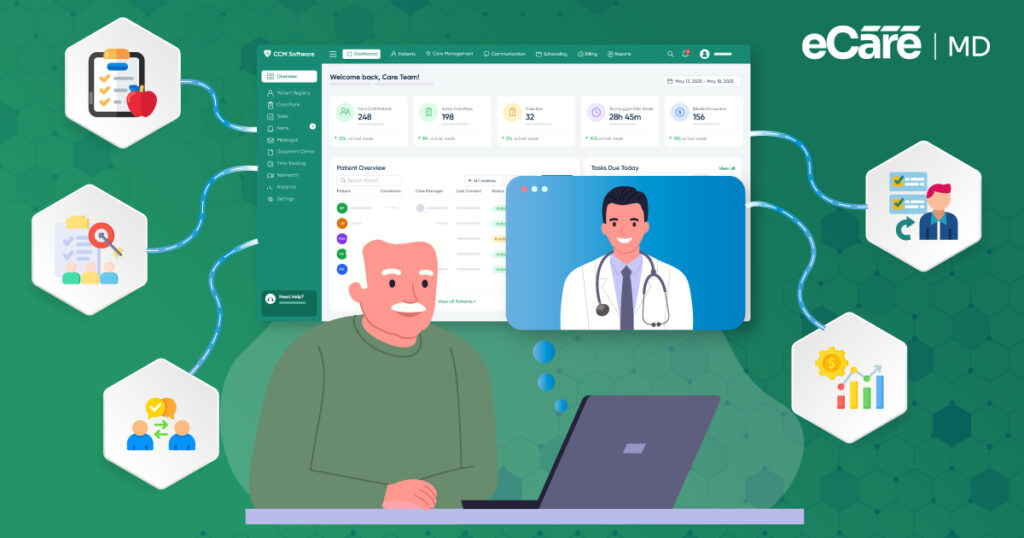
This is where the right chronic care management software can help. Rather than treating patient communication as a separate task, eCareMD can support it as part of the larger CCM workflow, helping care teams stay connected with patients and keep relevant interactions organized.
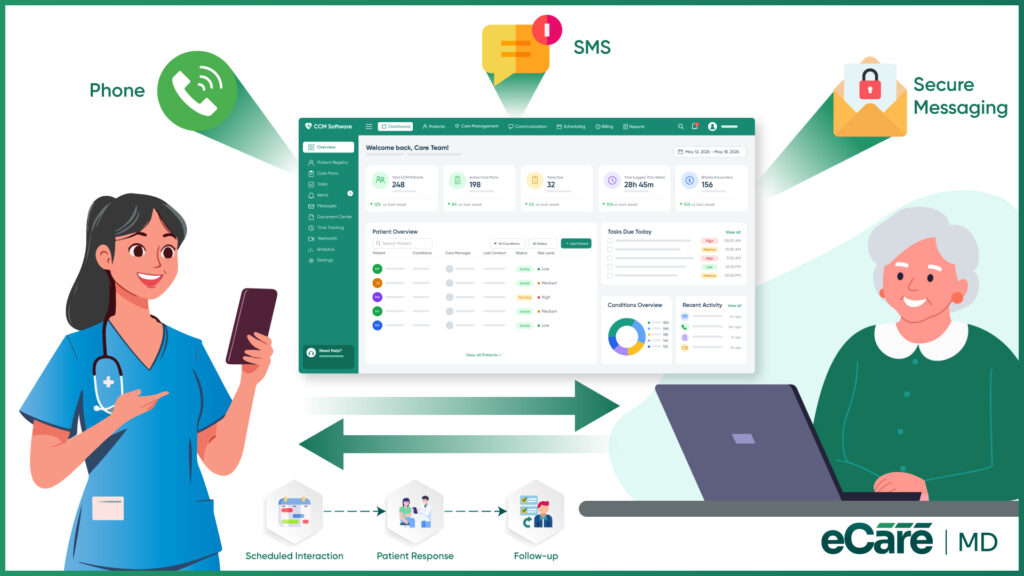
For example, phone calls remain important when a patient needs a detailed conversation or immediate clarification. eCareMD’s care coordination workflows can help teams manage scheduled patient interactions and follow-ups, so routine communication does not fall through the cracks.
For quicker check-ins and follow-ups, communication needs to be convenient for patients as well as manageable for care teams. Features such as automated outreach and communication workflows can help teams maintain regular contact without relying entirely on manual processes for every interaction.
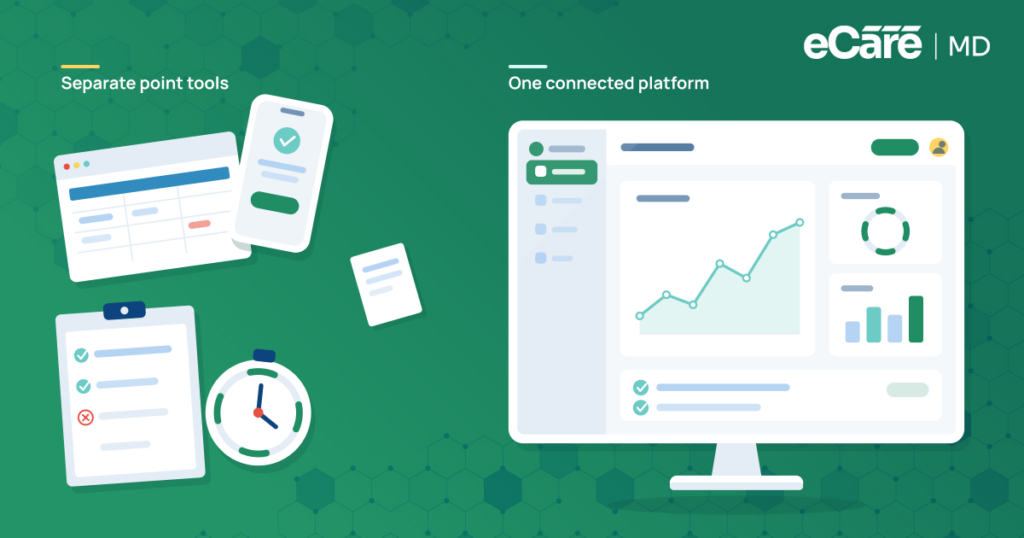
The same applies to ongoing patient updates. When multiple team members are involved in a patient’s care, having communication connected to the patient’s broader CCM workflow can provide better visibility into previous interactions and follow-up needs. This helps reduce the risk of fragmented conversations or repeated outreach.
Ultimately, eCareMD helps address the same communication needs that shape effective two-way patient communication in CCM: reaching patients through appropriate workflows, supporting regular follow-ups, and giving care teams a clearer way to manage ongoing interactions.
The goal is not to add another communication tool to an already busy workflow. It is to make communication easier to manage, so care teams can spend less time chasing updates and more time responding to what patients actually need.
Conclusion
Effective CCM communication is not just about reaching patients. It is about making sure they have a way to respond when they have a question, concern, or update to share.
Phone calls can support more detailed conversations, SMS can make quick check-ins and follow-ups easier, and secure messaging can keep non-urgent communication going between routine interactions. Together, these options can help make two-way patient communication in CCM more accessible and consistent.
Of course, managing these conversations across a growing patient population can become difficult without the right system in place. That is where chronic care management software like eCareMD can help practices organize communication workflows, manage follow-ups, and keep patient interactions connected to ongoing care.
Because at the end of the day, successful CCM communication should not feel like messages disappearing into a void. It should help patients and care teams stay connected, informed, and on the same page.
Top 10 Must-Have Features in CCM Software
Schedule time with meFrequently Asked Question’s
Two-way patient communication in CCM allows both patients and care teams to exchange information. Instead of only receiving reminders or instructions, patients can ask questions, share health updates, and raise concerns. This helps care teams stay informed about what may be happening between routine check-ins. It also gives patients a clearer way to communicate when they need support or follow-up.
Two-way communication helps care teams understand patient needs beyond scheduled visits. A patient’s response may reveal a new concern, difficulty following a care plan, or a question that requires follow-up. This keeps communication active instead of limiting it to one-way outreach. As a result, care teams can respond to relevant updates rather than waiting until the next routine interaction.
Phone calls, SMS or text messaging, and secure messaging are common communication methods used in CCM. Phone calls are useful for detailed discussions, while SMS can support quick check-ins and responses. Secure messaging provides another option for non-urgent questions and ongoing updates. Using more than one communication method also gives care teams flexibility based on the situation and patient preferences.
SMS can make routine communication quicker and more convenient. Care teams can send reminders, follow-ups, or check-in messages, while patients can respond with updates or questions. This turns simple outreach into an actual exchange between the patient and care team. It can be particularly useful when a quick response is all that is needed to determine the next step.
Secure messaging gives patients a way to share non-urgent updates or ask questions between routine interactions. It can also help keep communication organized and accessible to the appropriate care team members. This supports more consistent communication throughout the CCM program. Patients can communicate when a concern arises without necessarily waiting for their next scheduled check-in.
Providers can improve communication by setting clear expectations, using patient-preferred channels, and keeping messages easy to understand. Patients should also have clear opportunities to respond and share concerns. Relevant interactions should be tracked so important information and follow-ups are not missed. The goal is to make communication easy for patients while keeping it manageable for the care team.
Chronic care management software can help practices organize patient outreach, follow-ups, and communication-related tasks. It gives care teams a more structured way to manage interactions and track what requires attention. This becomes especially useful when multiple team members are communicating with a larger patient population. Keeping communication connected to the broader CCM workflow can also help reduce missed follow-ups and fragmented information.
One-way communication involves sending information to patients, such as reminders or care instructions, without requiring a response. Two-way communication allows patients to reply, ask questions, and share updates with their care team. This creates a more complete exchange of information and helps care teams respond when follow-up is needed. While one-way outreach can still be useful, two-way communication gives patients an active role in the conversation.








![The Future of Remote Patient Monitoring: CMS Innovations & Emerging Trends [2026]](/wp-content/uploads/2024/07/Blog-36-The-Future-of-Remote-Patient-Monitoring_-Trends-AI-Innovation-CMS-Updates-for-2026-1024x538.png)