Last Updated: September 24, 2026
For a CCM coordinator, the morning always looks busy. A few patient records require to be reviewed, care plans need to be updated, follow-ups are waiting too, while yesterday’s notes still require to be completed.
One task leads to another, and before you even realize it, most of the morning is gone. This is the reality of many care teams who are managing chronic conditions. Along with the patient list, the amount of data, documentation, and routine work also grows. Keeping all these organized takes a lot of time from the work that matters most: caring for patients.
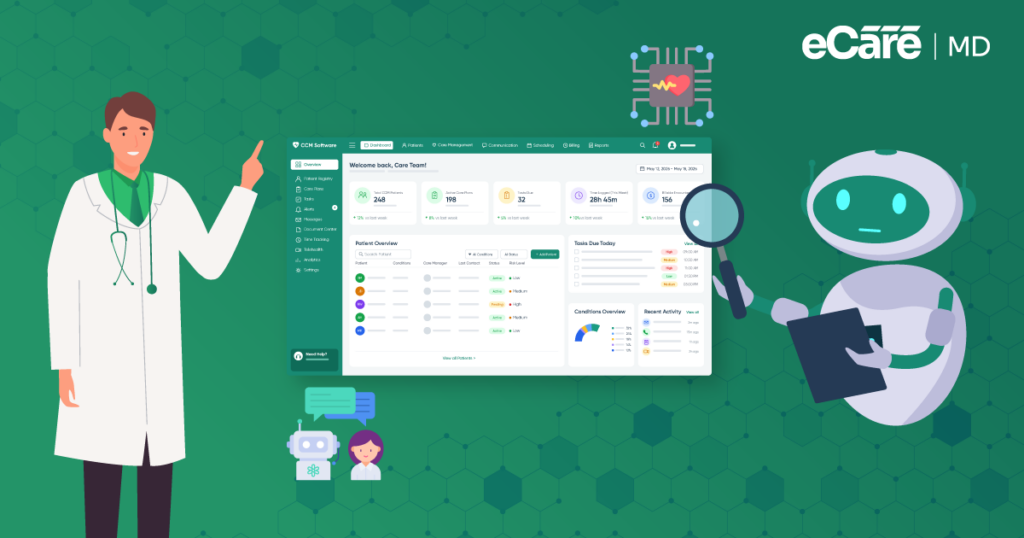
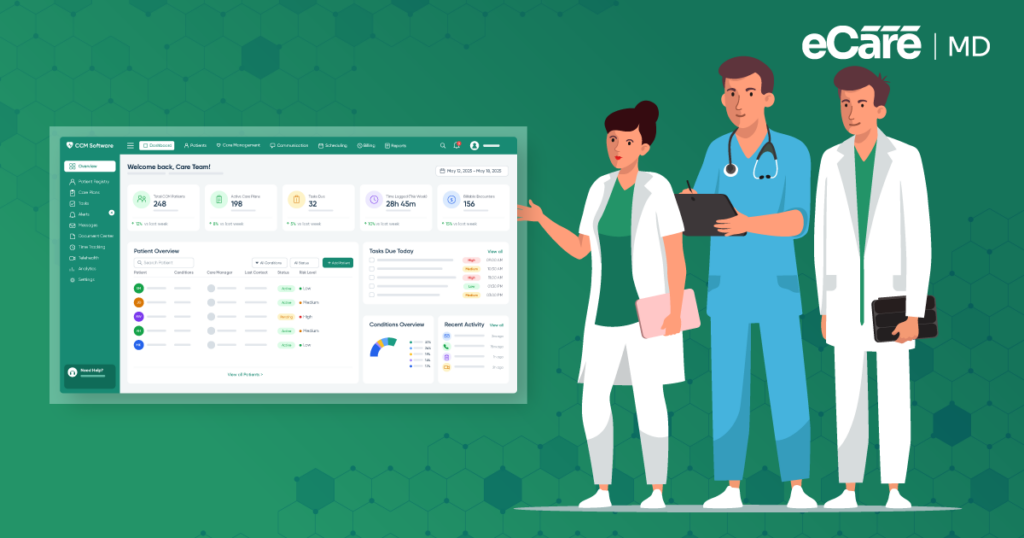
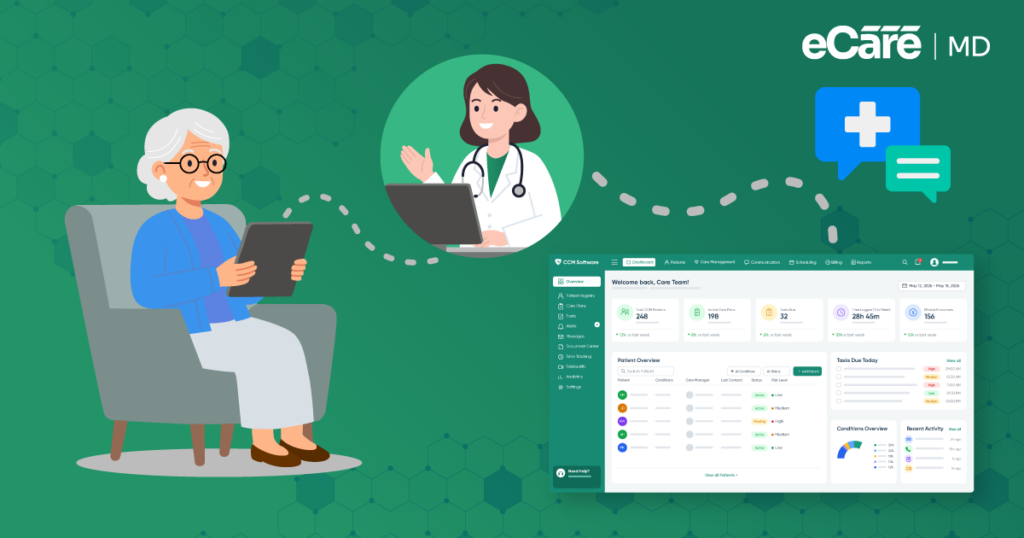
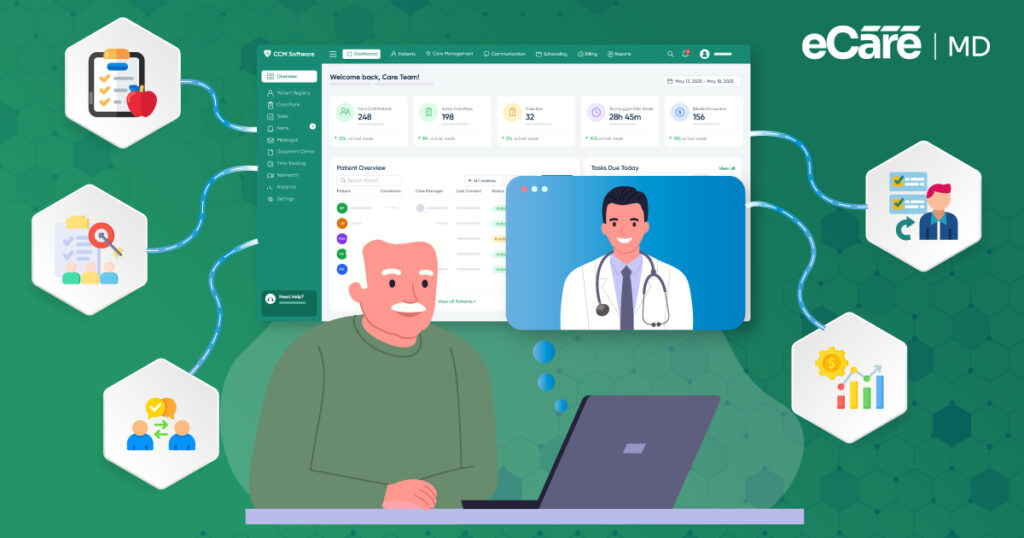
This is exactly where AI in chronic care management starts to come into the spotlight. AI for chronic disease management allows your care team to handle all repetitive tasks, sort through large amounts of information, and help the team stay on top of daily workflows.
When supported by the right chronic care software, AI can help teams work through everyday challenges more efficiently.
Let’s explore the key AI applications in chronic care management, the benefits of AI in chronic care management, and how chronic care management automation can make CCM workflows easier to manage.
What Does AI Actually Do in Chronic Care Management?
Looking back at the care coordinator’s desk, the work never stops with one patient. There are multiple records to go through, each with its own notes, updates, and history. Finding what matters in all that can take a lot of time. However, here AI can silently do some of the heavy lifting.
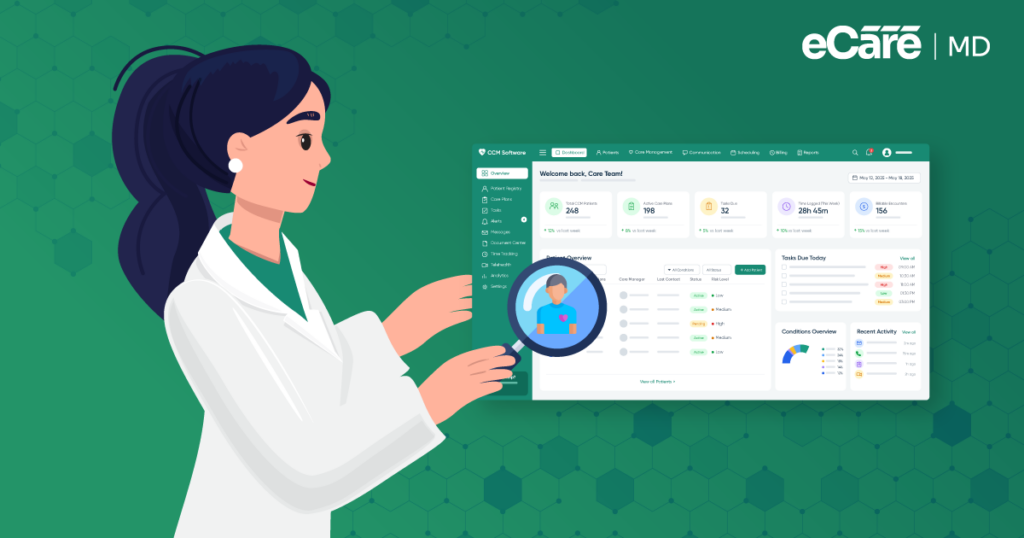
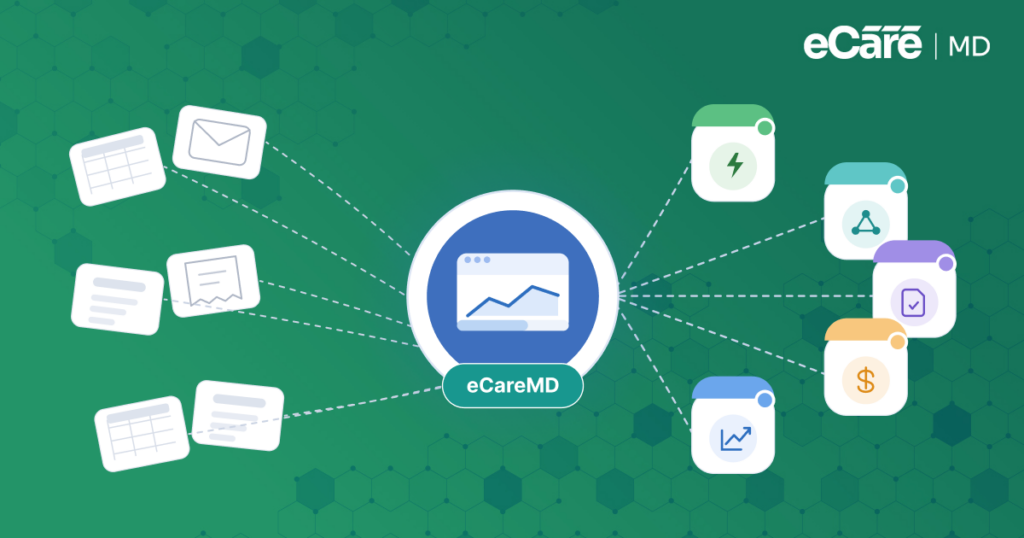
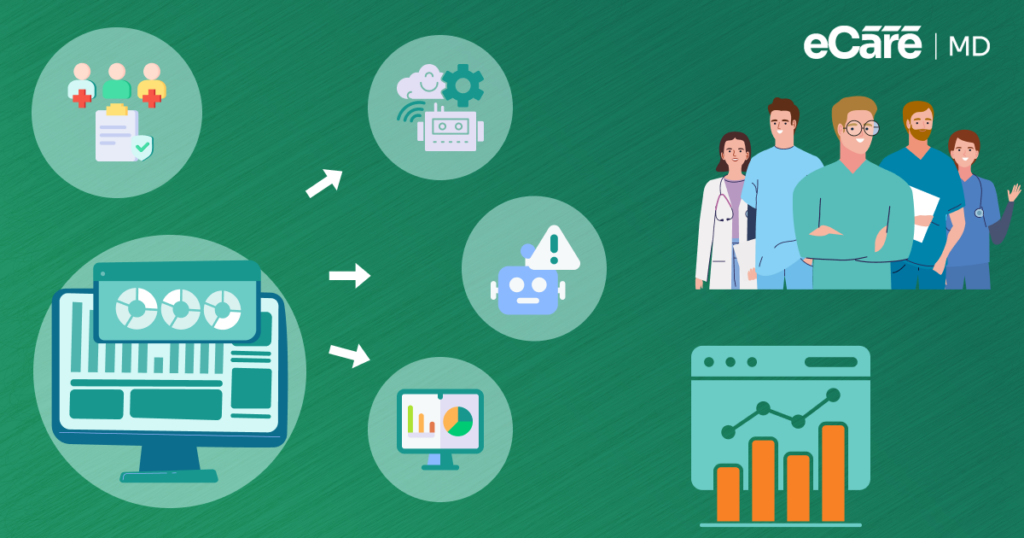
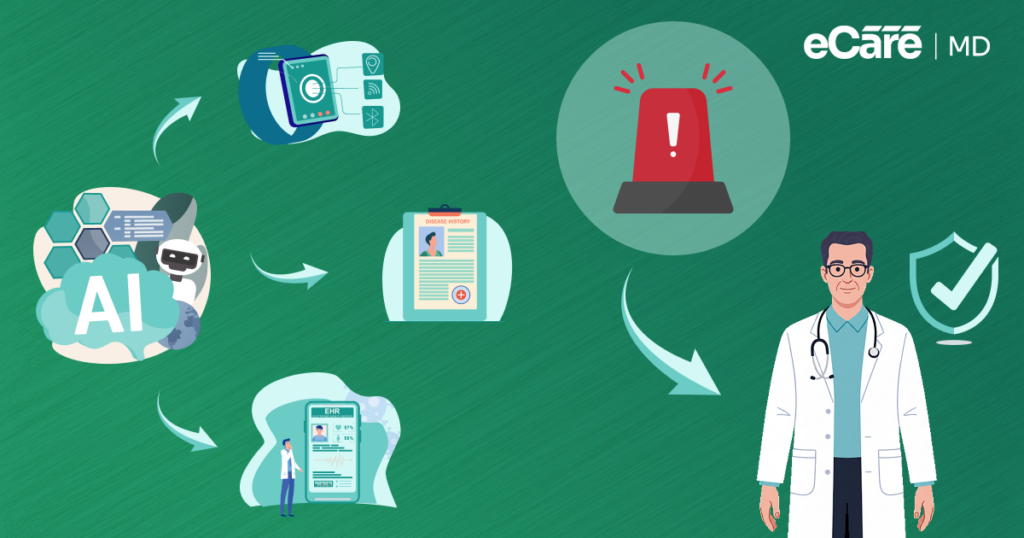
Simply put, AI has the ability to look at the information already available to it, identify patterns, while helping your organization to see what your care team actually requires. Rather than reviewing every piece of information manually, AI can assist in bringing relevant details to the surface and take care of repetitive parts of the workflow.
But there is one catch: even though AI can help your care team, it cannot replace their clinical judgment. A clinician still needs to decide what your patient requires and what action must be taken. AI just helps to make that work easier and more efficient.
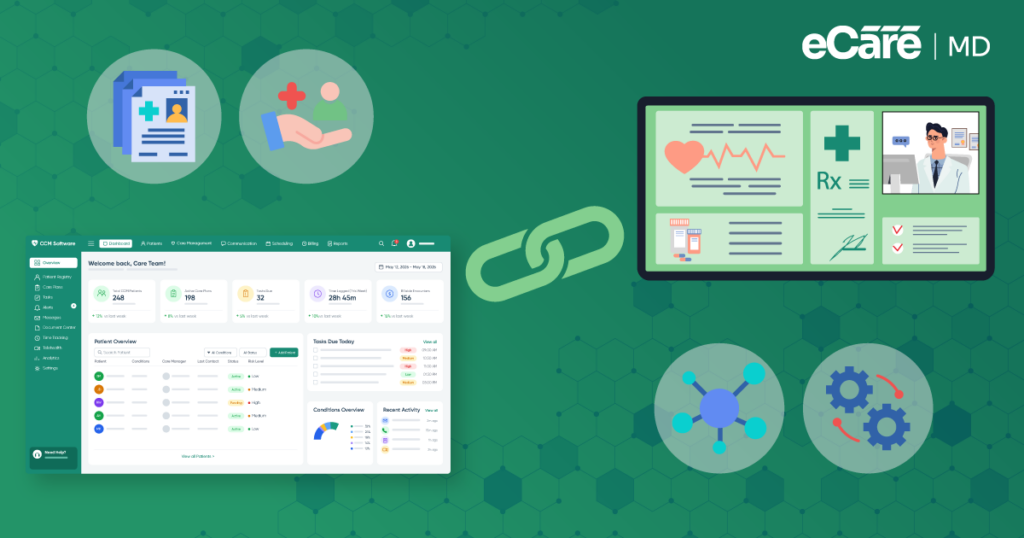
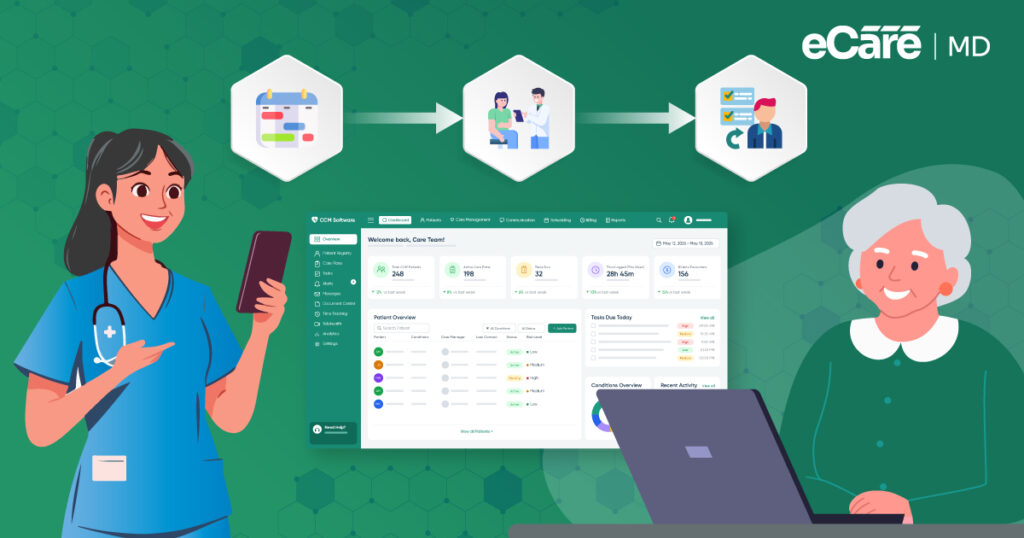
Here, the most valuable aspect is that AI never turns your existing CCM workflow upside down. Instead, when built into CCM software, it can work well within the tools your care team already uses, while helping them to save time without adding another complicated system to their day.
Core AI Capabilities and Automation in CCM
The CCM team usually has the same challenge in front of them, which is more patients, more information, and more tasks competing for attention. So, rather than adding another layer of manual work, AI becomes one of the key parts of the workflow.
Let’s see what that can look like in your practice:
| CCM workflow | How AI and automation can help | What the care team does |
|---|---|---|
| Organizing patient data | Pulls relevant information from available records and helps organize it into a more usable view. | Reviews the information and determines what matters for the patient. |
| Spotting patterns and risk indicators | Look across patient information to identify changes, trends, or signals that may need attention. | Assesses the context and decides whether any clinical action is appropriate. |
| Prioritizing the patient panel | Helps surface patients or tasks that may need earlier review, making it easier to decide where to start. | Uses clinical knowledge and patient context to set priorities. |
| Documentation and interaction records | Supports routine note preparation and recording of patient interactions, reducing repetitive documentation work. | Reviews, edits, and approves the final documentation. |
| Follow-ups and task management | Helps organize reminders, recurring tasks, and follow-up activities so fewer routine items get overlooked. | Decides which follow-ups are needed and completes or delegates them. |
| Care-plan workflows | Helps organize patient information and support updates within existing care-plan workflows. | Creates, reviews, and changes the care plan based on clinical judgment. |
All these AI applications in chronic care management are designed specifically to support the workflow and not to take ownership of it. With AI, it becomes easier to surface a pattern, suggest a priority, or prepare information, but a qualified care-team member still remains responsible for interpreting that information and making the clinical decision.
The core goal of chronic care management automation is not to put your patient care on autopilot. It’s actually to take some of the routine work out of the driver’s seat, so your care team has more time and attention for the patient.
Operational Benefits of AI for CCM Practices
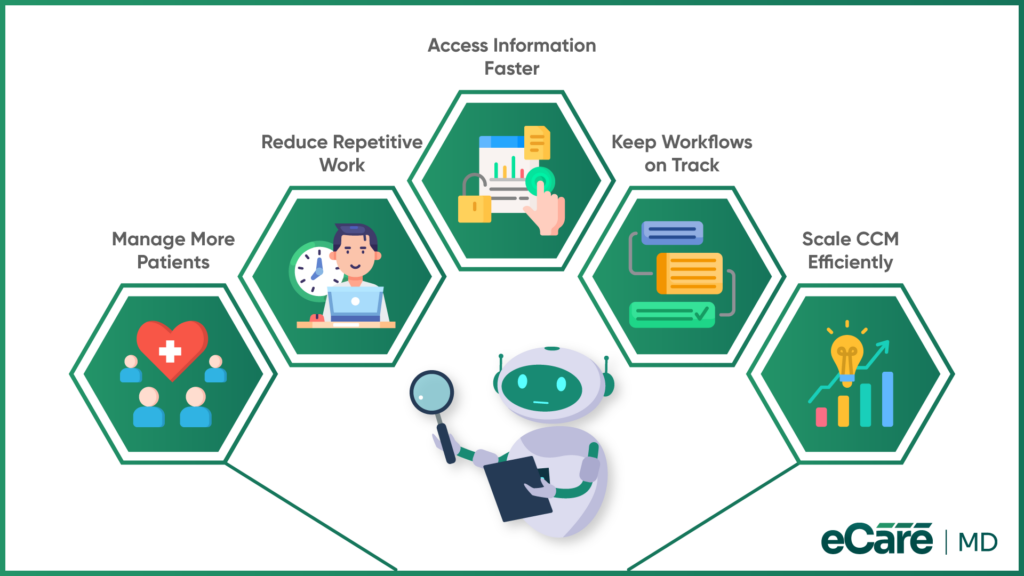
Although the CCM team has more patients to manage, the size of the team never changed. Rather than asking the staff to simply work faster, your practice can focus more on where time is actually being lost. That’s where AI can start to make a real practical difference.
1. More patients, without immediately adding more staff
If you have a growing CCM program, it doesn’t always mean a growing team. With AI, it becomes easy for your care coordinators to handle routine work more efficiently, while giving your existing team more capacity to support a larger patient population.
2. Less time spent on repetitive work
Think about all the small tasks that fill a coordinator’s day. They may not seem like much individually, but together they can eat up hours. Chronic care management automation can take some of that repetitive workload off the team’s plate, leaving more time for patient-focused work.
3. Quicker access to patient information
Before a care coordinator can act, they often need to find and organize the right information. AI can reduce some of that manual effort, helping staff spend less time searching through information and more time using it.
4. A workflow that stays on track
As the patient list grows, inconsistency can creep into everyday processes. Tasks get delayed, follow-ups become harder to manage, and the team starts playing catch-up. AI-supported workflows can help practices maintain a more consistent approach as workload increases.
5. Growth without the same increase in workload
A CCM program serving 100 patients and one serving 1,000 patients cannot rely on exactly the same manual processes. AI can help practices scale their workflows more efficiently, so growth does not automatically mean multiplying administrative work.
And perhaps the biggest difference is felt by the people behind the screens. When repetitive tasks stop taking up so much of the day, care teams have more room to focus, breathe, and do the work that requires a human touch.
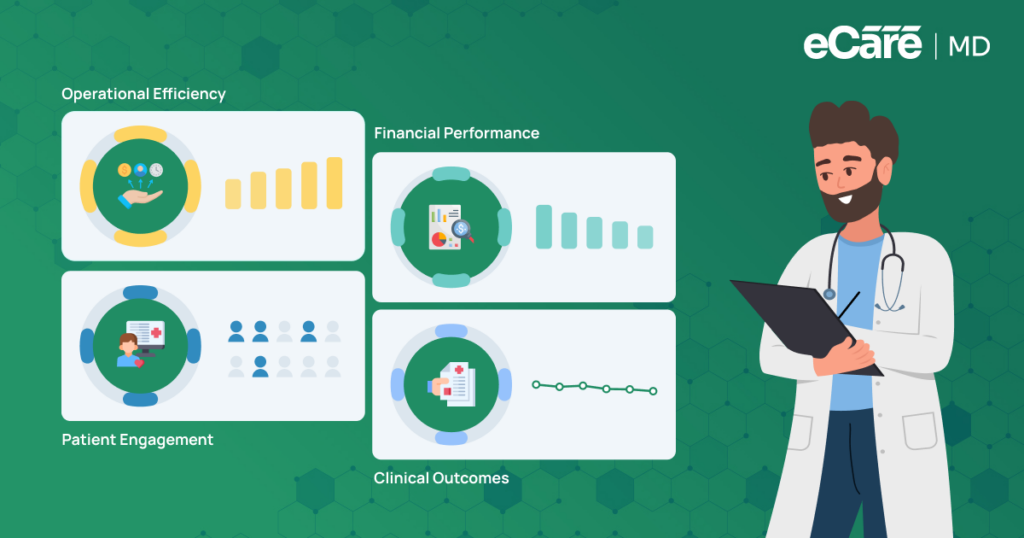
That is where the benefits of AI in chronic care management become more than an efficiency gain; they become a way to make growing CCM programs more sustainable.
AI-Powered CCM Workflows Reduce repetitive work and simplify CCM.
How eCareMD Supports AI-Enabled Chronic Care Management
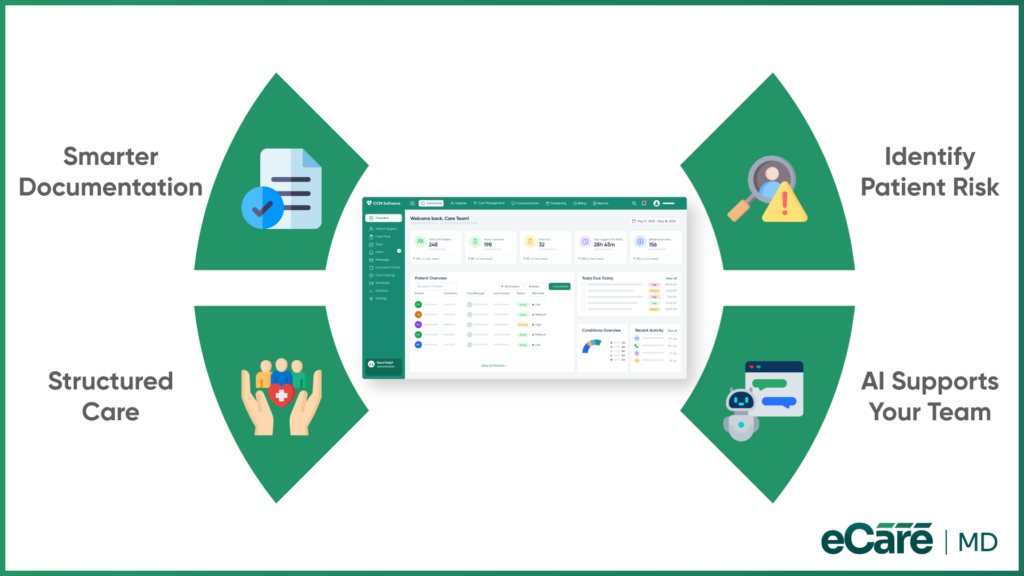
Along with the CCM team, its patient panel and amount of work also grow with it. More patient information needs to be reviewed, more notes need to be prepared, and more patients need your attention.
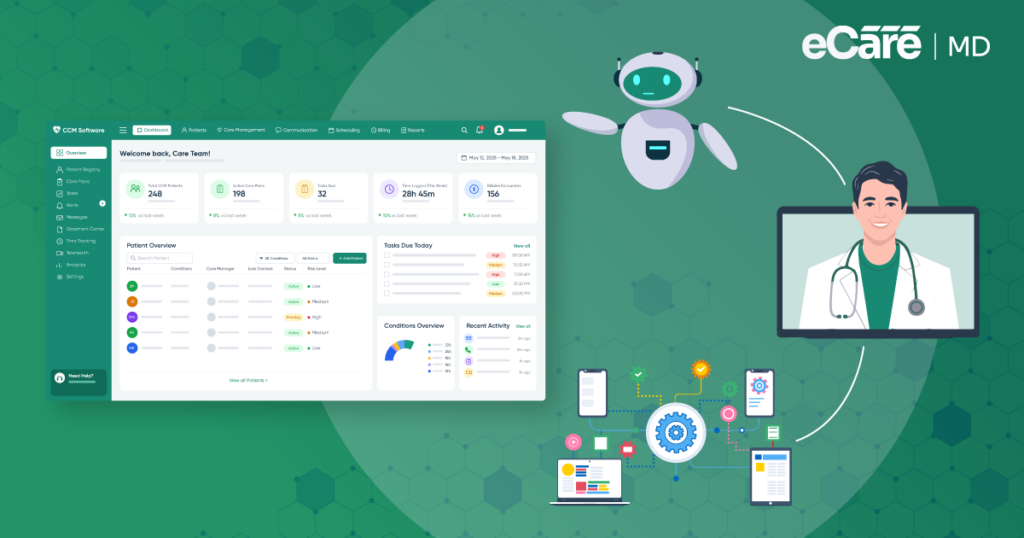
This is where eCareMD helps to bring some of those workflows together. Its AI medical scribe can support the documentation process by helping care teams prepare patient notes, reducing the need to start each note from scratch. Instead of spending as much time on routine documentation, the team can review the information and focus more of its time on patient care.
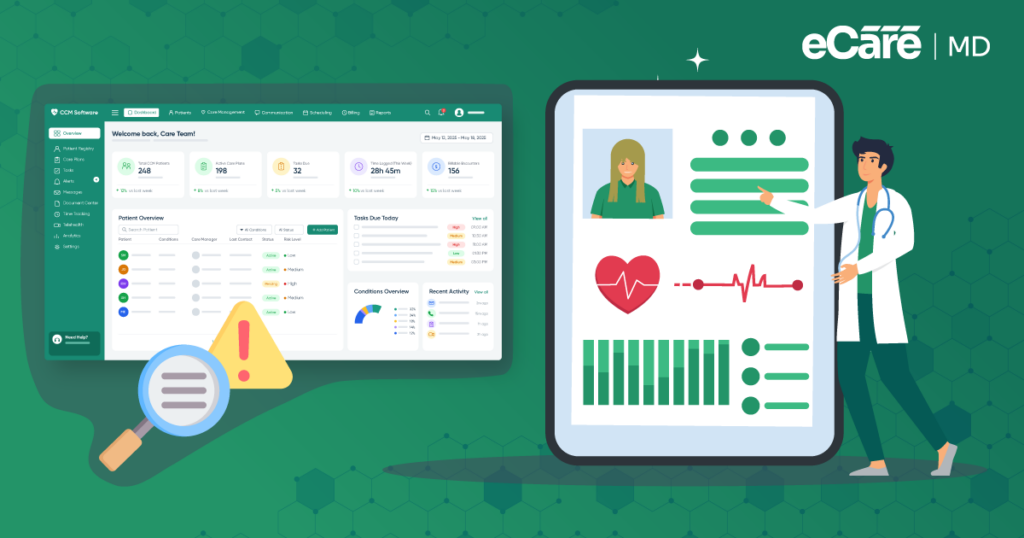
eCareMD also uses risk scoring to help care teams identify patients based on their level of risk. When a team is managing a large patient panel, having this information organized can make it easier to see which patients may need closer attention.
Combined with condition-specific care protocols, the platform can also help teams maintain more structured CCM workflows. For practices looking at chronic care management software companies, the bigger question is not simply how much AI a platform offers.
It is whether those capabilities can fit naturally into the team’s existing work. eCareMD brings AI and automation into practical CCM workflows, helping reduce manual effort while keeping care-team members in control of clinical decisions.
Conclusion
For a growing CCM team, AI can take some of the weight off daily work. It can help organize patient information, handle repetitive tasks, and keep everyday workflows moving as the patient population grows. But AI is there to support the care team, not take over clinical decisions.
The journey is simple: AI brings useful capabilities into CCM, automation helps put those capabilities to work, and the practice gains more time and room to grow. With less manual work to manage, care teams can focus more on patients instead of getting stuck in routine tasks.
Still, not every AI solution will fit every practice. When comparing chronic care management software companies, practices should look beyond the AI label. The right platform should fit existing workflows, make daily work easier, and keep qualified care professionals in control of patient care.
Frequently Asked Question’s
AI can support HIPAA-compliant CCM when the software uses appropriate safeguards for protected health information. Practices should verify encryption, access controls, audit trails, data handling policies, and business associate agreements before using an AI-enabled solution for patient care or management.
Medicare reimbursement depends on whether the service meets applicable CCM requirements and billing rules. AI assistance itself does not automatically create a separately reimbursable service. Practices should ensure that eligible care management work, documentation, time requirements, and billing follow current Medicare guidelines.
AI-enabled CCM software can integrate with EHR systems through APIs, interoperability standards, or other supported connections. This allows relevant patient information to move between systems and reduces duplicate data entry. Before implementation, practices should confirm supported integrations, data-sharing capabilities, security controls, and workflow compatibility.
Practices should look at how the software handles sensitive information, explains or flags AI-generated recommendations, limits inappropriate actions, and keeps clinicians involved. They should also review access controls, audit logs, human-review processes, vendor policies, and procedures for monitoring AI performance and addressing errors.
No. AI can assist with repetitive administrative work, organize information, identify patterns, and support care-team workflows, but it should not replace qualified healthcare providers. Clinical decisions require professional judgment, patient context, and appropriate oversight. AI works best as a support tool alongside the care team.
AI can help care teams review large amounts of patient information, identify changes or patterns, and bring potentially important signals to their attention. This can make monitoring more efficient and help teams prioritize patients who may need review, while clinical professionals remain responsible for interpreting findings.
Yes. AI systems may process sensitive patient information, creating privacy and security considerations. Practices should evaluate how data is collected, stored, shared, and used; who can access it; and whether appropriate safeguards, policies, contracts, and compliance measures are in place before implementation.
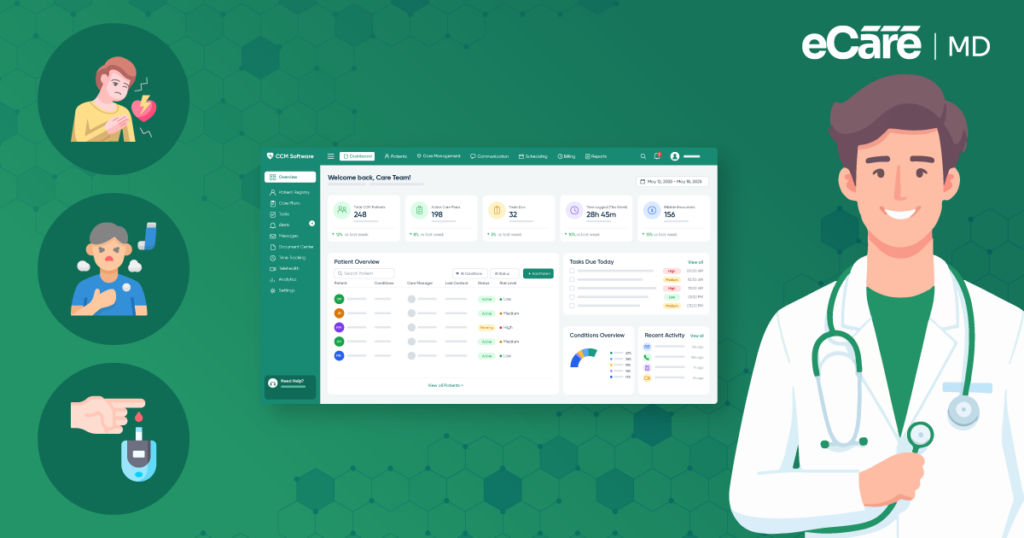
AI-powered software can support CCM for conditions such as diabetes, hypertension, heart disease, COPD, and other long-term conditions that require regular monitoring and ongoing care. The greatest value often comes when practices manage large patient populations and need efficient ways to organize information and workflows.
Start with a clear workflow problem rather than adopting AI simply because it is available. Choose software that integrates with existing systems, train staff, establish review processes, protect patient information, and introduce AI gradually. Regularly evaluate its accuracy, usefulness, and effect on daily workflows.
Successful implementations commonly focus on practical workflow improvements, such as automated documentation support, patient-risk identification, data organization, and follow-up management. Results vary by organization, so practices should look for evidence from comparable healthcare settings and evaluate whether the solution improves efficiency without compromising clinical oversight.


![The Future of Remote Patient Monitoring: CMS Innovations & Emerging Trends [2026]](/wp-content/uploads/2024/07/Blog-36-The-Future-of-Remote-Patient-Monitoring_-Trends-AI-Innovation-CMS-Updates-for-2026-1024x538.png)