Last Updated: August 17, 2026
Imagine, your practice decides to upgrade CCM software, your team starts to compare a few platforms, sits through demos, and finally chooses the one with an impressive list of features.
All seems well until, a few months later your practice starts to realize that the enrollment process still needs manual work, care teams are switching between systems, while billing is not as seamless as expected. Even though software has various features, they have not made the CCM workflow easier.
This is one of the most common issues while selecting CCM software. Simply put, more features do not always mean more value. If your practice manages dozens or hundreds of CCM patients, even a one small technology gap can silently snowball into major workflow problems.
As a result, staff spend much of their time on handling administrative tasks and moving information between systems rather than focusing on patient care. That’s why your practice should look beyond feature lists and understand which CCM software features actually fit your requirements.
Moving forward, as there are plenty of chronic care management software companies in the market, comparing platforms can be challenging. Your right choice relies heavily on more than what a platform offers, as it also needs to fit your workflows, patient volumes, and plans for future growth.
This buyer’s guide breaks down the essential CCM software features for healthcare practices, what to look for when comparing platforms, and how to choose a solution that can support your CCM program as it grows.
What Features Should a Chronic Care Management Software Include?
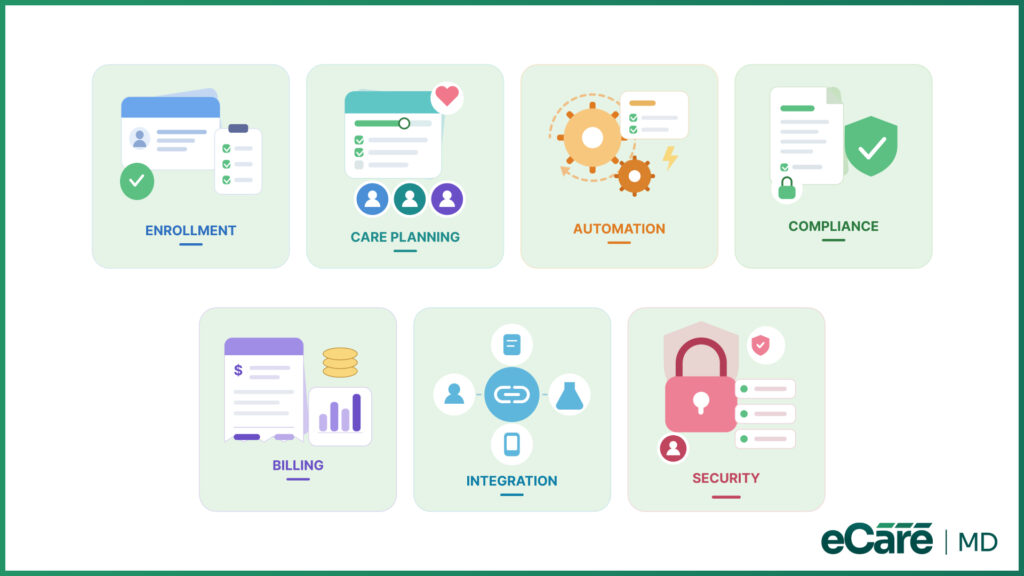
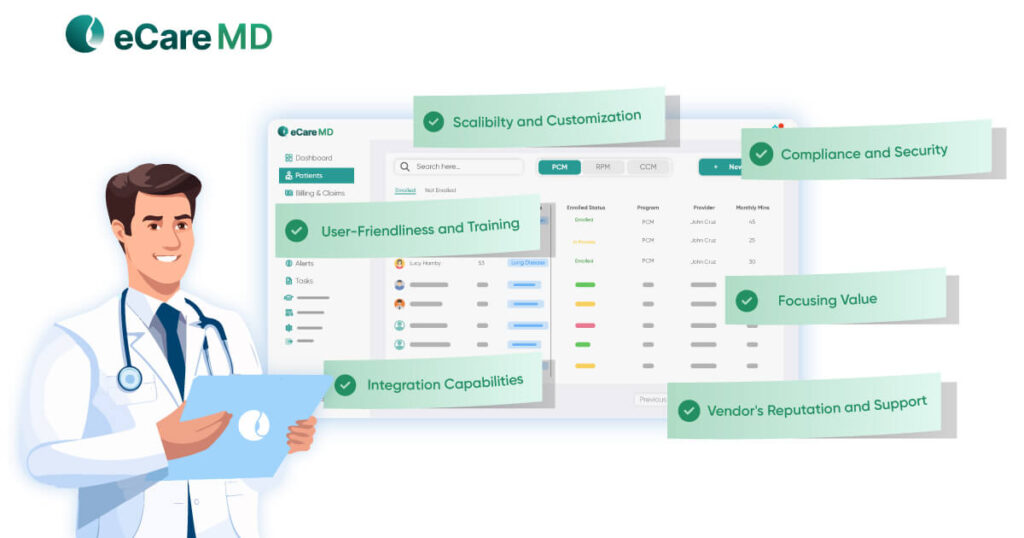
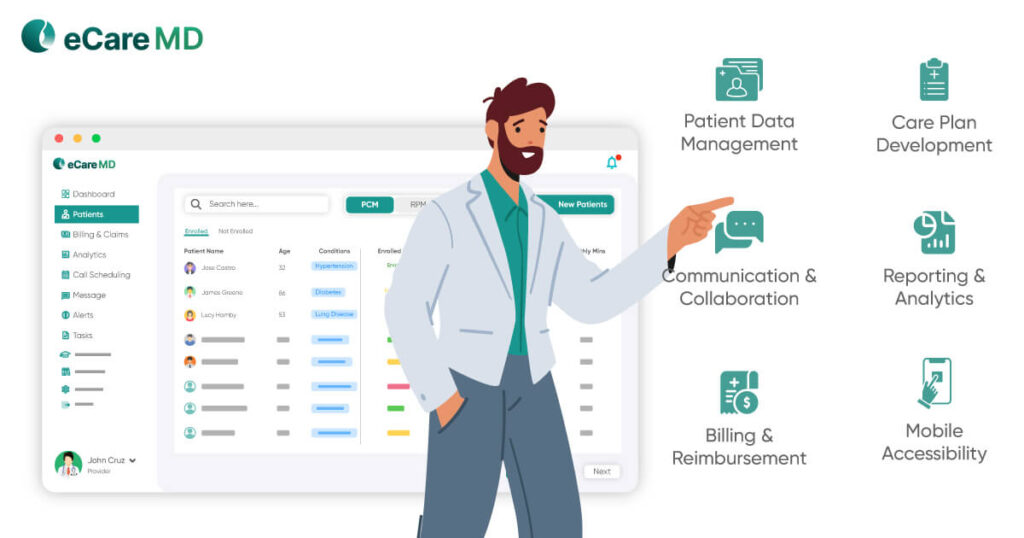
The best CCM software must follow the patient journey from enrollment to ongoing care, billing, reporting, and compliance. However, choosing is not just about picking the platform with the longest feature list. Instead, it is necessary to look at how well its features can enhance workflow efficiency, connect with other systems, scale with your practice, while delivering value over time.
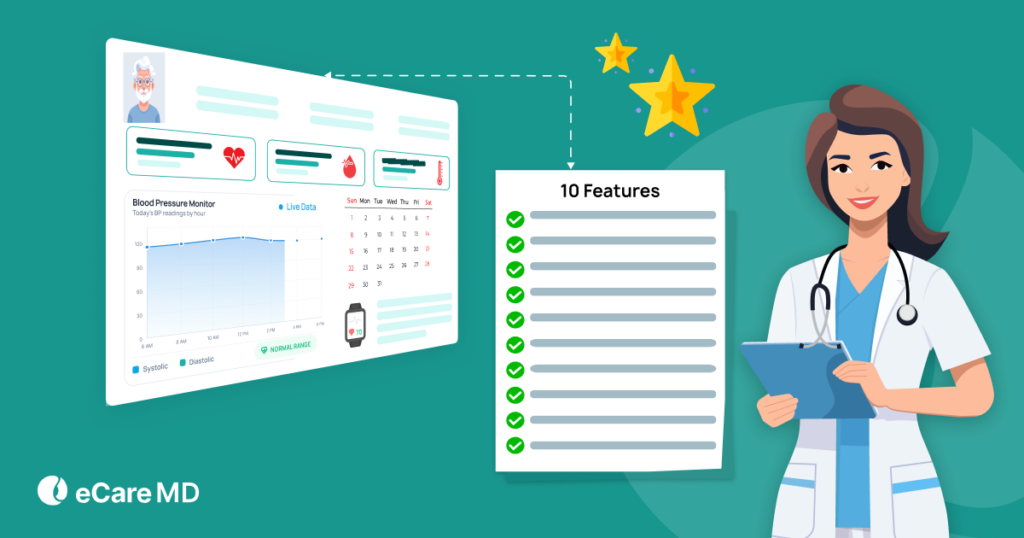
Let’s see some of the key CCM software features to look for:
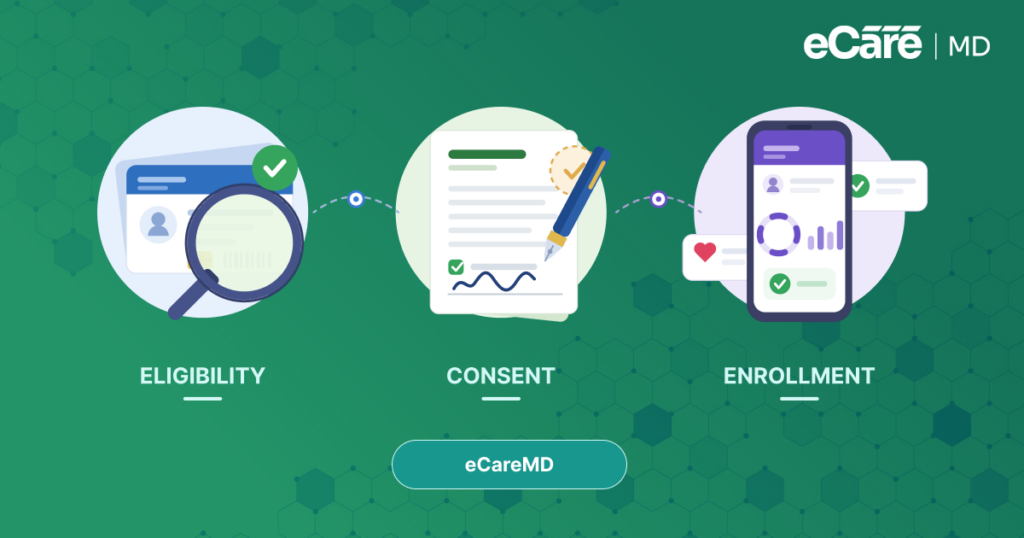
1. Patient Enrollment & Eligibility
To simplify the onboarding process, one should automate Medicare eligibility checks, digital consent, centralized records, and enrollment tracking. You should look for a platform that can connect enrollment with care planning, documentation, and billing.
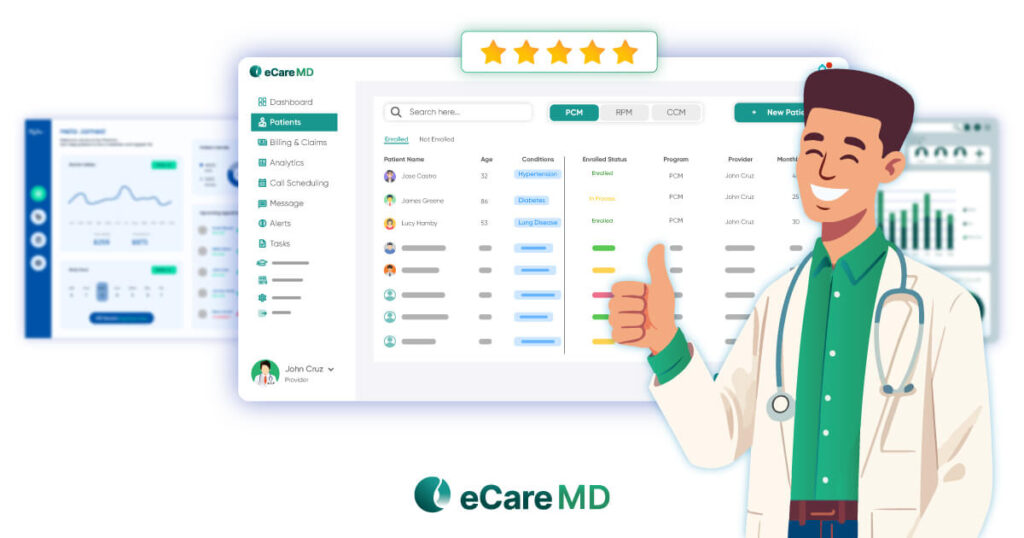
By bringing eligibility verification, digital consent, and patient onboarding into just one connected place, eCareMD can streamline this process, helping to reduce manual steps for staff.
2. Care Planning & Care Coordination
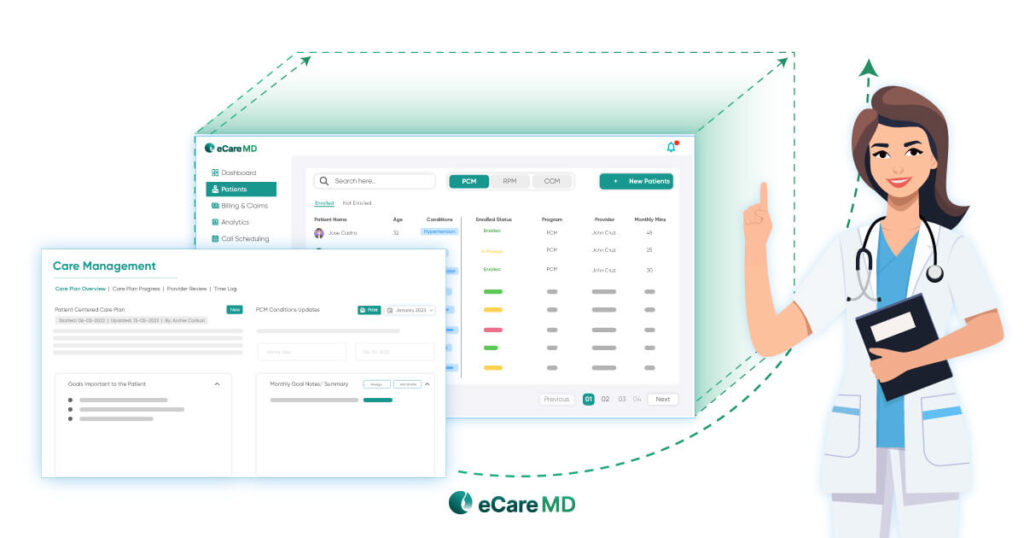
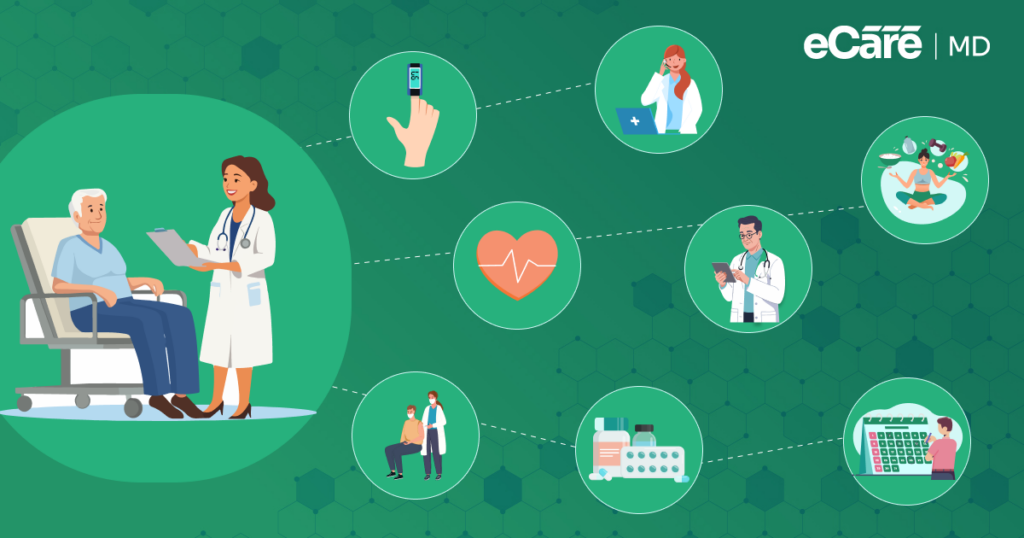
With personalized care plans, shared patient records, team communication, and task management, you can stay aligned. eCareMD provides your care team with a shared view of patient requirements, activities, and ongoing care by centralizing care planning.
3. Workflow Automation
Reminders, frequent tasks, automated follow-ups, documentation support, and time tracking help with repetitive work. With customizable automation, your practice can also manage growing CCM programs without adding the same workload.
eCareMD can automate routine CCM activities so that your team can spend less time on repetitive task management and more time on patient care.
4. Documentation & Compliance
Furthermore, electronic documentation, consent management, audit trails, secure records, and compliance monitoring also help to support CMS requirements and audit readiness. eCareMD allows you to incorporate documentation and compliance workflows into the CCM process. This further helps your practice to maintain organized records and support CMS requirements.
5. Billing & Reporting
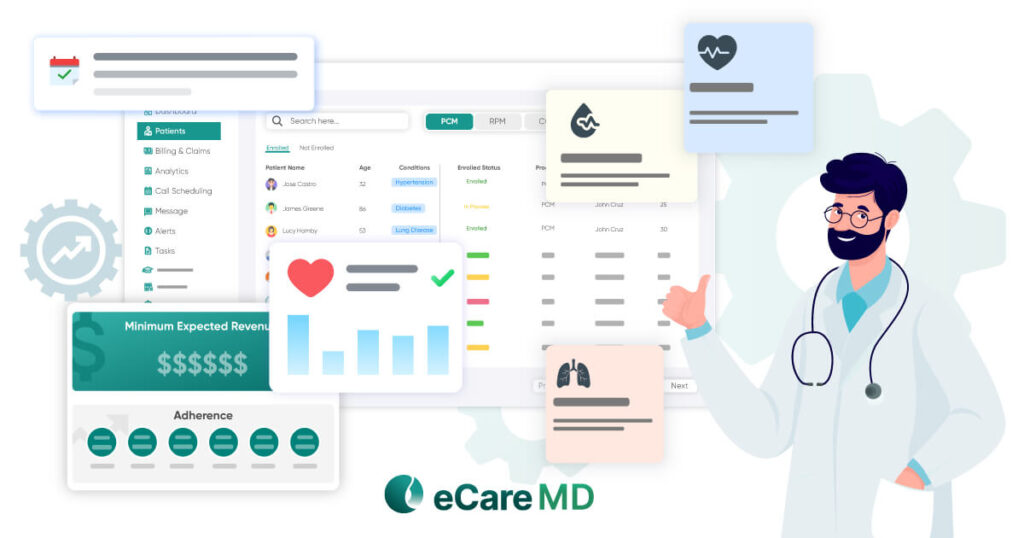
To help your practice to understand both financial and operational performance, you should also automate time tracking, billing support, reimbursement monitoring, dashboards, and analytics.
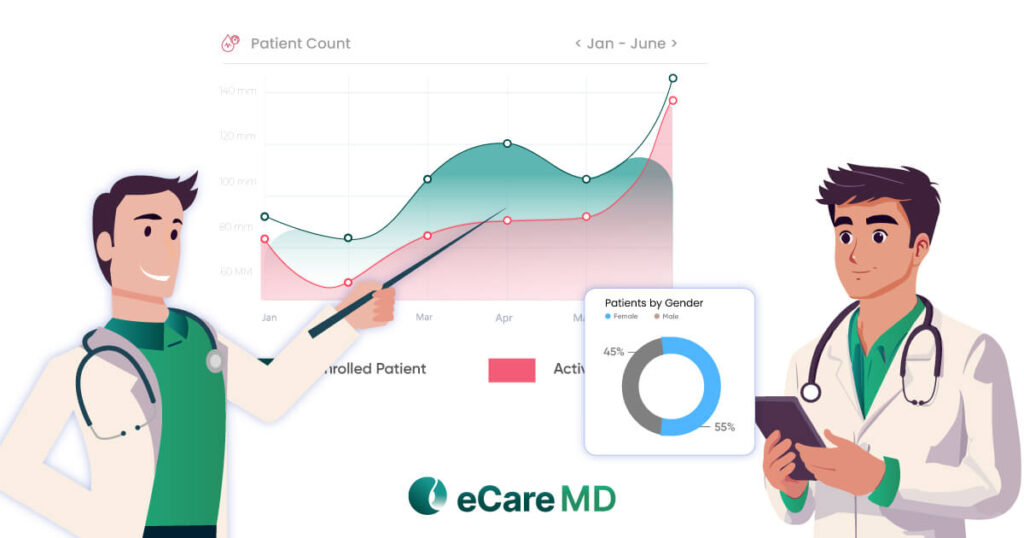
With eCareMD, it becomes easy for your practice to bring billing, reporting, and analytics together. This further gives your practice clearer visibility into reimbursement, program performance, and areas that may need attention.
6. Integration & Interoperability
Connections with EHRs, billing systems, telehealth platforms, laboratories, and other healthcare tools can help reduce duplicate data entry and disconnected workflows.
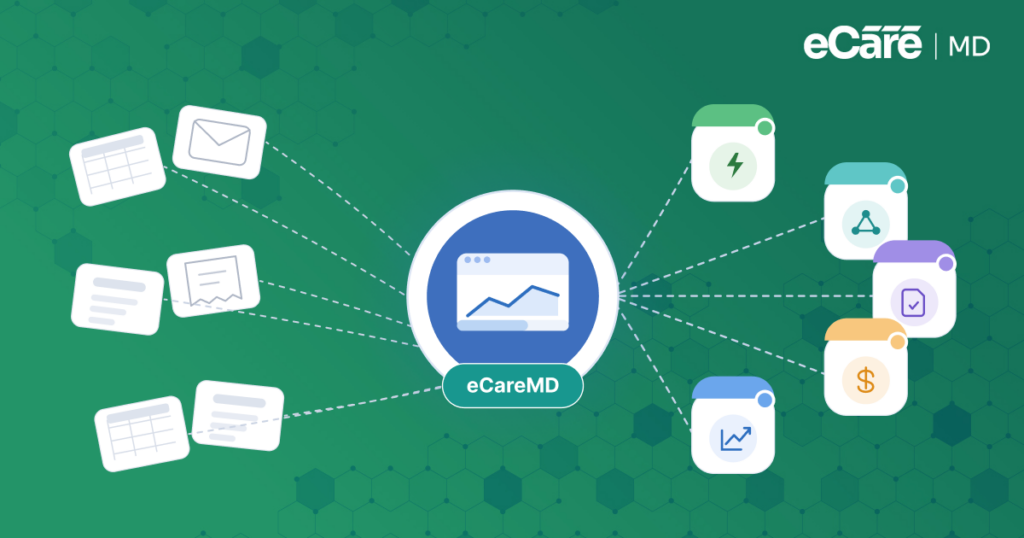
eCareMD integrates with existing healthcare systems to help practices exchange information more smoothly and keep care management connected to their broader technology ecosystem.
7. Security & Scalability
HIPAA compliance, role-based access, audit logging, secure infrastructure, and multi-location support help protect patient data while allowing the platform to grow with your practice.
eCareMD combines enterprise-grade security with scalable infrastructure, helping growing healthcare organizations support increasing patient volumes, providers, and locations without outgrowing their CCM technology.
What Benefits Should Practices Expect from Modern CCM Software?
The right chronic care management software must bring more to the table than organizing CCM tasks. Connecting care coordination, patient outreach, documentation, time tracking, and reporting helps your practice to reduce administrative work and keep daily operations running seamlessly.
This further enables your team to focus more on patient care while enhancing productivity, compliance, and patient engagement. Over time, all these improvements also make it easier to grow a CCM program without adding the same burden to staff.
Modern CCM software can help practices:
- Improve care coordination: Shared care plans, patient information, and communication tools keep care teams aligned and help prevent gaps in care.
- Reduce administrative workload: Automation handles repetitive tasks such as reminders, follow-ups, documentation, and time tracking, giving staff more time to focus on patients.
- Increase provider productivity: Streamlined workflows help teams manage CCM activities more efficiently without constantly switching between systems.
- Strengthen compliance: Built-in documentation, consent tracking, and audit trails make it easier to maintain accurate records and support CMS requirements.
- Increase patient engagement: Timely outreach, personalized care plans, and consistent communication help patients stay connected to their care.
- Support long-term growth: Scalable workflows allow practices to manage more CCM patients without increasing administrative work at the same pace.
eCareMD helps your practice to deliver consistent patient care and build a stronger foundation for sustainable growth by bringing care coordination, automation, documentation, billing, and reporting into a connected CCM workflow.
What Mistakes Should You Avoid When Selecting CCM Software?
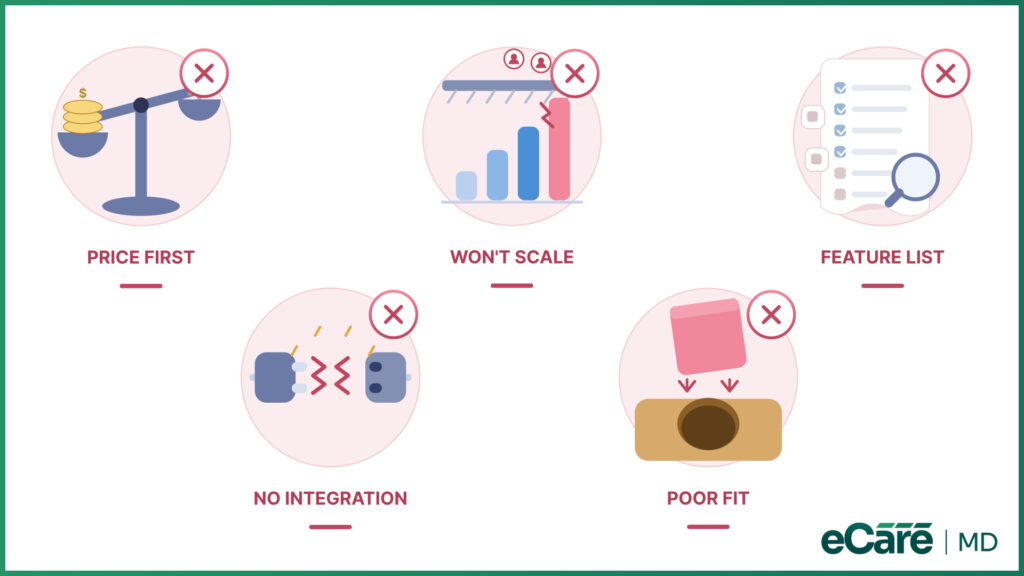
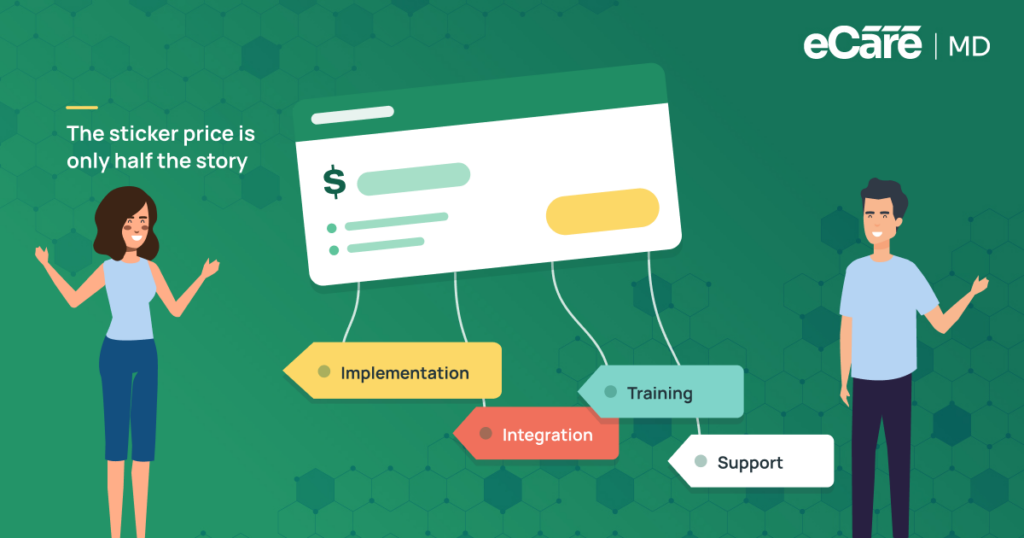
If you choose CCM software on the basis of only price or a longer list of features, it can definitely come back to bite you later. Even though a platform may look good during a demo, it can still create issues if it is unable to fit your workflows, connect with your existing systems, or support your practice as it grows.
Here are some of the common mistakes that you should avoid while selecting CCM software:
| Common Mistake | Why It Can Be a Problem | What to Consider Instead |
|---|---|---|
| Choosing price over functionality | A lower upfront cost may lead to more manual work, limited capabilities, or additional costs later. | Look at the overall value, including automation, productivity, integrations, and long-term ROI. |
| Overlooking integrations | Disconnected systems can lead to duplicate data entry, workflow gaps, and frustrated staff. | Check whether the platform integrates with your EHR, billing system, telehealth tools, and other essential systems. |
| Ignoring scalability | A platform that works for a small CCM program may struggle as patient volume, providers, or locations increase. | Choose software that can scale with your practice without requiring another system down the road. |
| Forcing software into existing workflows | Poor workflow fit can make implementation harder, reduce user adoption, and create unnecessary administrative work. | Evaluate whether the platform can adapt to how your team actually works. |
| Focusing only on features | A long feature list does not guarantee better performance, compliance, or patient care. | Evaluate how well the features work together across the complete CCM workflow. |
All these mistakes can affect more than the software itself. A poor choice can lead to slowing down implementation, making staff less willing to use the platform, creating compliance gaps, and weakening overall CCM performance.
eCareMD helps to address all these challenges through an integrated CCM platform, which can connect enrollment, care coordination, automation, documentation, billing, reporting, and integrations within one workflow. This further gives your practice a more connected foundation rather than adding another disconnected tool to your technology stack.
How to Choose the Best CCM Software for Your Practice
To choose the best CCM software for your practice, you should start by looking beyond features. Along with this, you also need to consider whether the platform fits your specialty, existing workflows, patient volumes, and long-term goals. You must evaluate the vendor itself, like its experience, implementation process, training, customer support, pricing, and plans for future product development.
While comparing chronic care management software companies, you must ask vendors the following questions:
| Evaluation Area | Questions to Ask Vendors |
|---|---|
| Clinical Features | Does the platform support your complete CCM workflow and specialty needs? |
| Ease of Use | Is it intuitive enough for providers and care teams to adopt quickly? |
| Integration | Does it connect with your EHR and other systems you already use? |
| Compliance | Does it support CMS documentation and HIPAA requirements? |
| Reporting | Does it provide actionable clinical, operational, and financial insights? |
| Vendor Support | What onboarding, implementation, training, and ongoing support are included? |
| Scalability | Can the platform support increasing patient volumes, providers, and locations? |
A product demonstration can reveal how the software works in practice, while discussions about onboarding and implementation can show what happens after the contract is signed.
It is also worth asking about pricing transparency, customer support, integration services, and the vendor’s product roadmap. These details can make a significant difference in long-term adoption.
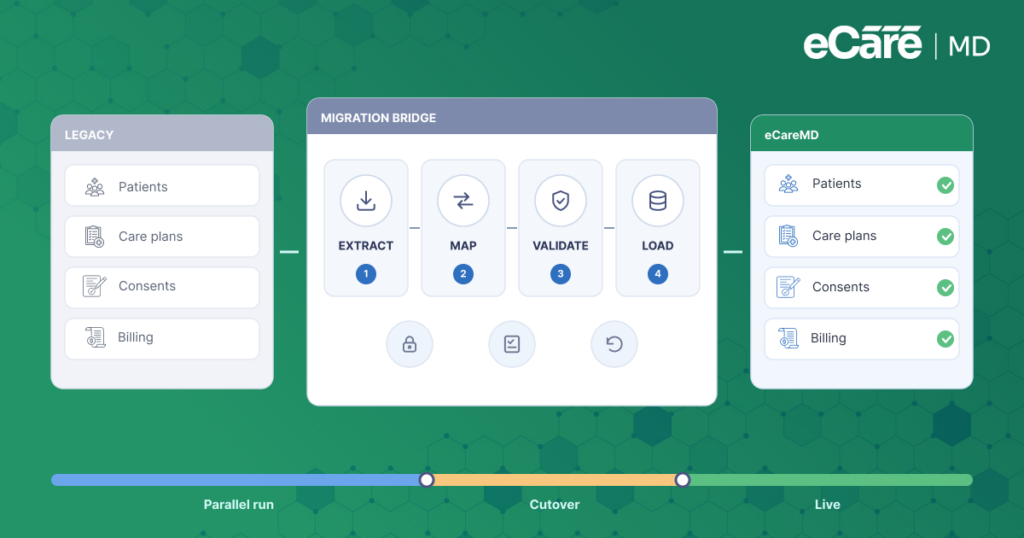
For practices considering switching CCM software, the evaluation should also include what happens to existing workflows, patient data, integrations, and staff training during the transition. A smoother transition can prevent disruption and make it easier for teams to adopt the new platform.
eCareMD supports this process with implementation assistance, training, integrations, and ongoing support designed to help healthcare organizations adopt the platform smoothly. By bringing core CCM workflows into one connected system, it gives practices a foundation they can continue to build on as their programs grow.
Why Are More Practices Choosing All-in-One CCM Platforms?
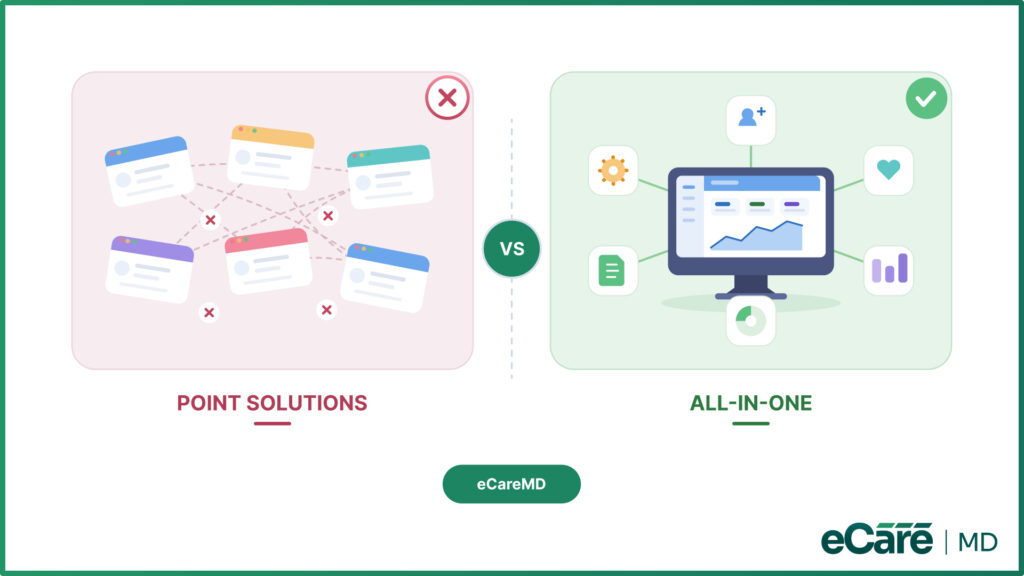
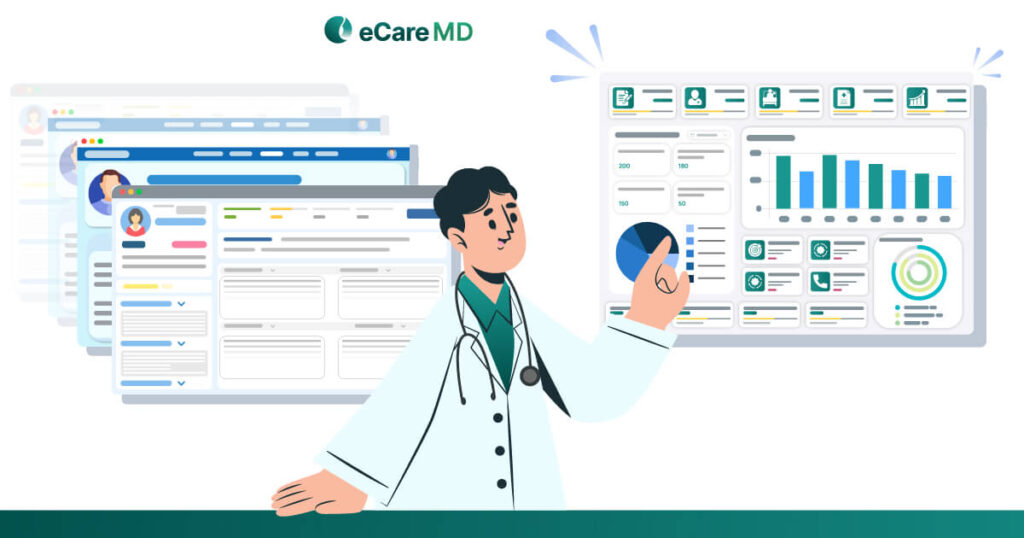
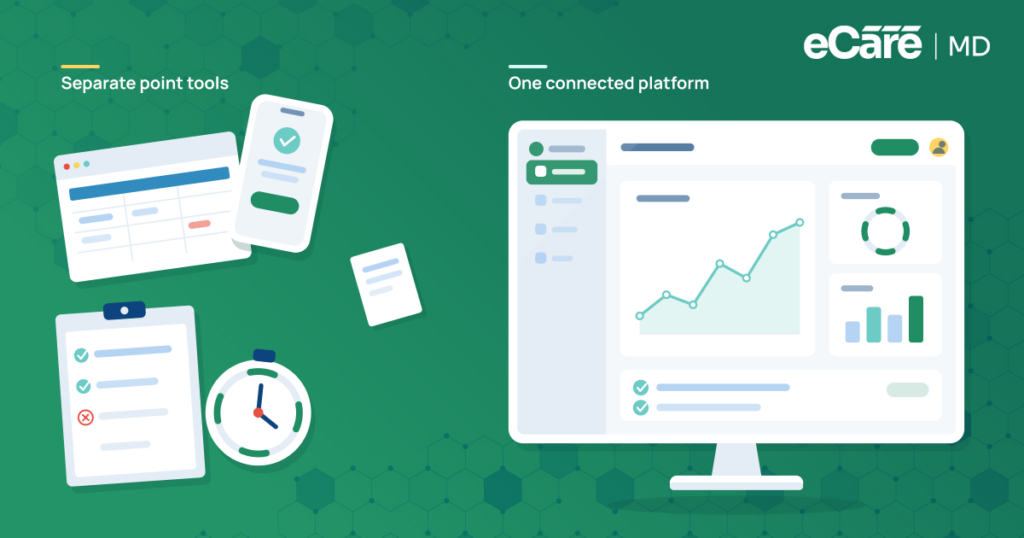
If you manage CCM through several disconnected tools, it can create more work than expected. Because of this, your staff may end up moving between applications for patient management, care coordination, documentation, and reporting, which makes it harder to keep information connected.
However, with an all-in-one CCM platform, it becomes easier to bring all these workflows together, which further gives your practice a simpler way to manage its programs as they grow.
| Capability | Point Solutions | All-in-One CCM Platform |
|---|---|---|
| Patient Management | Separate tools and records | Unified patient management |
| Care Coordination | Fragmented workflows | Connected team collaboration |
| Documentation | Multiple systems | Centralized records |
| Reporting | Separate dashboards | Unified analytics and insights |
| User Experience | Multiple applications | Single connected interface |
| Scalability | Increasingly complex to manage | Built for long-term growth |
The difference goes beyond convenience. A unified platform can reduce duplicate work, improve collaboration, and give teams a clearer view of the entire CCM program. It also makes scaling easier because practices do not have to keep adding separate tools as their patient population and operations expand.
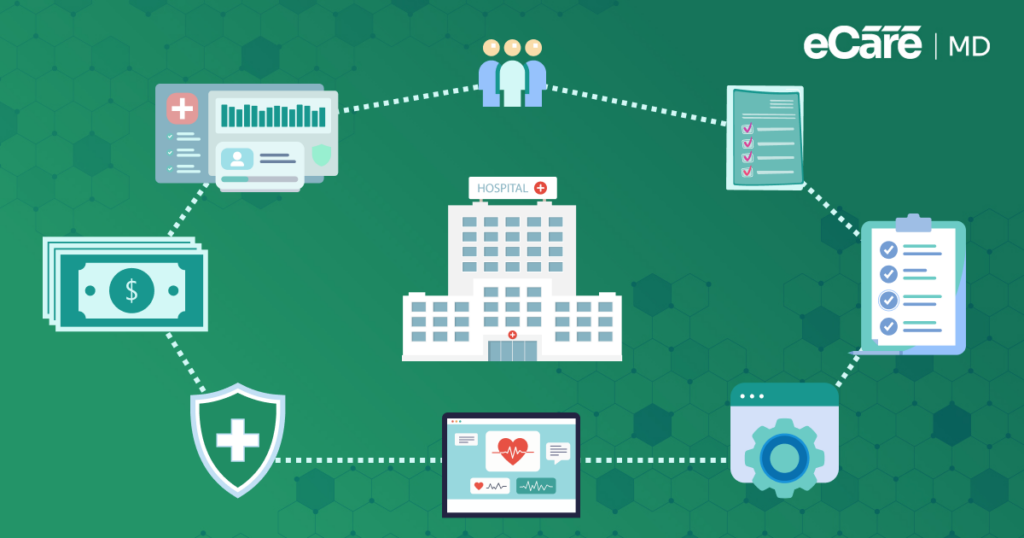
eCareMD, developed by Medarch Inc., brings patient enrollment, care planning, workflow automation, documentation, billing, reporting, and analytics together in one integrated CCM solution.
By connecting these capabilities within a single platform, eCareMD helps healthcare organizations simplify daily operations while creating a more scalable foundation for long-term CCM growth.
Download Free CCM Software Feature Checklist
Download nowConclusion
Choosing CCM software is about more than finding a platform with the most features. Healthcare organizations should look at how well the software fits their workflows, supports compliance, connects with existing systems, scales with growth, and delivers long-term value. The right platform should make CCM easier to manage, not add another layer of complexity.
As you compare chronic care management software companies, consider whether their solutions can support the full CCM journey from patient enrollment and care coordination to automation, documentation, billing, reporting, and analytics. A connected approach can help practices improve operational efficiency while creating better experiences for both care teams and patients.
eCareMD brings these capabilities together in a comprehensive care management solution, giving healthcare organizations the tools they need to streamline CCM operations, support better patient outcomes, and build a program ready for long-term growth. If you’re looking for a future-ready platform, eCareMD is worth evaluating as you take the next step in your CCM journey.
Frequently Asked Question’s
A comprehensive CCM platform should include patient enrollment and eligibility verification, digital consent, care planning, care coordination, workflow automation, documentation, billing, reporting, integrations, and security. These features should work together rather than operate as isolated tools. The goal is to support the complete CCM journey while reducing manual work, improving coordination, and helping practices manage their programs more efficiently.
Start by evaluating how well the software fits your current workflows, specialty needs, patient volume, and long-term goals. Compare ease of use, integrations, compliance capabilities, automation, reporting, scalability, pricing, and vendor support. A product demonstration is also important because it lets your team see how the platform handles real CCM workflows before making a commitment.
Essential features include automated patient enrollment, Medicare eligibility verification, digital consent, personalized care plans, care coordination, task management, patient communication, documentation, time tracking, billing support, reporting, and interoperability. Practices should also evaluate security and scalability. More importantly, these capabilities should connect across the CCM workflow so staff do not have to repeatedly enter or transfer the same information.
Workflow automation helps reduce the repetitive administrative work involved in running a CCM program. Automated reminders, recurring tasks, patient follow-ups, documentation support, and time tracking can save staff time and improve consistency. As the patient population grows, automation also helps practices manage more CCM activities without increasing administrative workload at the same pace.
CCM software should integrate with the systems a practice already relies on, including EHRs, billing platforms, telehealth solutions, laboratories, and other healthcare technologies. Seamless data exchange can reduce duplicate documentation and manual data entry while keeping patient information accessible across workflows. Before choosing a platform, practices should confirm that integrations are reliable and support their specific technology environment.
Modern CCM software can improve care coordination, reduce administrative workload, increase provider and staff productivity, support compliance, and strengthen patient engagement. It also gives practices better visibility into clinical and financial performance through reporting and analytics. By connecting these capabilities, CCM software can help organizations deliver more consistent care while creating a stronger foundation for sustainable program growth.
Providers should avoid choosing software based solely on price or the number of features included. Other common mistakes include overlooking EHR and billing integrations, ignoring scalability, choosing a platform that does not fit existing workflows, and failing to evaluate implementation and support. A platform may look impressive during a demo but still create problems if it does not work well in daily practice.
A practice should consider switching CCM software when its current platform creates excessive manual work, lacks important integrations, limits program growth, or no longer supports changing workflows. Poor customer support, limited reporting, compliance challenges, and low user adoption can also be warning signs. Before switching, practices should evaluate data migration, staff training, implementation requirements, and potential workflow disruption.
An all-in-one CCM platform brings patient management, care coordination, documentation, automation, billing, reporting, and analytics into one connected system. Point solutions may handle individual tasks effectively but often require staff to move between multiple applications. A unified platform can reduce fragmented workflows, improve collaboration, simplify management, and make it easier to scale CCM operations as the practice grows.
CCM software should include strong security and compliance capabilities such as HIPAA compliance, role-based access controls, secure data storage, audit logging, consent management, and organized electronic documentation. Practices should also evaluate how the platform supports CMS requirements and audit readiness. These safeguards help protect sensitive patient information while supporting accurate records and compliant CCM operations.
Providers should ask vendors to demonstrate the complete CCM workflow, from patient enrollment and eligibility verification to care planning, documentation, billing, and reporting. It is also important to ask about EHR integrations, implementation timelines, training, customer support, data migration, security, pricing, and scalability. Seeing the platform in action can reveal whether it actually fits the practice’s daily workflows.
Chronic care management software companies can differ significantly in their platform capabilities, workflow flexibility, integrations, pricing, implementation services, customer support, security, reporting, and scalability. Some focus on specific CCM functions, while others provide broader, integrated platforms. Practices should therefore compare vendors based on how well their solutions fit current workflows and support the organization’s long-term CCM goals.
eCareMD provides a connected CCM platform that brings patient enrollment, care planning, care coordination, workflow automation, documentation, billing, reporting, analytics, and integrations together. This integrated approach helps healthcare organizations reduce fragmented workflows and improve operational visibility. With scalable infrastructure and connected CCM capabilities, eCareMD can support practices as they expand their patient populations and build long-term CCM programs.








![The Future of Remote Patient Monitoring: CMS Innovations & Emerging Trends [2026]](/wp-content/uploads/2024/07/Blog-36-The-Future-of-Remote-Patient-Monitoring_-Trends-AI-Innovation-CMS-Updates-for-2026-1024x538.png)