Last Updated: August 26, 2026
Features define the functionality of your Remote Patient Monitoring Software!
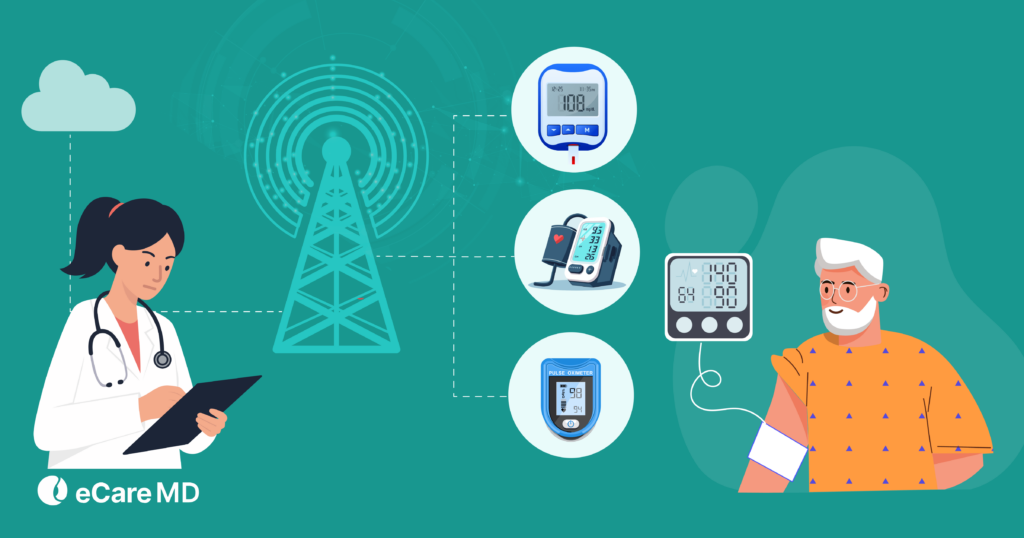
So, having some of the features is non-negotiable. The must-have RPM software features include real-time alerts, automated patient onboarding, CPT tracking, EHR integration, and scalable device management.
Remote Patient Monitoring (RPM) has become essential, as modern healthcare practices continue to shift toward digital and value-based care models, making a reliable remote patient monitoring system critical for success.
This is the reason why the adoption rate for RPM software has skyrocketed by 1300% in the past few years, and this growth continues today with rising adoption across value-based care models.
By allowing healthcare practices to move from traditional practices to digital practices, remote patient monitoring has instilled a sense of comfort in giving and receiving care. For providers, it offers convenience and continuous care, allowing efficient data collection and reduces unnecessary hospital visits.
These features enable continuous monitoring, early risk detection, and efficient data management, making them essential RPM software features in any modern remote patient monitoring system.
Selecting the wrong platform with poorly designed features can result in inefficient workflows, missed patient alerts, increased staff burden, and lowered patient outcomes. This is why choosing the right solution for remote patient monitoring for clinics is important.
That’s exactly where RPM platform features come into play. The effectiveness of your care team to monitor patients, interpret data, and respond to potential risks in remote patient monitoring for clinics depends on the built-in features of your RPM software..
But this might bring you to the next question: ‘What are the essential features of RPM software that you require?’
Well, let’s find out in this blog, and let this be your guide to the RPM platform features checklist.
Essential RPM Software Features
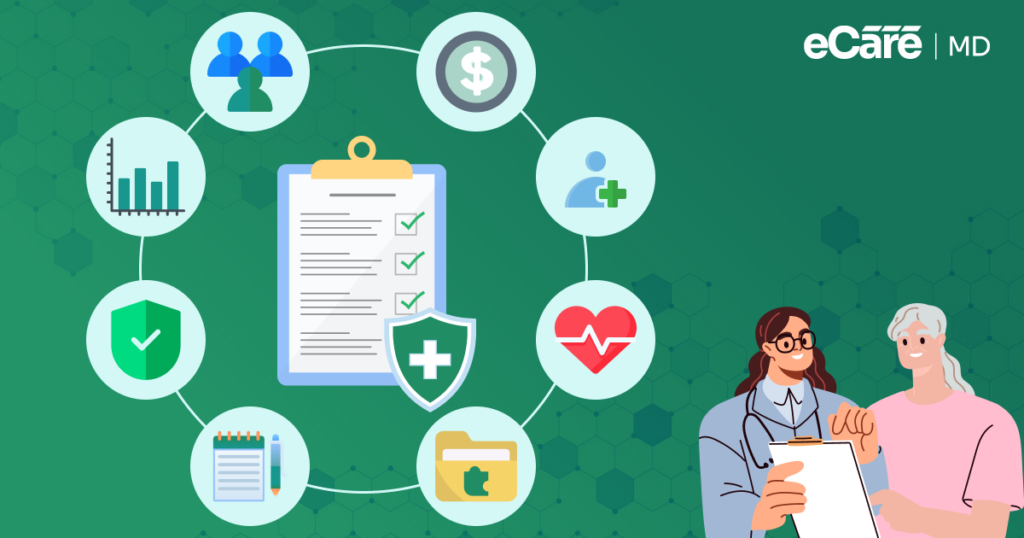
| Feature | Why It Matters |
|---|---|
| User-Friendly Interface & Role-Based Dashboards | Helps clinicians, care coordinators, and administrators access the information and workflows relevant to their roles. |
| Customizable Monitoring & Care Plans | Allows providers to configure monitoring workflows and thresholds around different conditions and patient needs. |
| Real-Time Alerts & AI Prioritization | Helps care teams identify clinically important changes while reducing unnecessary alerts. |
| EHR Integration & Interoperability | Keeps RPM data synchronized with patient records and reduces duplicate data entry. |
| Secure Data Management & Compliance | Protects patient information through appropriate security controls and compliance safeguards. |
| Predictive Analytics & Reporting | Turns monitoring data into trends and insights that support proactive care decisions. |
| Telehealth & Communication Tools | Connects remote monitoring with virtual visits, secure messaging, and care-team communication. |
| Patient Engagement & Automated Onboarding | Simplifies device setup, education, reminders, and ongoing patient participation. |
| Scalable Cloud & Multi-Clinic Management | Supports growing patient volumes, multiple locations, and expanding RPM programs. |
| Billing Support & Automation | Tracks monitoring time, documentation, and billing-related information to support accurate reimbursement workflows. |
What Features Should RPM Software Have?
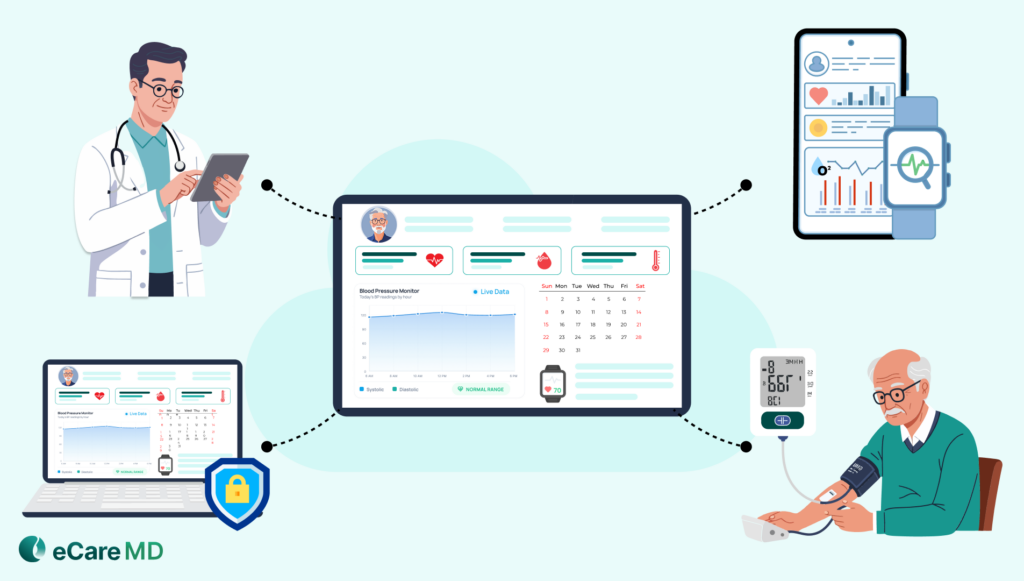
Before even hitting the market to search for a remote patient monitoring system, it is necessary for you to understand that your software should not just satisfy your current needs but also be capable of scaling in the future.
Let’s have a look at the essential features of RPM software that are required for seamless monitoring:
1. User-Friendly Interface & Role-Based Dashboards
Being a healthcare provider, you must know that humans like simple things, and remote patient monitoring software is going to be the point of contact for patients to receive care. Making the software too complex to navigate for patients and providers can cause confusion while using the software.
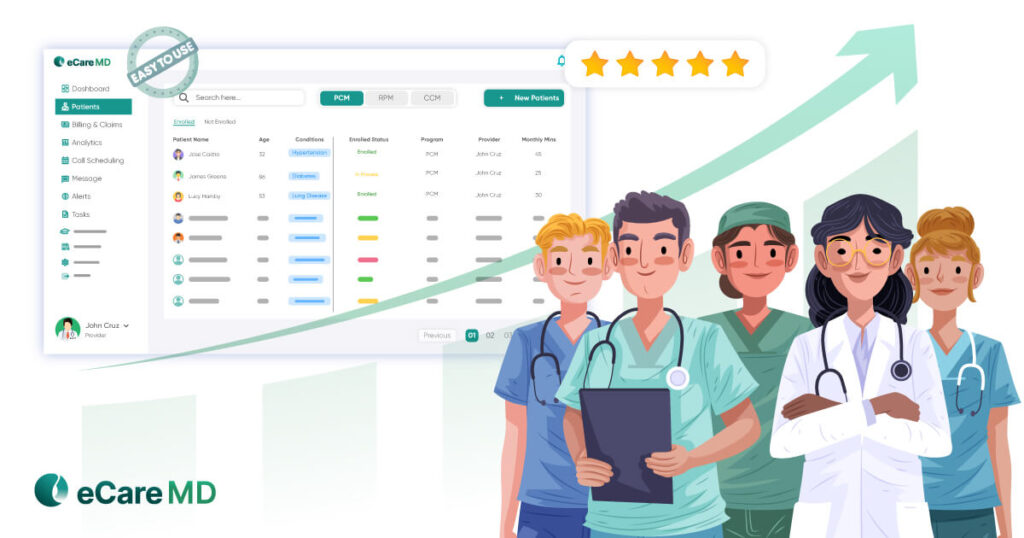
Having a simple, interactive, and user-friendly interface can make the software easy to use. One of the best practices for user interface design is to adopt a patient-first approach. This will help in understanding the application better and make the navigation through complex patient data easier.
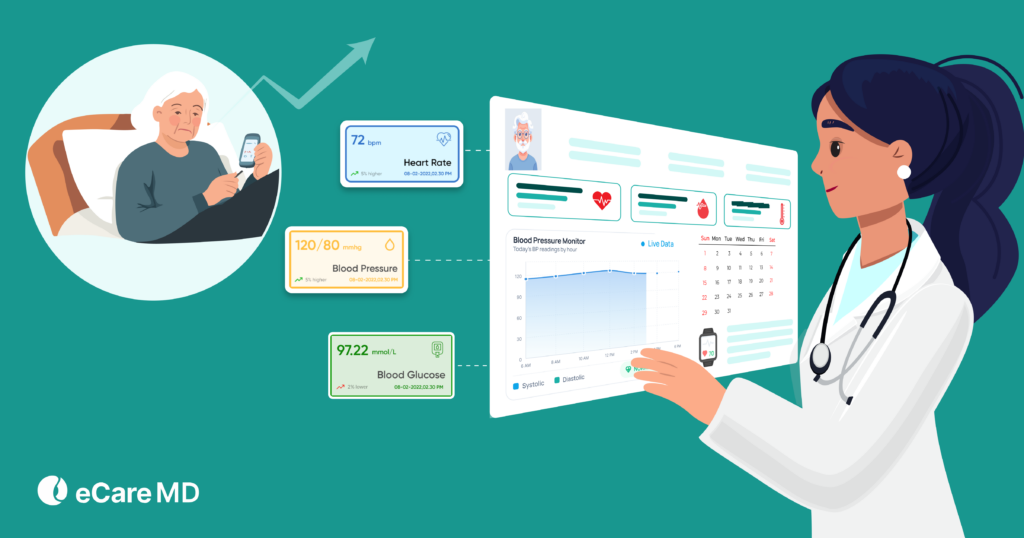
Furthermore, equally important is clear data visualization, as it helps you and your patients to quickly understand health trends, readings, and alerts without creating any confusion.
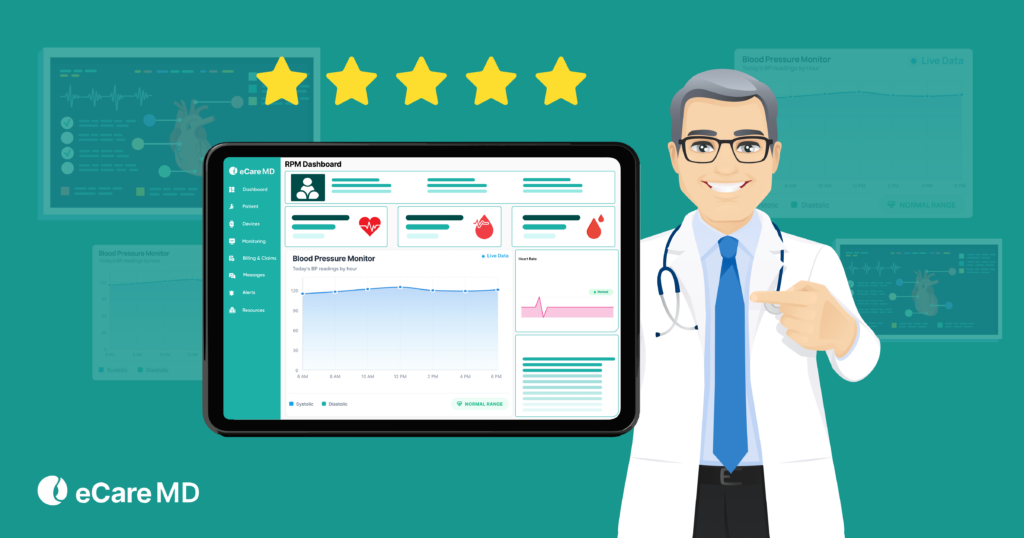
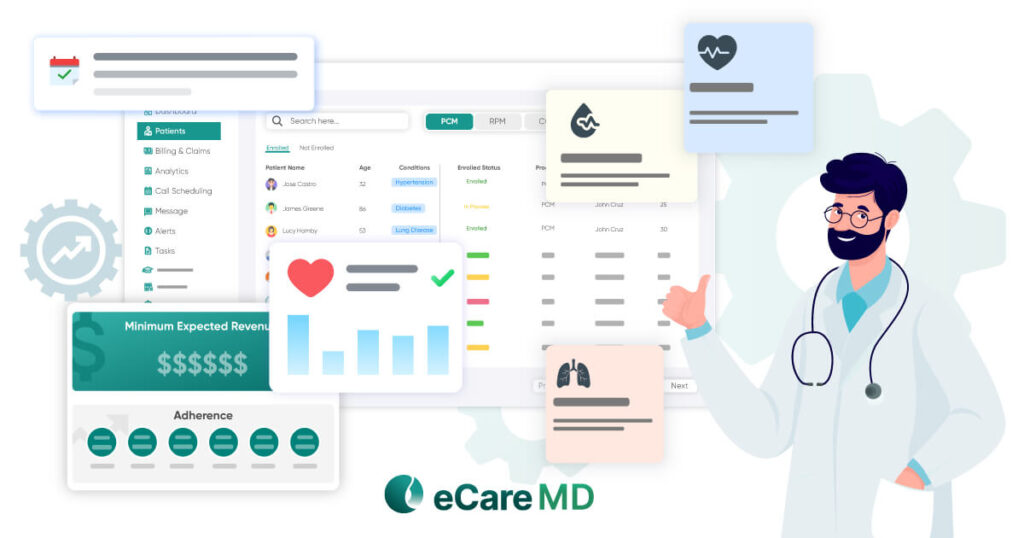
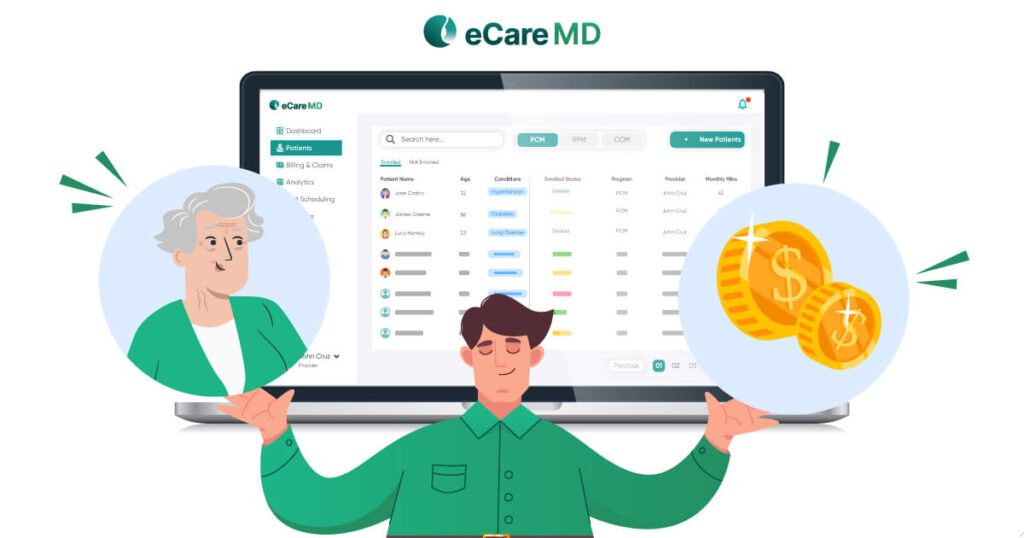
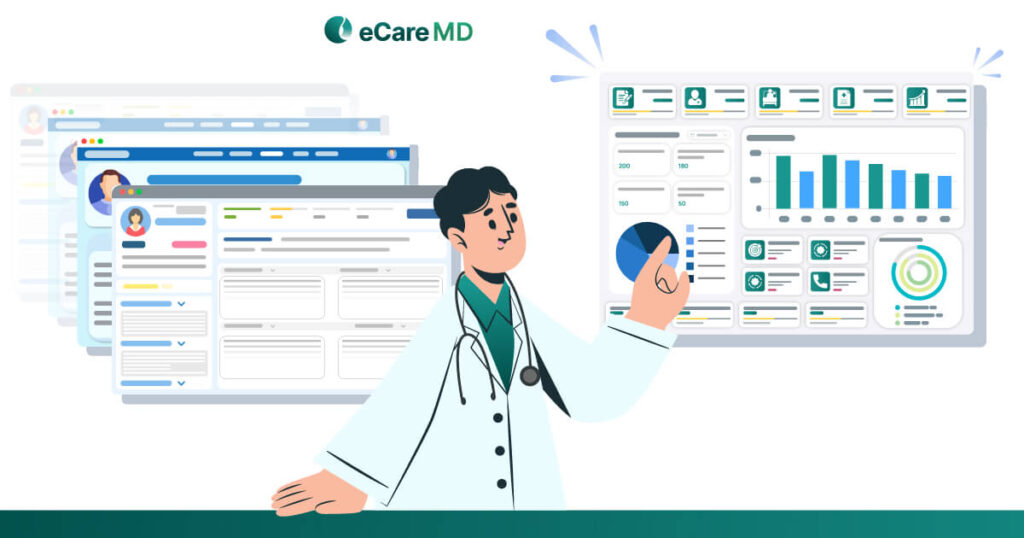
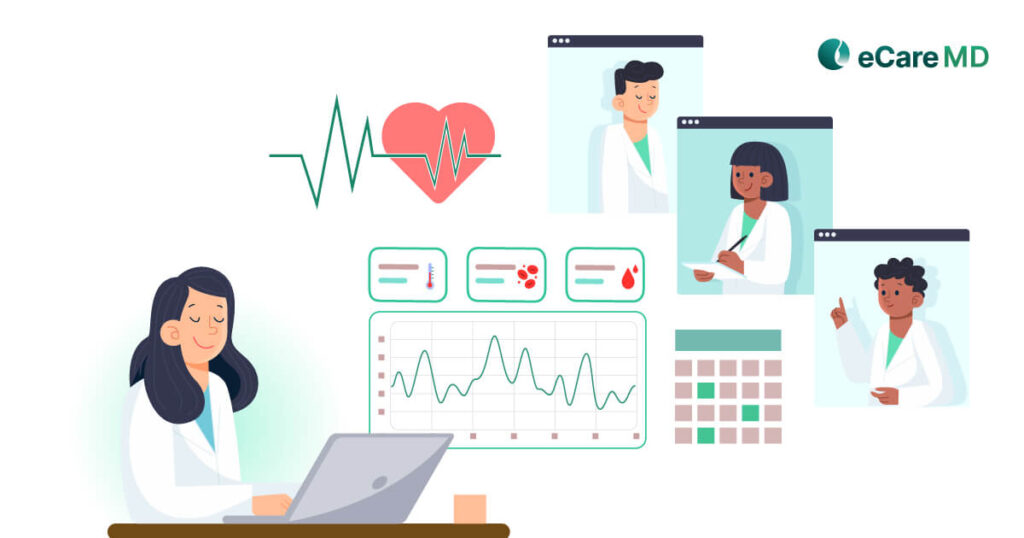
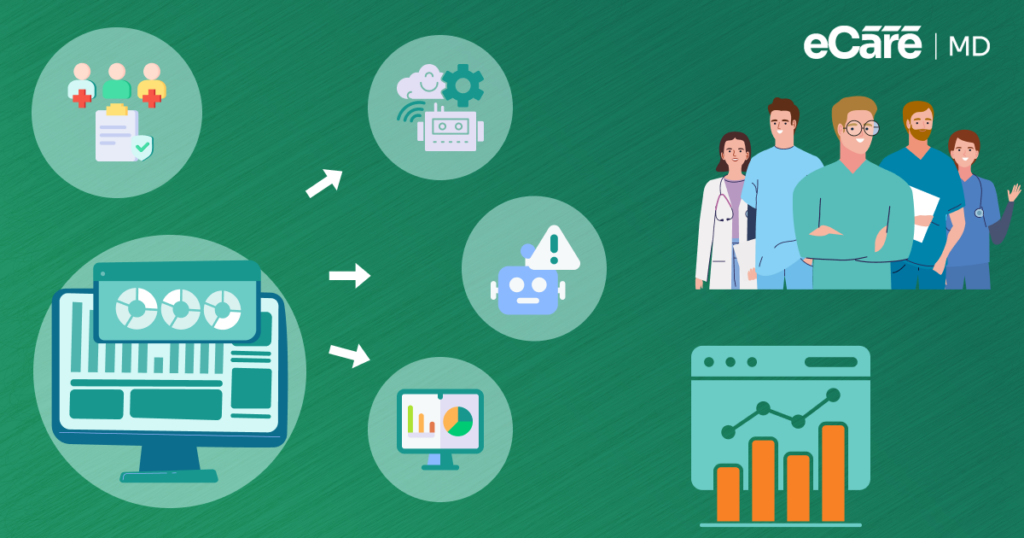
Some of the crucial aspects to consider when designing RPM software are the development of instructive, and customized dashboards for different conditions. Role-based dashboards allow your clinicians, care coordinators, and administrative staff to view relevant data, perform specific tasks, and manage workflows.
Considering these little things is essential to drive patient engagement and make the usability of the application smoother and easier, as they are must-have features in a remote patient monitoring platform.
2. Customizable Monitoring & Care Plans
There are chances that a few patients might be suffering from two of the same chronic conditions, but your other patients might be suffering from different conditions. This makes data collection and transmission processes more complex. This means that your remote patient monitoring software needs to be equipped with customized dashboards specific to patient needs and conditions.
Monitoring patients in a clinical setting is fairly easy, but in the virtual landscape, the RPM software should be able to know which vitals should be transmitted to which part. Along with that, the software should collect a wide range of vital signs and data pointers for providers to make actual use of the data being collected and transmitted.
For instance, the RPM software should be able to transmit some of the necessary vital signs like heart rate, blood oxygen levels, glucose levels, etc., which act as crucial healthcare parameters to provide quick treatment.
Furthermore, to enable providers to customize monitoring workflows for chronic conditions like diabetes, hypertension, or cardiac care, your platform should support condition-specific care plans.
Since RPM collects real-time patient data, some customization in this feature can give providers a slight edge in offering better preventive care. This also includes configurable monitoring thresholds, which help you to detect changes in health trends.
For example, you can set specific parameters for each patient and receive automated alerts when readings fall outside the defined range.
By adding the features of automated alerts and notifications whenever the device records data outside the set parameters, these become critical remote patient monitoring platform features for proactive care.
3. Secure Data Management & Compliance
One of the most essential features of remote patient monitoring software is the ability to collect data from the RPM devices and store it before transmitting it to the care provider’s system. Various factors here can obstruct the process, making the data prone to data breaches and theft.
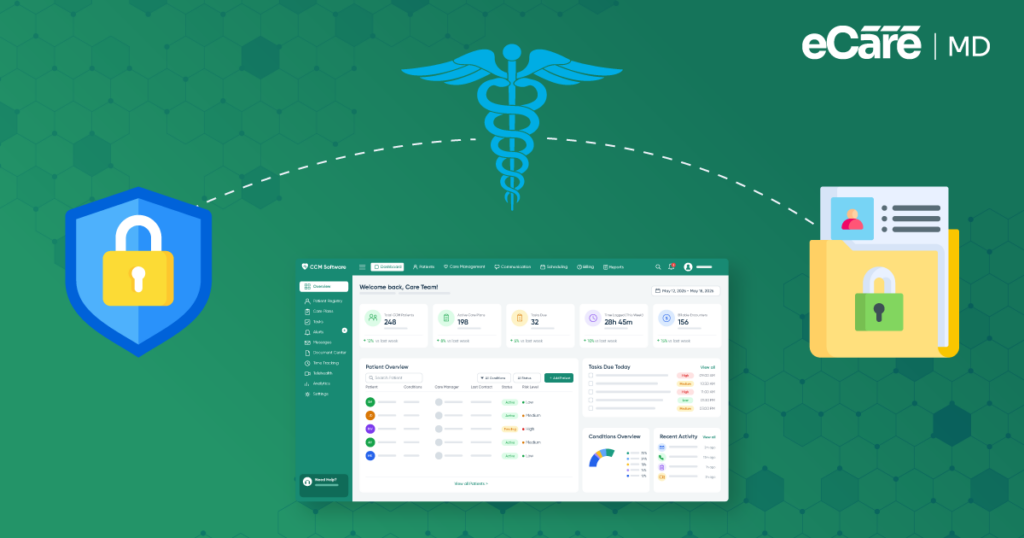
Ensure that the RPM software you are choosing is encrypted and that there are secure channels for smooth and secure data transmission. Adhering to the guidelines set by HIPAA can be a crucial step in the data protection of patients.
Along with HIPAA, you should also comply with your remote patient monitoring platform with other relevant data protection regulations such as HITECH. Additionally, using FDA-approved medical devices and tools for data collection helps ensure accuracy, safety, and regulatory compliance. This will help you ensure complete regulatory alignment.
Furthermore, build a robust data storage infrastructure for data protection. New-age technologies like cloud and blockchain can be used to build a robust ecosystem with minimal chances of data breaches. Additionally, a secure and end-to-end cloud infrastructure supports scalable data storage and seamless data access.
Also, it ensures that the software vendor covers data recovery in case there is any chance of data loss.
Remember, choosing HIPAA-compliant remote patient monitoring software is something that you look to ensure the ecosystem is secure, as security remains one of the must-have features in a remote patient monitoring platform.
4. Real-Time Alerts with AI Prioritization
One of the reasons why remote patient monitoring software has become so popular is that it cuts down the care delivery time. This is done by the real-time alerts and notifications feature in the software.
With this feature, the software automatically generates timely alerts for any critical changes reflected in patient data.
This is important because it equips healthcare providers with essential data to promptly intervene in a patient’s healthcare journey to avoid complications. Customizable notifications with respect to the collected data can amplify the entire care process.
To ensure the right information is delivered to the right person at the right time, you can customize these notifications.
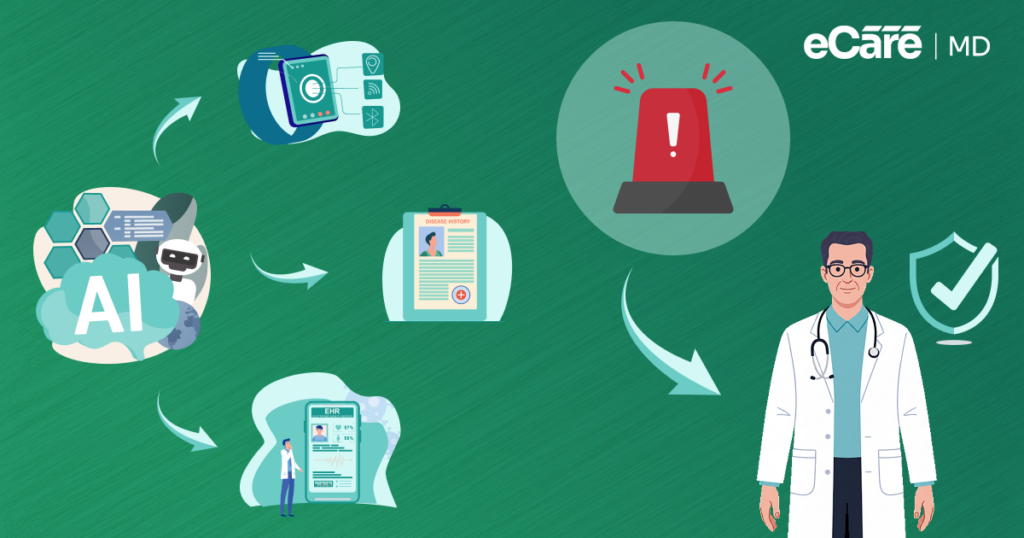
Additionally, AI-powered alert prioritization is equally important, as patient data volume increases and excessive alerts can overwhelm your care teams. By using AI-enabled remote patient monitoring platforms, you can analyze incoming data, focus on high-risk patients, and highlight only the most critical alerts that require immediate attention.
Furthermore, these systems can filter out false positives automatically, like incorrect device readings or minor fluctuations. This allows you to reduce unnecessary alerts and improve clinical efficiency.
5. EHR Integration & Interoperability
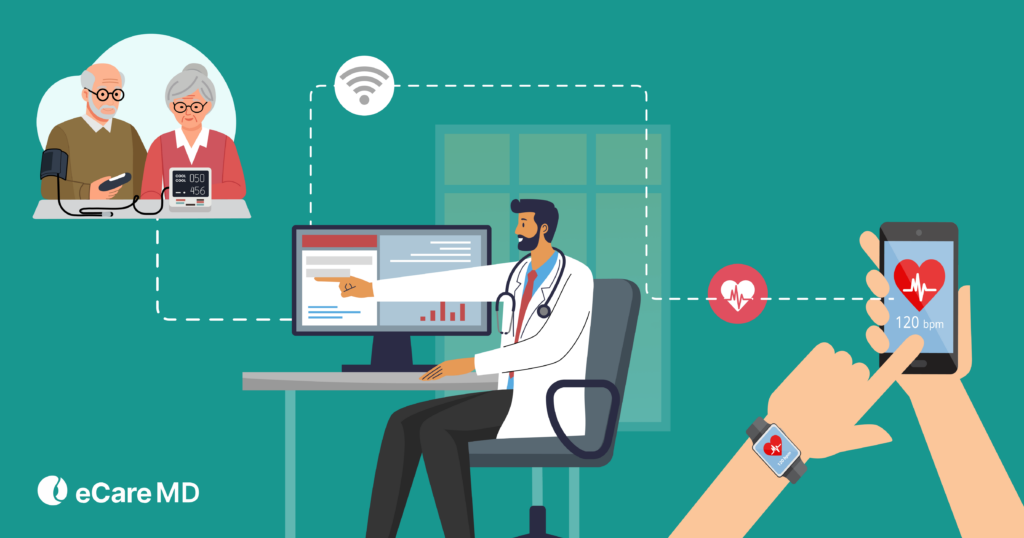
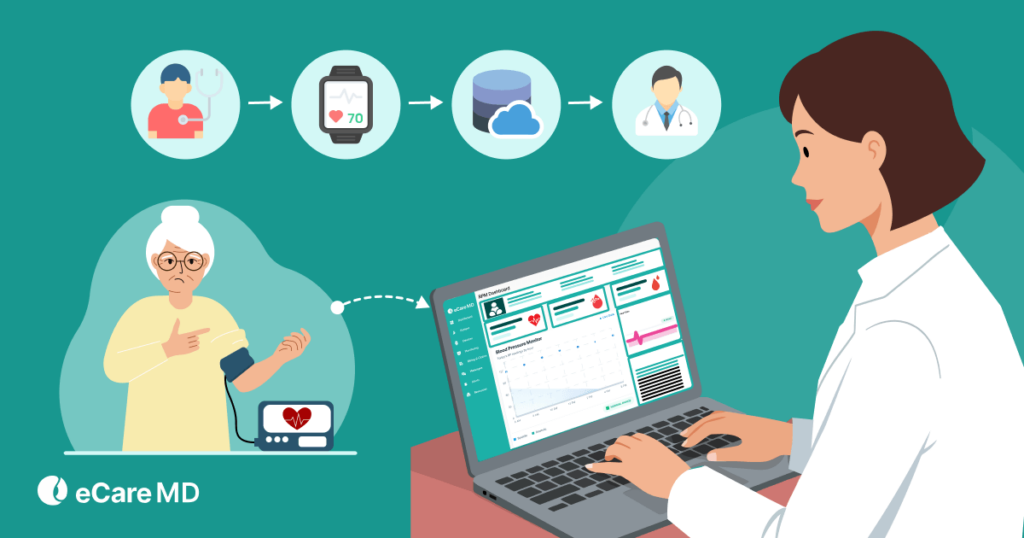
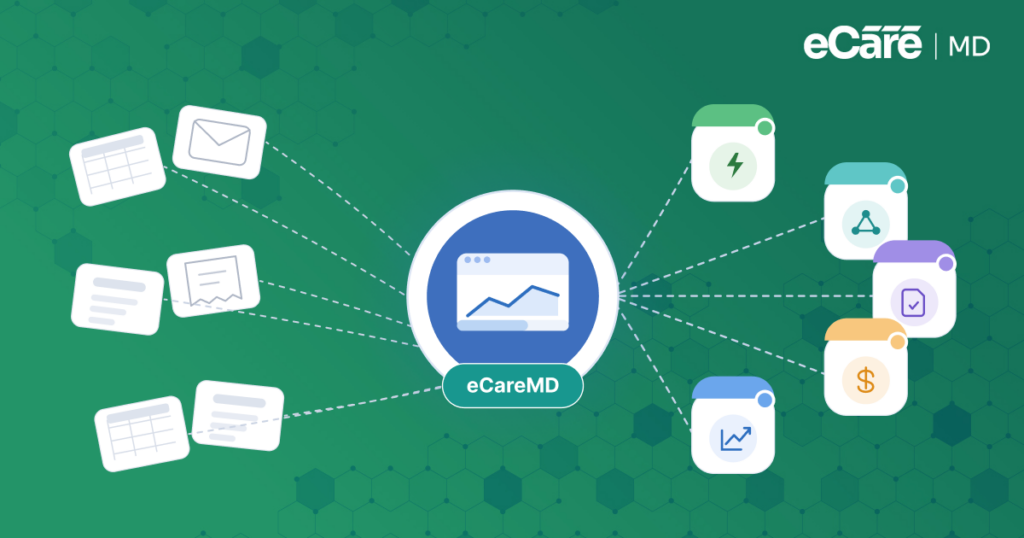
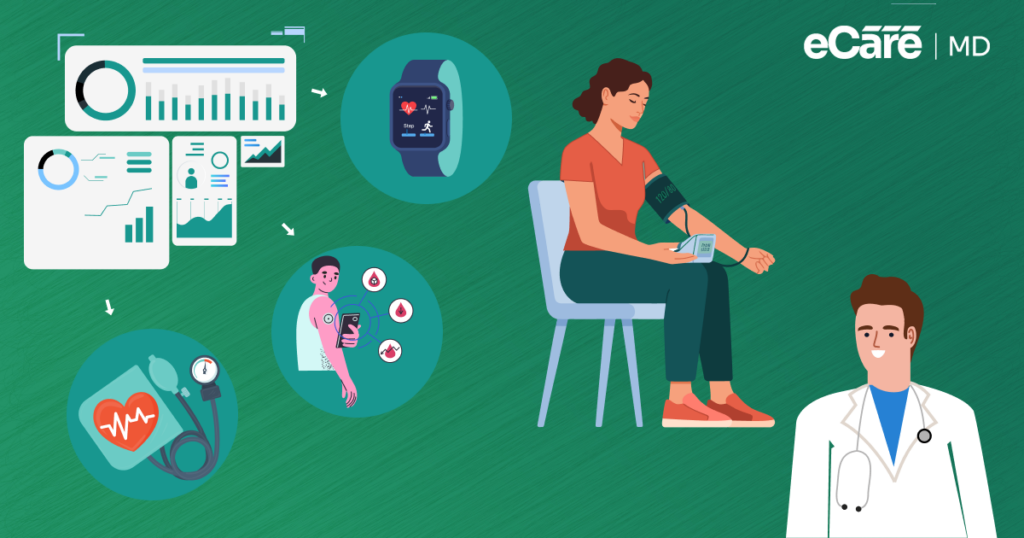
Wearable devices used in remote patient monitoring software play an important role in remote monitoring as they collect patient data and send it to the provider’s system. However, the same data should also be reflected in the patient’s EHR to maintain transparency and enable the seamless transfer of patient data from RPM software to EHR Systems.
This feature improves the efficiency of your healthcare practice by eliminating the need to duplicate tests and readings while ensuring that the provider gets a complete overview of patient health information.
Real-time data synchronization allows you to make timely and informed clinical decisions. For example, real-time data synchronization helps you to ensure that patient information is instantly updated across both RPM and EHR systems.
However, to support this, it is necessary for your remote patient monitoring platform to follow interoperability standards such as HL7 and FHIR. This enables secure data exchange between different healthcare systems.
This integration helps you to maintain a single source of truth for patient records, which is a key factor when learning how to evaluate remote patient monitoring platforms effectively.
6. Predictive Analytics & Reporting
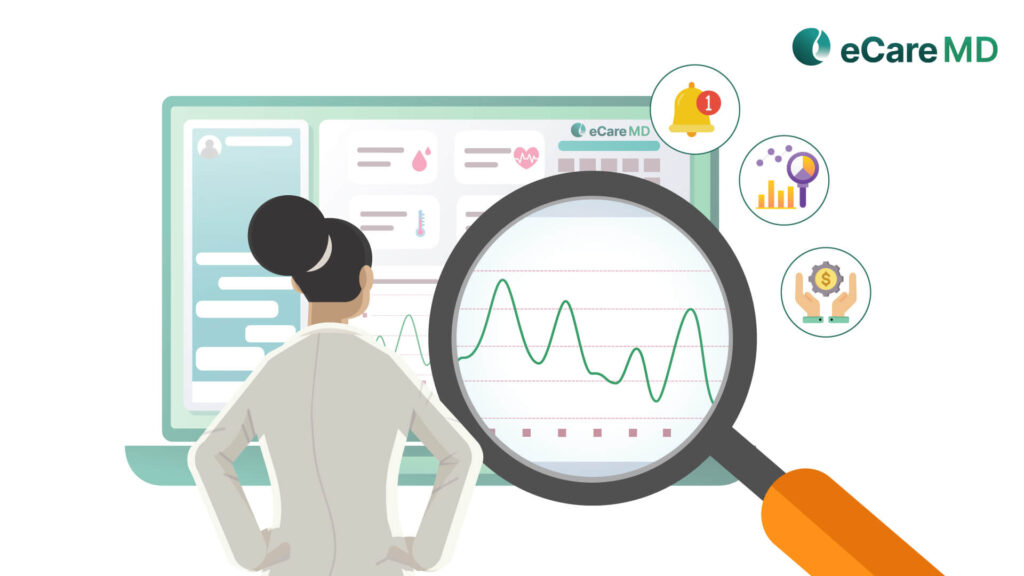
RPM software revolves around sensitive patient data and converts it into a comprehensive structure for easier understanding by providers, including statistical models for data visualization and harnessing the power of machine learning (ML) algorithms to derive insightful information from the data collected and transmitted.
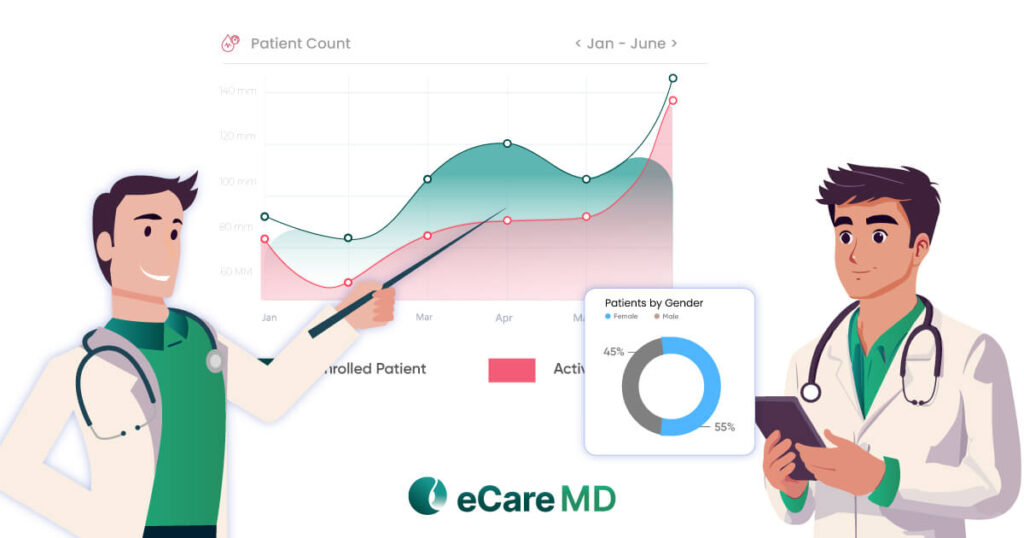
The analytics and reporting feature of your RPM software is crucial for identifying the patterns and trends in the patient’s health data. This feature also helps you to generate comprehensive reports, which can provide a view of patient progress, treatment effectiveness, and long-term health trends.
If integrated successfully, it can improve preventive care significantly and even assist healthcare providers in being better prepared for any unprecedented changes in patient health. Additionally, it can also help you to enhance care delivery, improve patient outcomes, and make more proactive clinical decisions.
The main role of analytics and reporting features in remote patient monitoring software development is to enhance decision-making, making them valuable remote patient monitoring platform features.
Moving forward, predictive analytics is equally important to enable early intervention and reduce avoidable complications.
Enhancing Communication and Engagement
While some of the features are dedicated to enabling seamless monitoring of patients remotely, the remote patient monitoring software should also have features that allow healthcare providers to communicate. Along with that, the RPM software should also be capable of keeping the patients engaged in their care journey. Let’s see what essential features of RPM software enable this functionality.
7. Integrated Telehealth & Communication Tools
There is a fine line difference between telehealth and remote patient monitoring software. Both of them are essential aspects of virtual care, where one complements the other and vice versa.
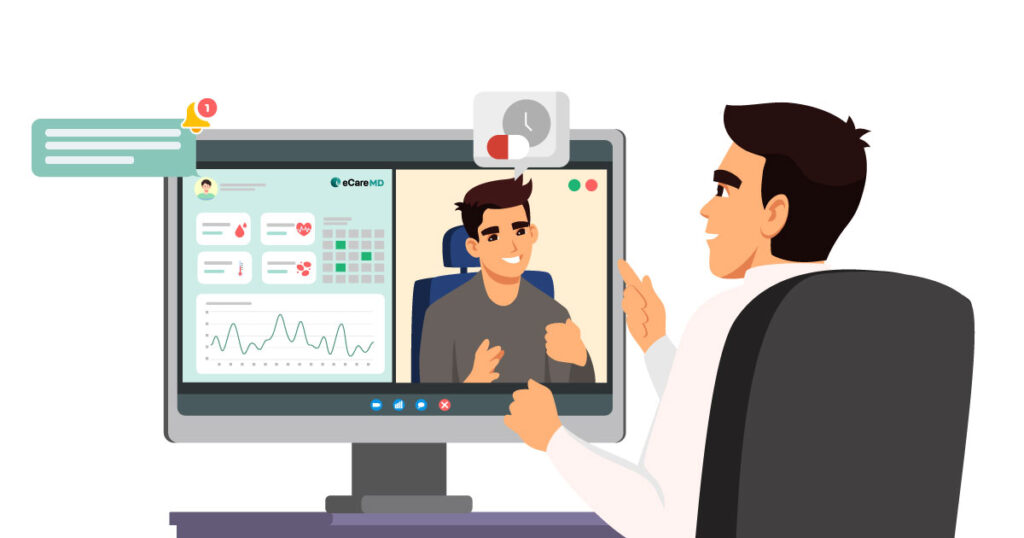
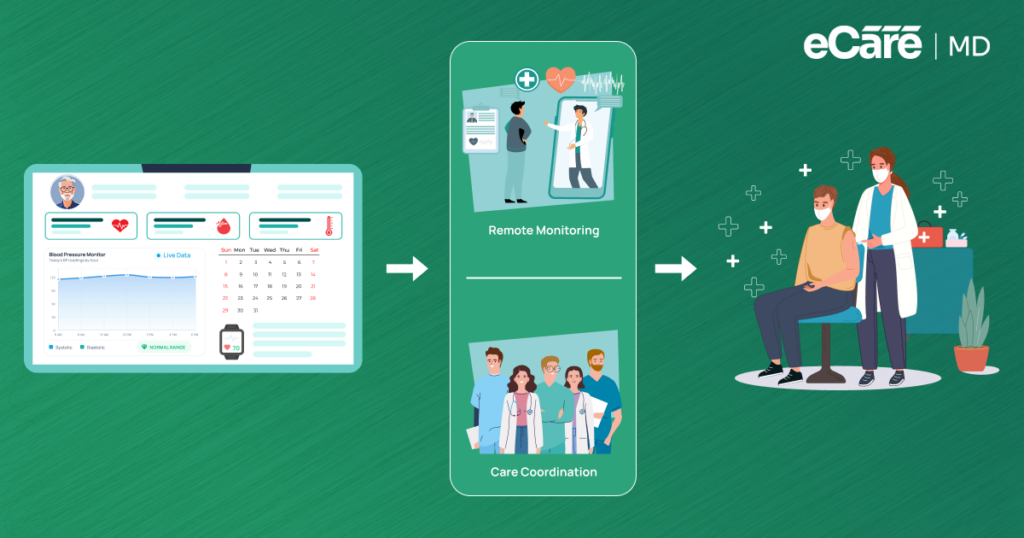
However, to enable both patients and providers to have remote consultations, the remote patient monitoring software should be integrated with telehealth platforms. This involves seamless integration with video conferencing tools, which allows you to conduct virtual visits while accessing real-time patient data within the same system.
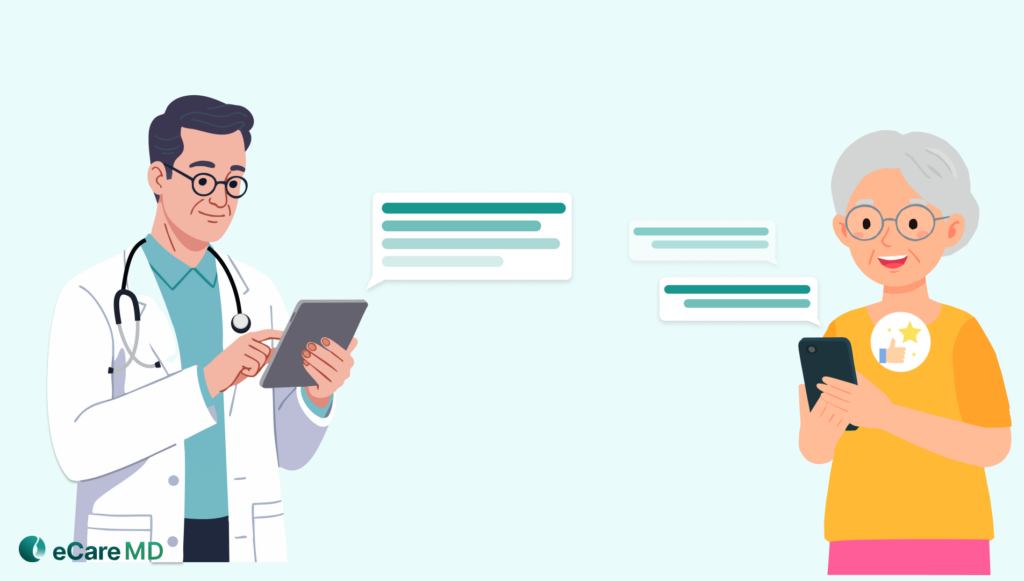
Along with that, make sure that the software supports two-way communication between patients and providers. This way, you give the patient more control of their health, and it is also one of the most effective ways to encourage patients to actively participate in their healthcare journey.
Moreover, a secure messaging feature is key, which enables you to communicate with patients and care teams while ensuring data privacy and compliance. These communication tools also support you in collaborating with your care teams to share updates, coordinate care plans, and respond quickly to patient needs.
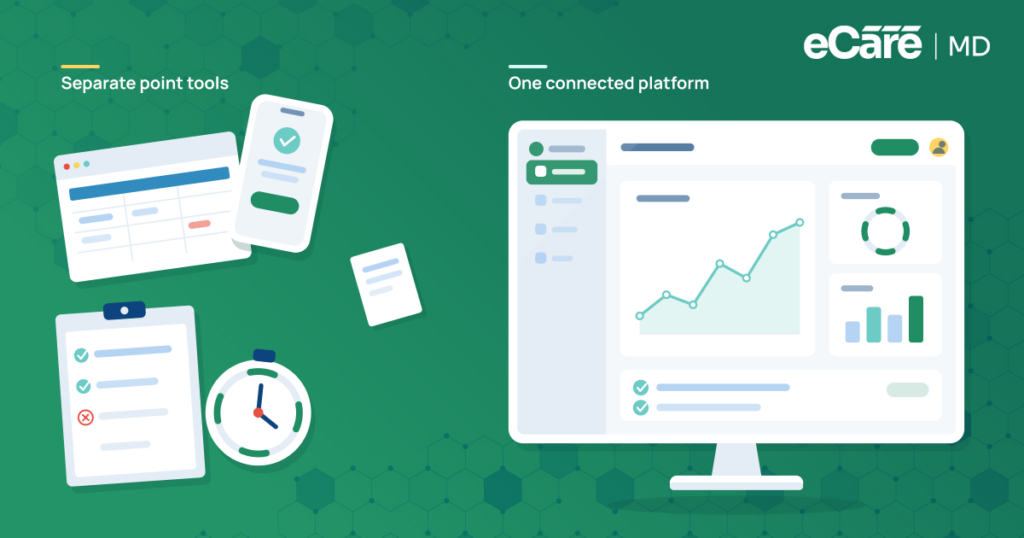
Finally, a unified remote patient monitoring platform that combines monitoring, messaging, and virtual care delivery helps you to streamline your workflows and improve the overall care experience.
8. Patient Engagement & Automated Onboarding
The Centers for Medicare and Medicaid Services (CMS) recognizes patient education as an important aspect of care delivery. Since patients are equally responsible for their care, in RPM, the remote patient monitoring software should provide them with educational material and resources.
However, it is a little more complex than it seems, as every patient suffers from different conditions, so curating educational material specific to the patient’s condition is important. The patient should have access to educational resources tailored to their specific conditions; this is essential for patient education and engagement.
Along with that, the remote patient monitoring software should also provide interactive tools to encourage patients to self-manage their care and adhere to treatment plans, which will directly result in better healthcare outcomes.
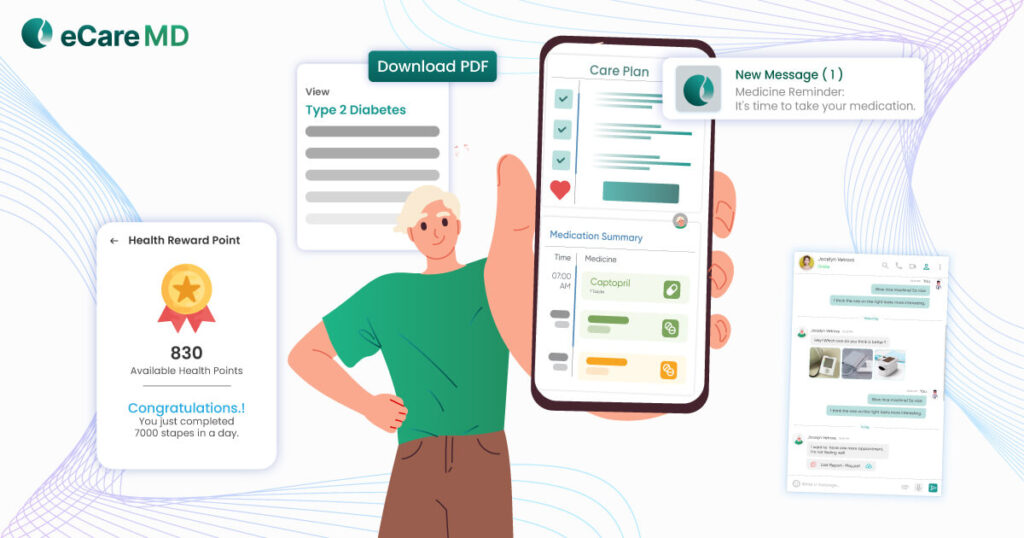
For instance, automated reminders and digital nudges also play an important role in improving patient adherence by prompting patients to take readings, follow medication schedules, and stay engaged with their overall care plan.
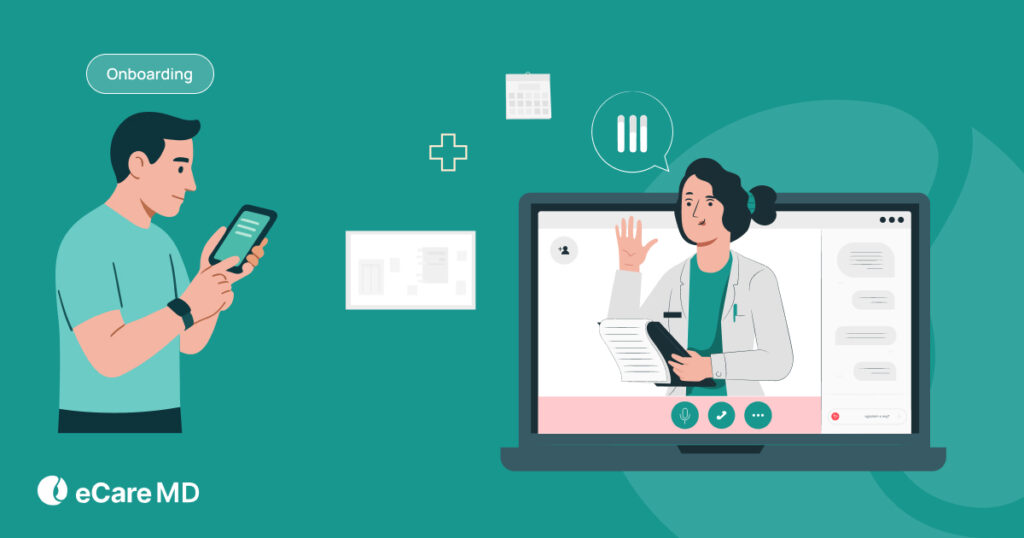
Furthermore, to simplify the patient experience, you should include guided onboarding workflows and digital tutorials, which will help your patients to easily set up devices and understand how to use the platform.
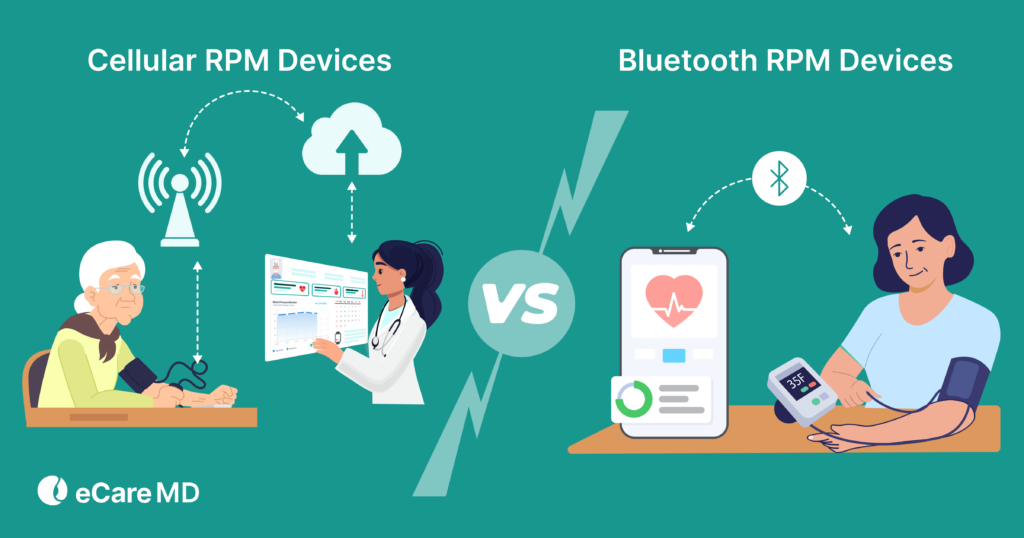
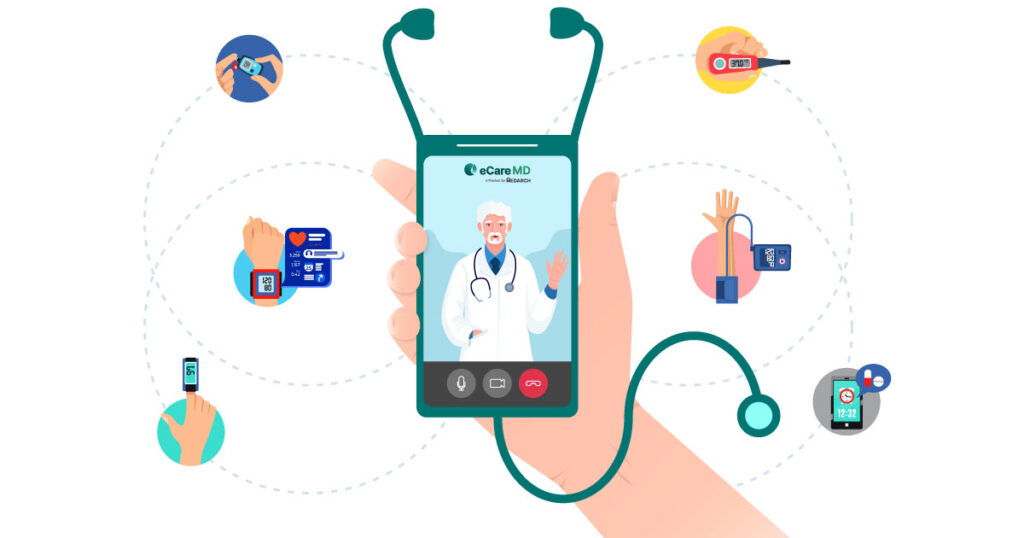
Lastly, support for plug-and-play device connectivity, such as cellular-enabled devices, ensures that your patients can start monitoring their health without complex setup or technical barriers.
Ensuring Scalability and Efficiency
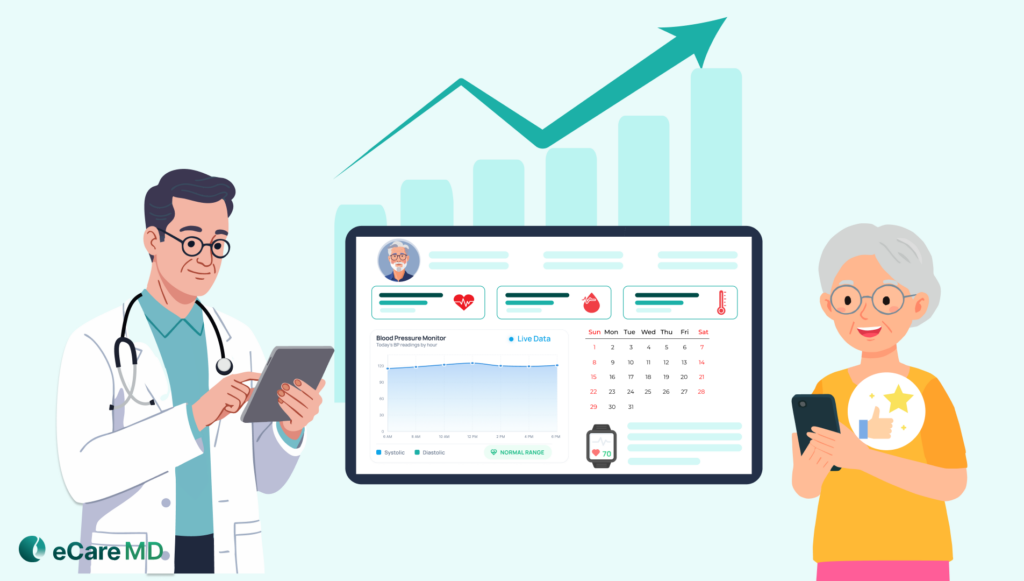
Technology is changing at an unprecedented speed, and as it evolves, your remote patient monitoring software should be able to adapt. Interestingly, including certain features can help you create the base to scale your practice and make it more efficient.
9. Scalable Cloud Infrastructure & Multi-Clinic Management
Cloud-based remote patient monitoring software can solve the problem of accessibility and data storage. Moreover, it will also add another layer of security for your crucial patient data. With cloud-based RPM software, you get secure and centralized data storage, which can be accessible from any device with just an internet connection.
Furthermore, it also equips your software with all the essential needs to scale your practice, which is an important part of any RPM platform features checklist.
In addition, a scalable remote patient monitoring platform should support multi-tenant architecture, which allows your healthcare organizations to manage multiple clinics, departments, or locations within a single system.
As mentioned earlier, role-based access control is also important to have secure and appropriate access to patient data for different users. Moreover, real-time data synchronization also ensures that all users have access to the most up-to-date patient information, which supports timely care delivery.
10. Billing Support, Automation & Operational Efficiency
Another feature that you should look for is billing support and operational efficiency, which are key factors in remote patient monitoring software. They directly impact revenue and workflows.
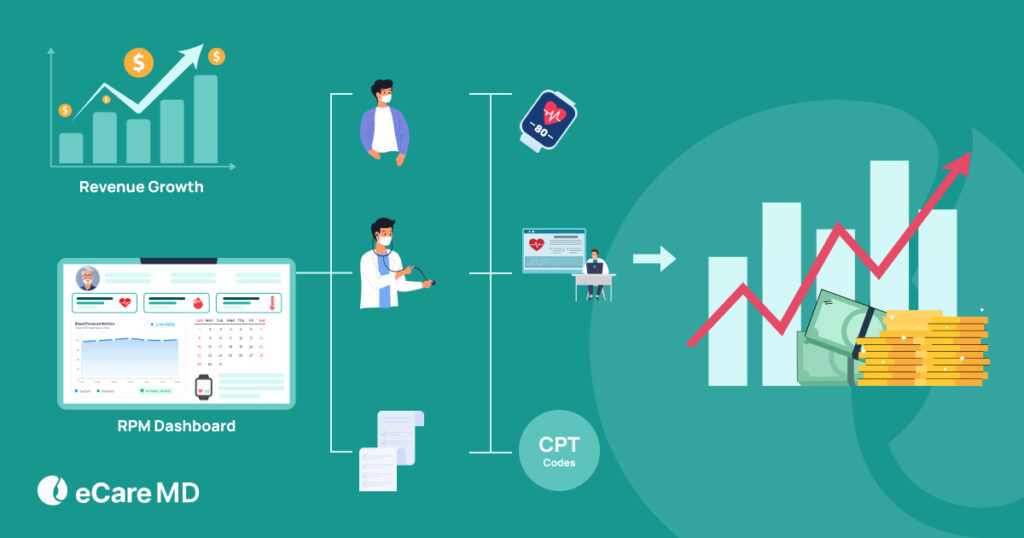
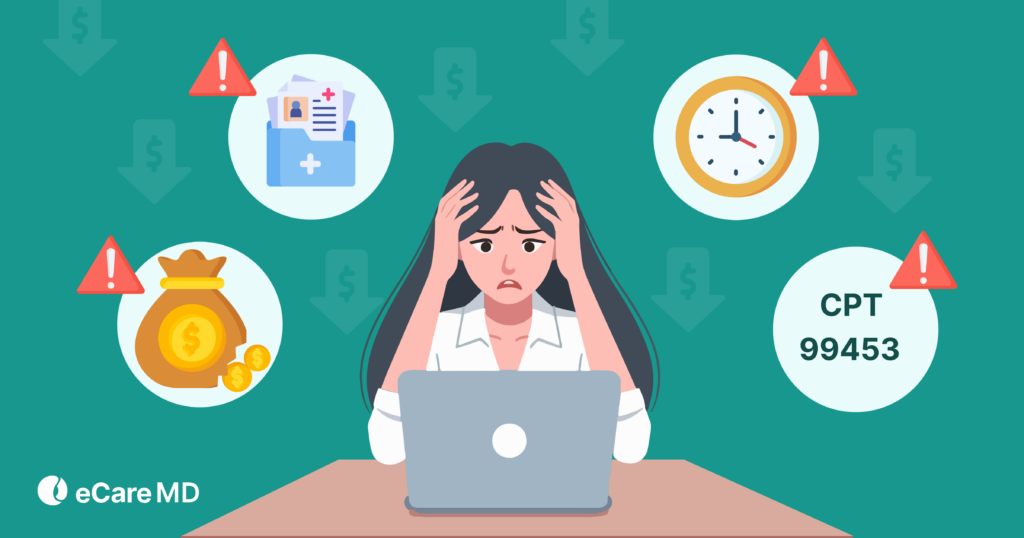
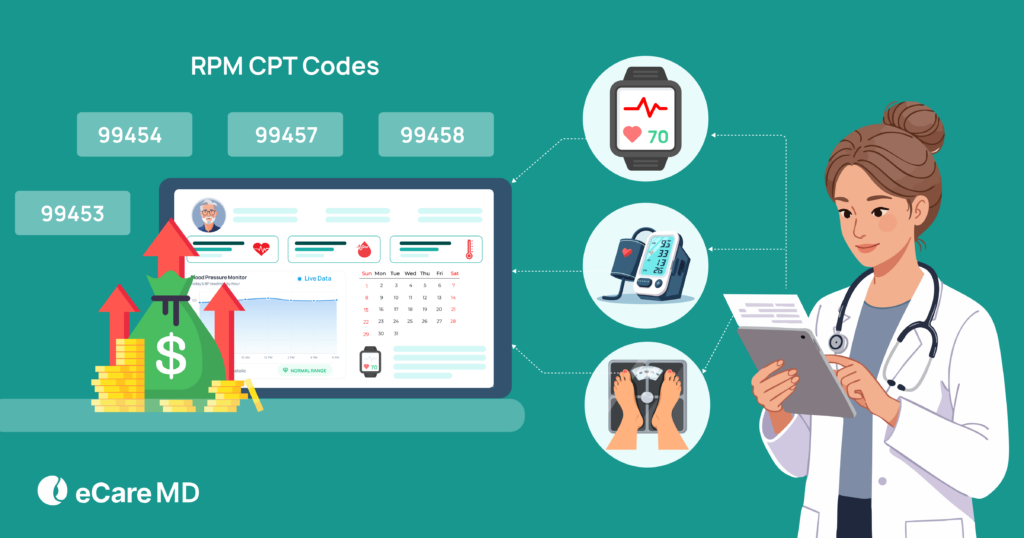
To ensure accurate billing and reimbursement, your RPM platform should include automated tracking of clinical time spent on monitoring activities. Additionally, it should align this tracking with CPT 99457 and 99458 thresholds, helping your care team to avoid manual calculations and reduce billing errors.
Additionally, your platform should generate reports on patient data, time logs, and care trends, which can help you to improve operational efficiency and care delivery. Also, simplified documentation workflows can assist you in reducing administrative burden and supporting compliance with CMS guidelines.
Here is a quick summary of essential billing and operational features to look for in your RPM platform features checklist:
| Feature | Why It Matters |
|---|---|
| Automated CPT Tracking (99457, 99458) | Ensures accurate billing and reduces manual calculation errors |
| CMS-Compliant Documentation | Minimizes manual entry and supports regulatory compliance |
| Monthly Billing Reports (Per Patient) | Provides clear, audit-ready insights into reimbursement activity |
| Simplified Documentation Workflows | Reduces administrative burden and improves team efficiency |
| Audit Trail | Helps with payer reviews and ensures compliance transparency |
Conclusion
The use of remote patient monitoring (RPM) is rising among patients, and the demand is going to be high in the coming days as virtual care is gaining popularity among patients. This has made choosing the right RPM software essential for healthcare providers.
With a large number of vendors offering comprehensive RPM software solutions that claim to be the best for your practice, it is important for you to assess your needs and choose the one that suits your practice the best. However, in this digital world, it is not a secret that it is the software features that define the functionality and success of the RPM software.
The right RPM platform should act as a scalable and intelligent extension of your clinical team, enabling proactive, data-driven care and improving operational efficiency.
So, let this blog be your comprehensive guide in choosing the top features for your RPM software, and let’s start the hunt for the best RPM software solution for you.
To give you a head start, click here to check out our software, where you can decide the features and the other way around.
Unlocking the Power of RPM: A Deep Dive into Essential Features and Their Impact
Click HereFrequently Asked Question’s
Cellular-enabled devices transmit data automatically without requiring internet or smartphone connectivity, making them ideal for ease of use. Bluetooth devices, on the other hand, require pairing with a smartphone or app, which can add an extra step for patients but may offer more flexibility.


![The Future of Remote Patient Monitoring: CMS Innovations & Emerging Trends [2026]](/wp-content/uploads/2024/07/Blog-36-The-Future-of-Remote-Patient-Monitoring_-Trends-AI-Innovation-CMS-Updates-for-2026-1024x538.png)