Last Updated: August 24, 2026
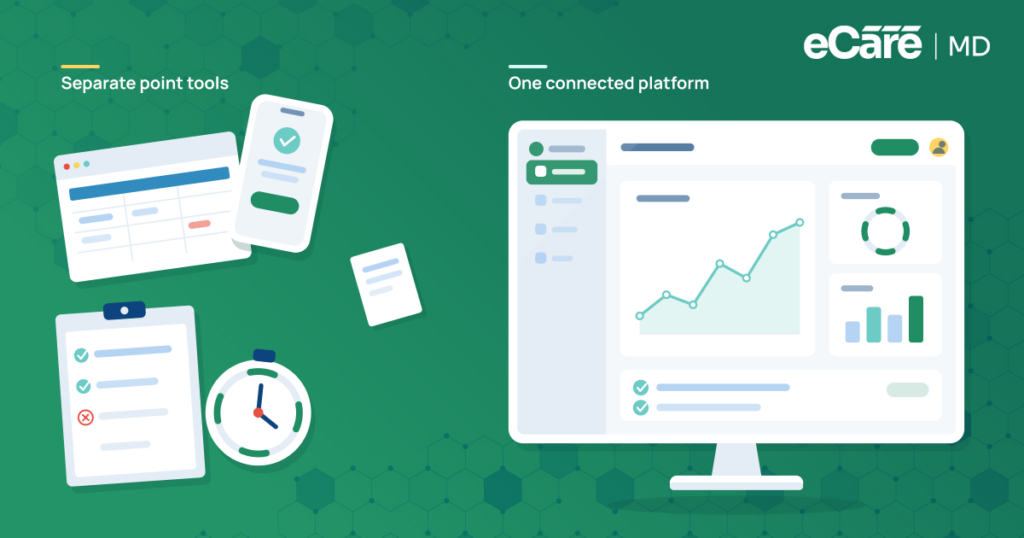
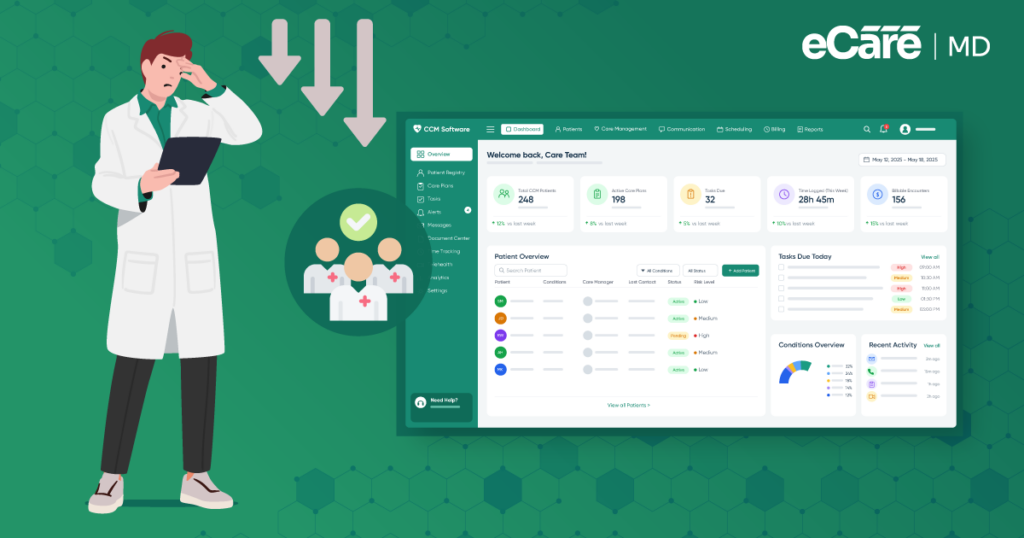
A growing CCM program can be a sign of success, but it can also create a new problem: more tools to manage the work behind the care. A team may start with a spreadsheet for patient tracking, add another tool for documentation, use a separate system for time tracking, and eventually rely on yet another solution for billing. Each tool may do its job well, but together, they can make the CCM workflow harder to manage.
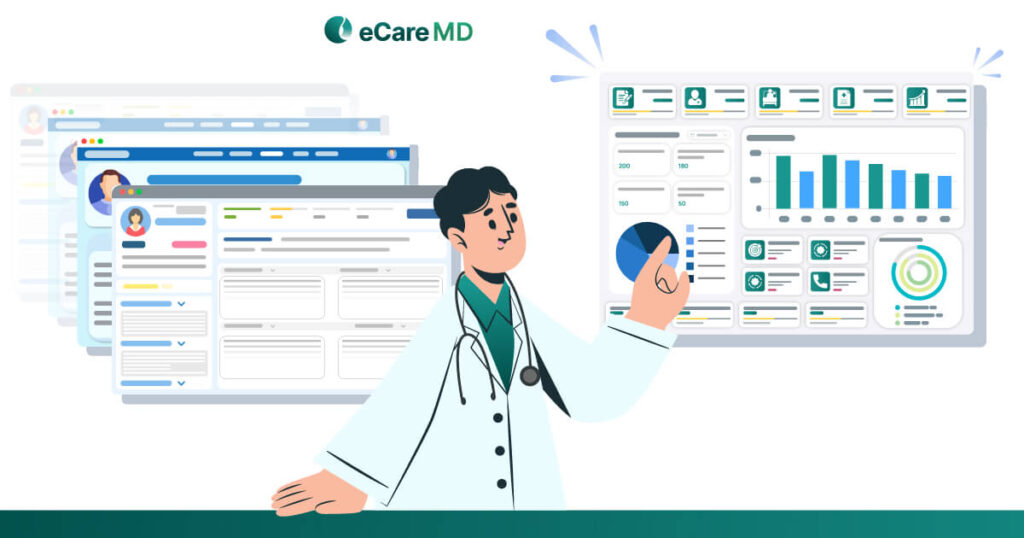
This is where the choice between an all-in-one CCM platform and point solutions comes into focus. When patient activity, documentation, care plans, and time tracking live in separate systems, important details can become scattered across different screens and workflows. Staff may spend more time switching between tools than actually moving patient care forward.
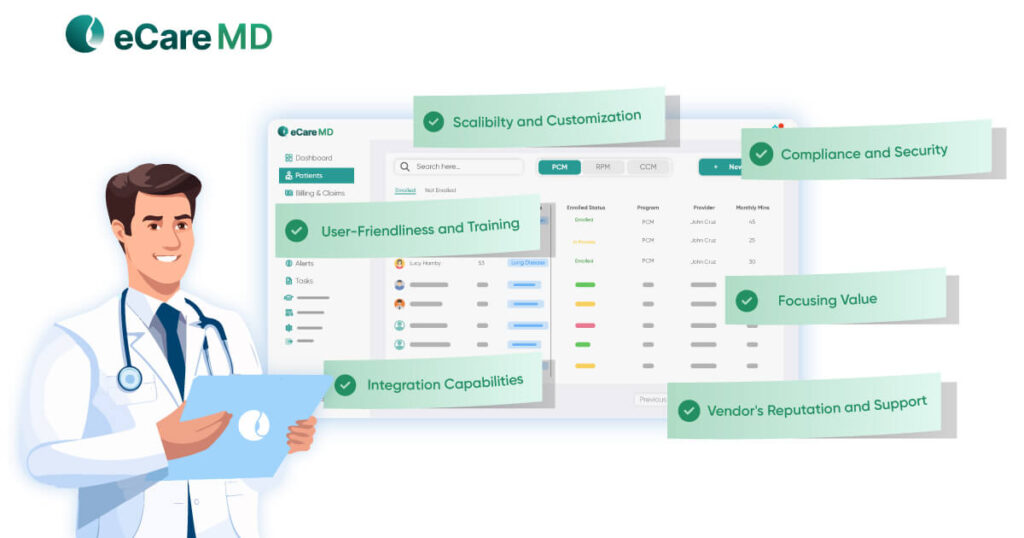
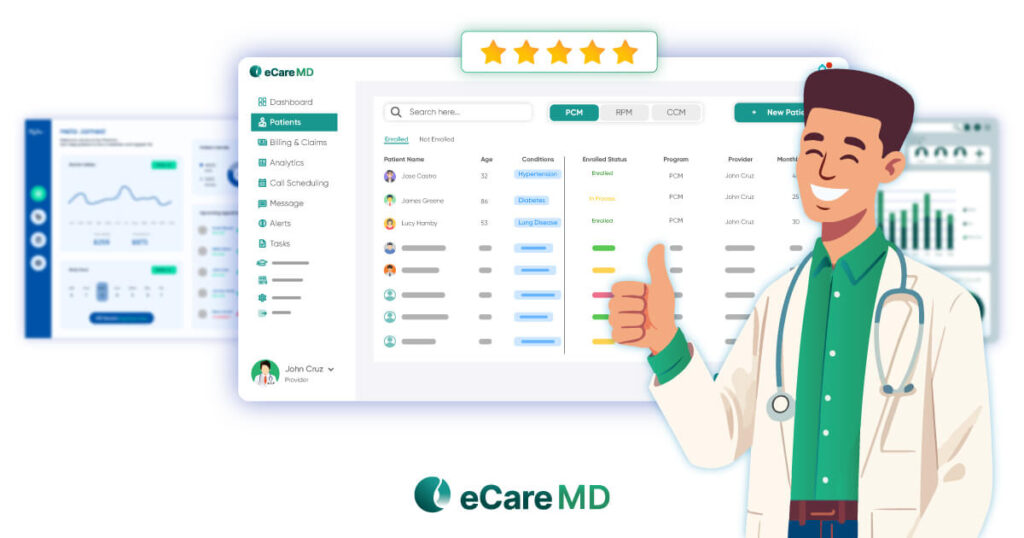
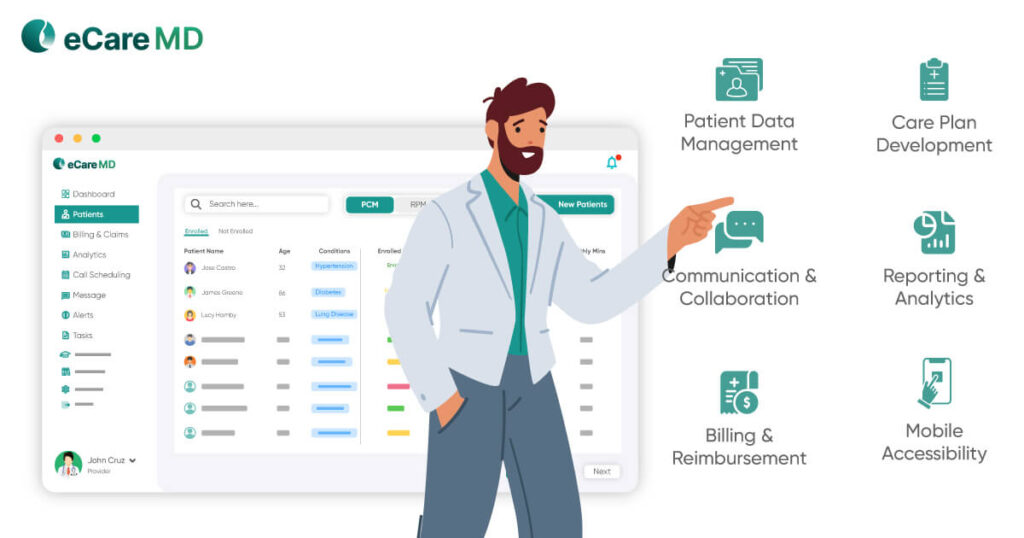
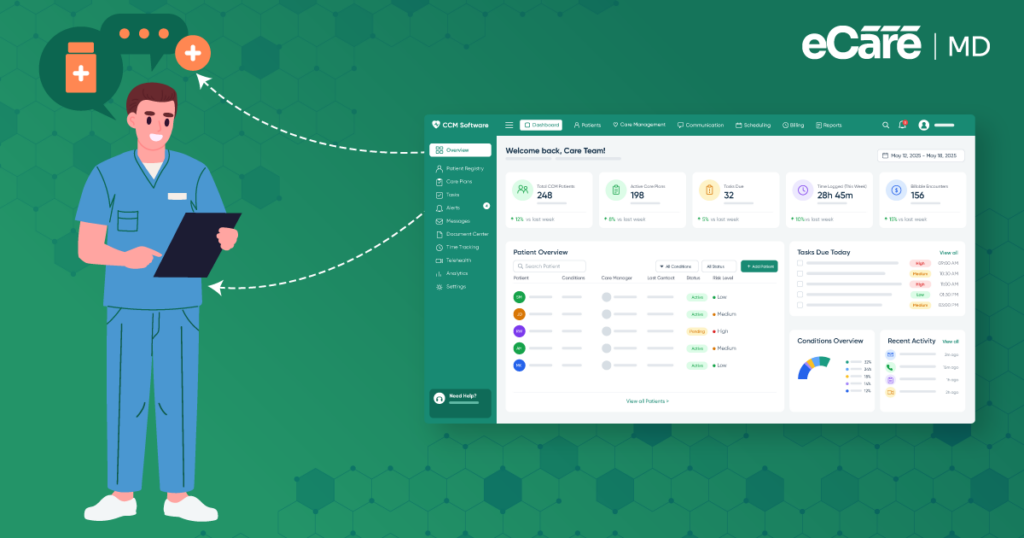
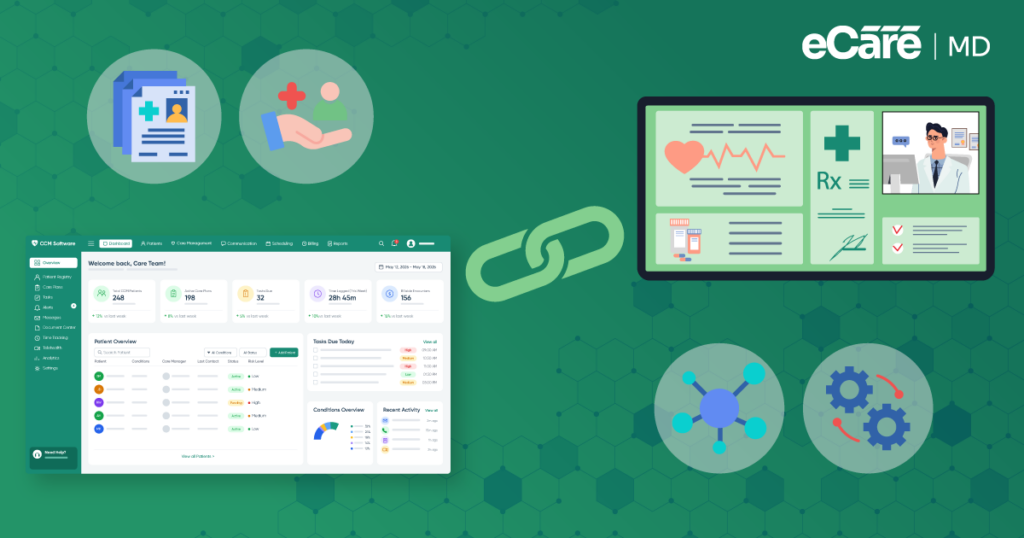
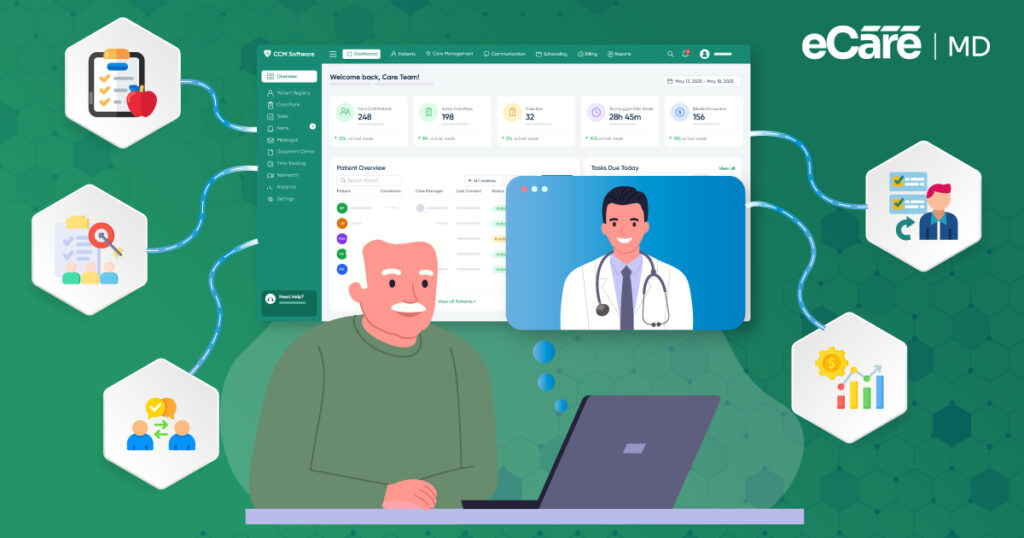
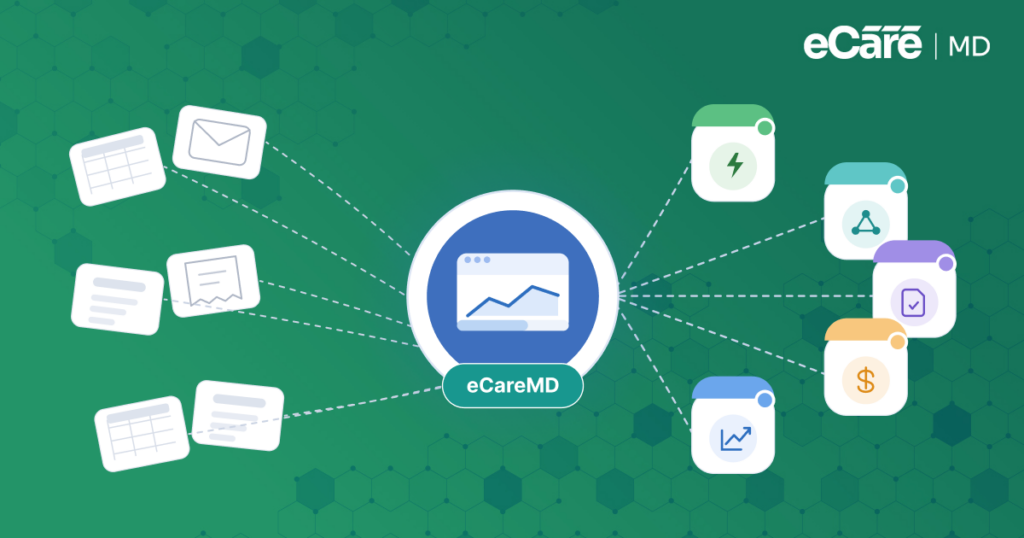
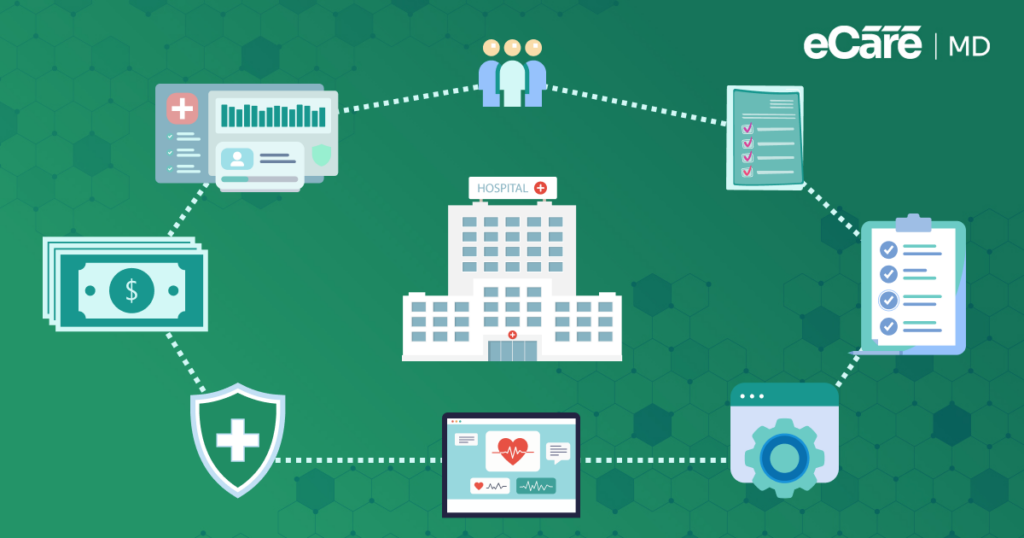
The real issue is not simply having multiple tools; it is how well those tools work together. An integrated care management system can bring key CCM activities into one connected workflow, helping teams track care, document services, monitor time, and keep the program moving without constantly piecing information together. This is where eCareMD takes an integrated approach, bringing essential CCM workflows together in one place.
In this guide, we’ll look at all-in-one CCM platform vs point solutions, where each approach fits, and how an all-in-one model can simplify day-to-day CCM management. We’ll also break down the key factors practices should consider before choosing the right setup for their program.
All-in-One CCM Platform vs. Point Solutions: What Is the Difference?
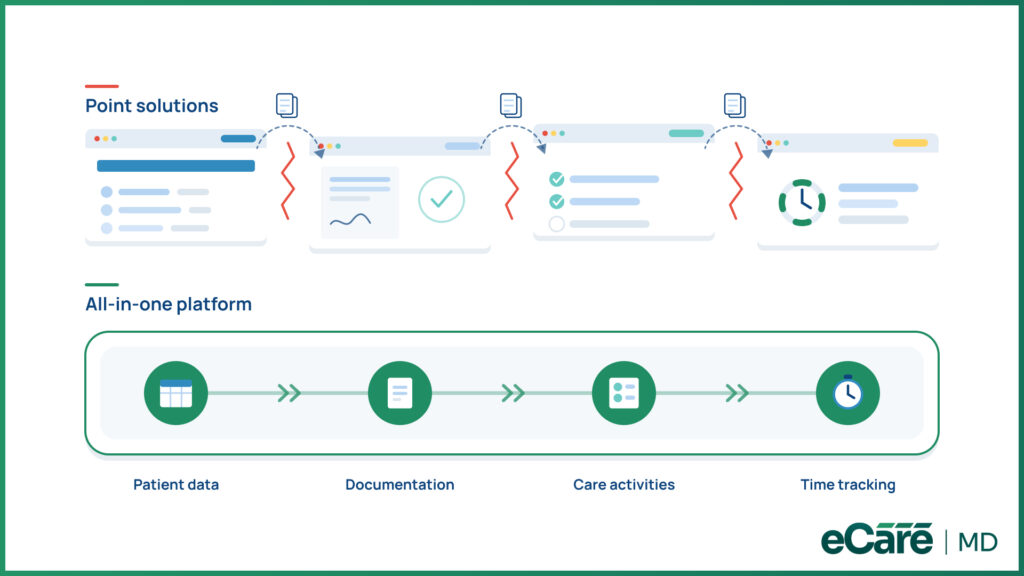
The difference between an all-in-one CCM platform and point solutions comes down to how the technology connects. An all-in-one platform brings key CCM functions into one environment, while point solutions handle specific tasks across separate systems.
That difference can shape the daily workflow. With an all-in-one platform, patient data, documentation, care activities, and time tracking can flow through a connected system. With point solutions, staff may need to switch between tools and move information from one place to another.
All-in-One vs. Point Solutions Comparison
| CCM Pitfall | What It Can Cause | Prevention Approach |
|---|---|---|
| Inconsistent patient tracking | Missed or outdated activities | Centralized patient information |
| Missed outreach | Incomplete monthly activity | Defined outreach workflows |
| Incomplete documentation | Difficult-to-verify CCM work | Centralized documentation |
| Unclear responsibilities | Missed or duplicated tasks | Clear activity ownership |
| Manual processes | Tracking gaps and errors | Structured digital workflows |
The practical difference becomes noticeable when activity, documentation, and time records are separated. Teams may have to check whether information matches across systems, repeat entries, or manually connect one step to the next.
These technology seams can create unnecessary handoffs. An all-in-one chronic care management software approach helps close those gaps by keeping related CCM activities connected, while point solutions may require additional coordination between tools.
Ultimately, this CCM platform comparison is not about manual versus automated CCM management. It is about the underlying platform architecture—and how easily information moves through the program.
What Are the Benefits of an All-in-One CCM Platform?
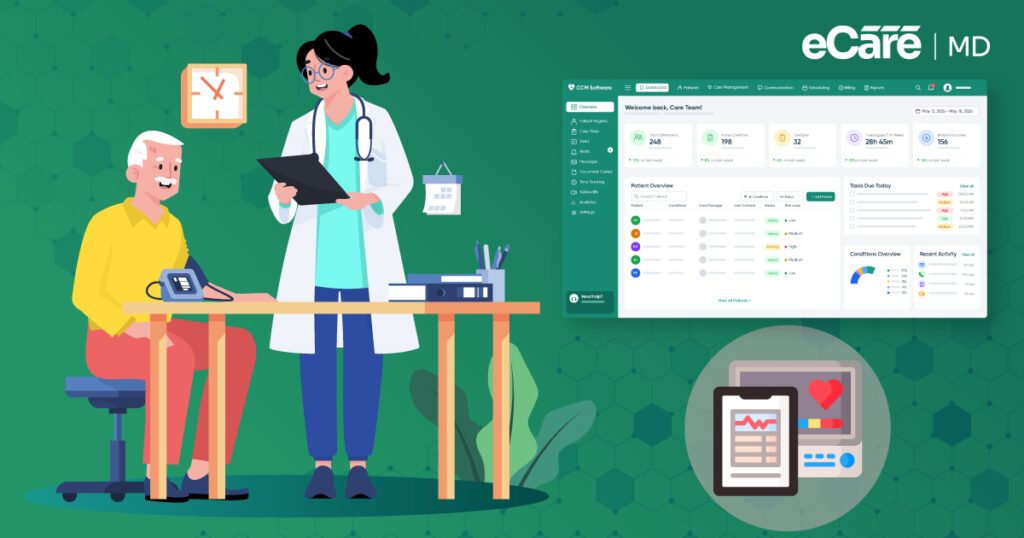
Managing CCM across several tools can make simple tasks feel more complicated than they need to be. An all-in-one CCM platform brings these workflows together, helping teams spend less time switching between systems and more time managing the program.
1. Fewer Tools, Simpler Workflows
When patient information, care activities, documentation, and time tracking are handled in one place, staff do not have to constantly jump between applications. This can reduce extra steps and make everyday CCM tasks easier to follow.
2. Connected Information
An integrated platform keeps patient and program information within the same environment. Instead of piecing together details from different tools, teams can work from connected information and maintain a clearer view of ongoing CCM activity.
3. Better Team Coordination and Visibility
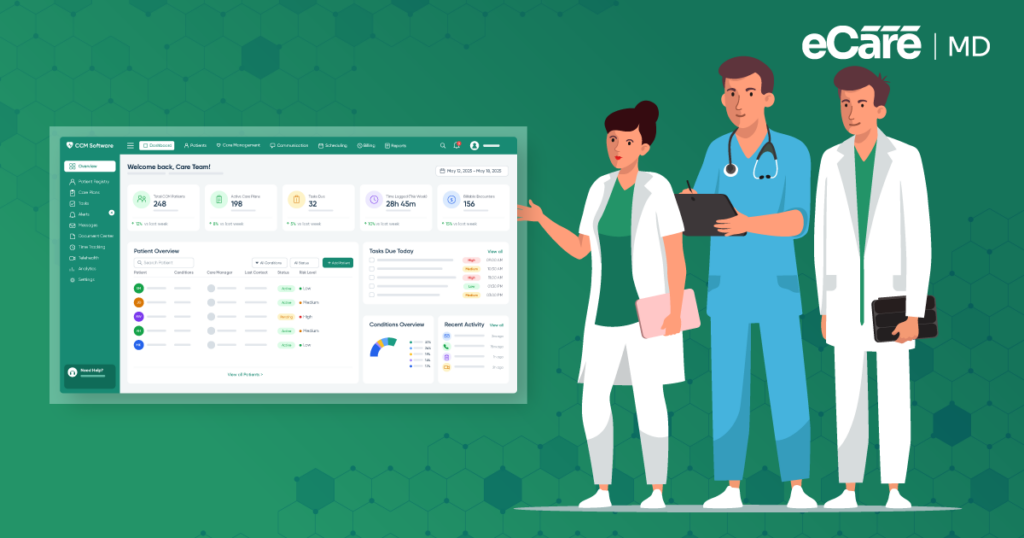
With workflows connected in one system, team members can more easily see what has been completed, what still needs attention, and where a patient stands in the care process. This gives the team a more unified view of the program rather than relying on information scattered across multiple tools.
That is where an integrated care management platform can make a difference. The goal is not simply to put more features under one roof, but to connect the workflows that CCM teams already depend on—so there are fewer gaps to bridge and fewer moving pieces to manage.
What Is the True Cost of Using Multiple Point Solutions?
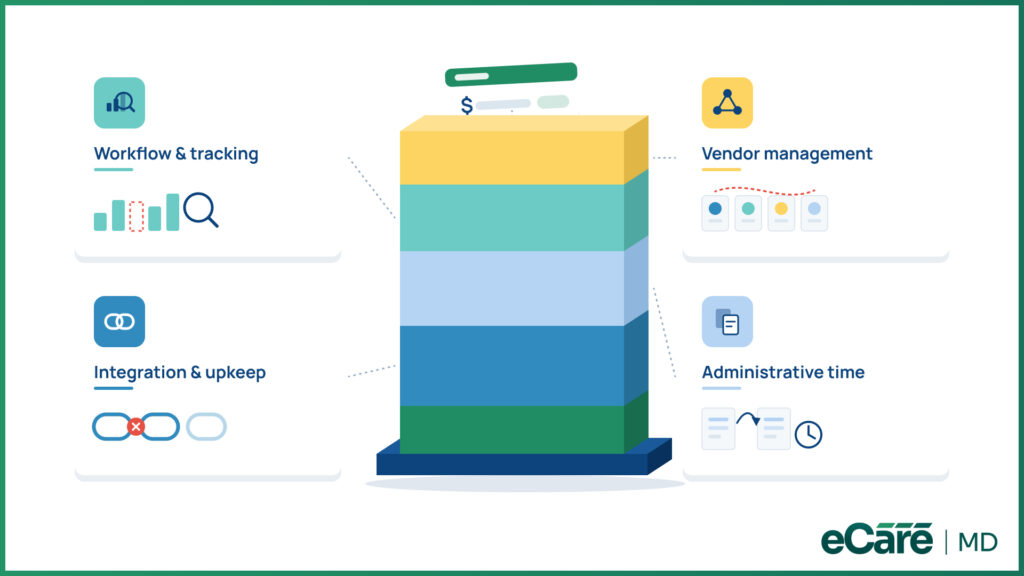
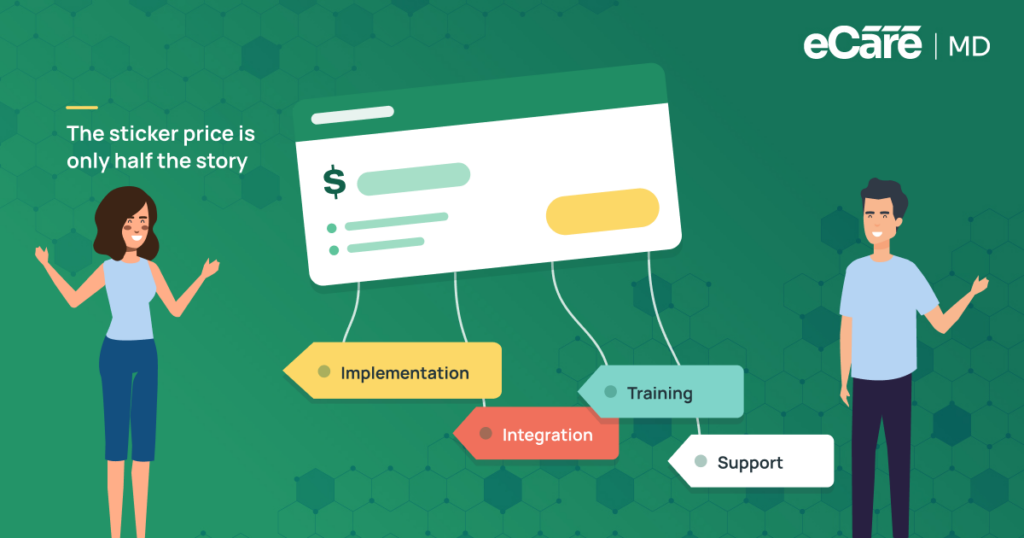
A low subscription price can look attractive on paper. But when a CCM program relies on several point solutions, the monthly license fee is only one piece of the puzzle. The real cost can show up in the time, technical work, and coordination needed to keep those systems working together.
1. Integration and Technical Costs
Multiple tools often require multiple connections, integrations, and ongoing maintenance. When one system changes or an integration breaks, additional technical work may be needed to keep information flowing correctly.
2. Administrative Costs
Switching between systems also takes staff time. Duplicate data entry and reconciling information across applications can turn routine CCM tasks into extra administrative work.
3. Workflow and Tracking Costs
When CCM activity, documentation, and time records sit in different tools, getting a complete picture can take more effort. Gaps may be harder to spot until the end of the month, when teams are already trying to close out their records.
4. Vendor Management Costs
More tools also mean more vendors, contracts, support channels, and points of contact. When an issue involves multiple systems, figuring out where the problem starts can make resolution even more complicated.
That is why chronic care management software pricing should be viewed alongside the total technology cost. A cheaper collection of point tools may not remain cheaper once integration, administration, reconciliation, and vendor management are added to the equation.
Which CCM Tools Actually Need to Be Separate?
Not every CCM function needs to live under one roof. Some point solutions make sense when they offer a specialized capability that a practice genuinely needs, and that may not be practical to replace with a broader platform.
The key is knowing the difference between intentional specialization and unnecessary fragmentation. For example, a practice may choose a separate tool for a highly specialized clinical function, device, or service. If that tool serves a clear purpose and fits smoothly into the existing workflow, keeping it separate may be the right choice.
The bigger concern is when separate tools appear simply because the CCM program has grown. A spreadsheet may have started as a quick way to track patients, followed by another tool for documentation and another for time tracking. What began as a practical solution can eventually turn into a collection of disconnected systems that staff has to manage every day.
When Does a Point Solution Make Sense?
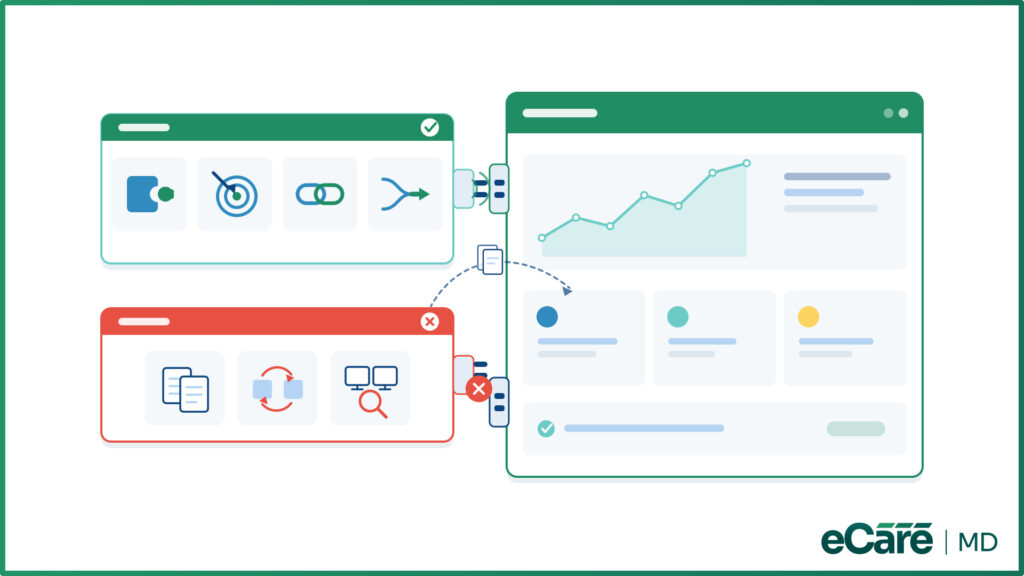
A point solution can be useful when it:
- Provides a specialized capability that the core CCM platform does not offer.
- Solves a specific operational or clinical need.
- Integrates effectively with the rest of the CCM workflow.
- Adds value without creating significant duplicate work or reconciliation.
On the other hand, a separate tool may deserve a second look when it requires staff to repeatedly transfer information, maintain duplicate records, or check multiple systems to understand the same patient or program activity.
The important question is not whether a tool is separate, but why it is separate. Some system boundaries are intentional and add value; others are simply leftovers from how the CCM program evolved. Recognizing that difference can help practices decide where specialized point solutions are worthwhile and where consolidating core workflows into an all-in-one CCM platform could make more sense.
Which CCM Tools Actually Need to Be Separate?
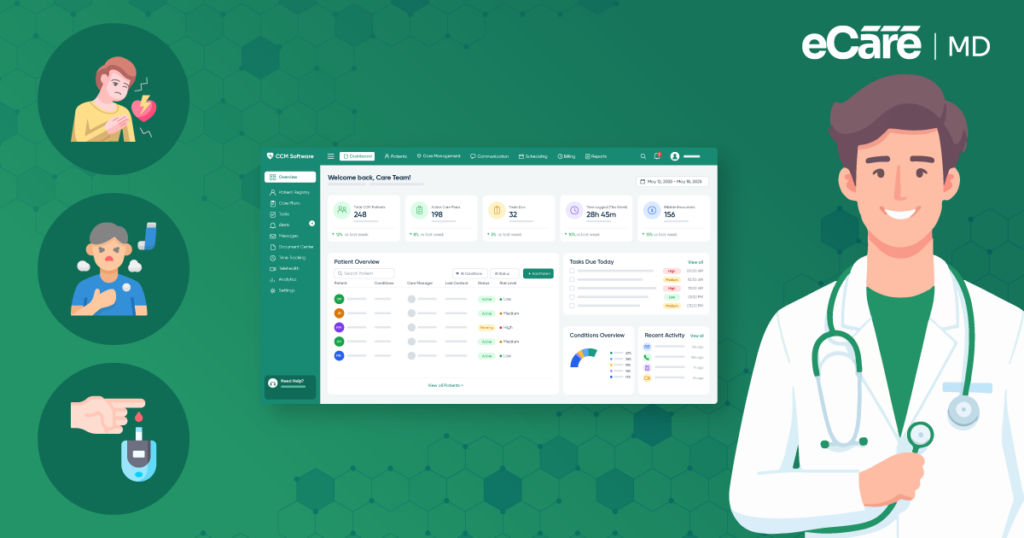
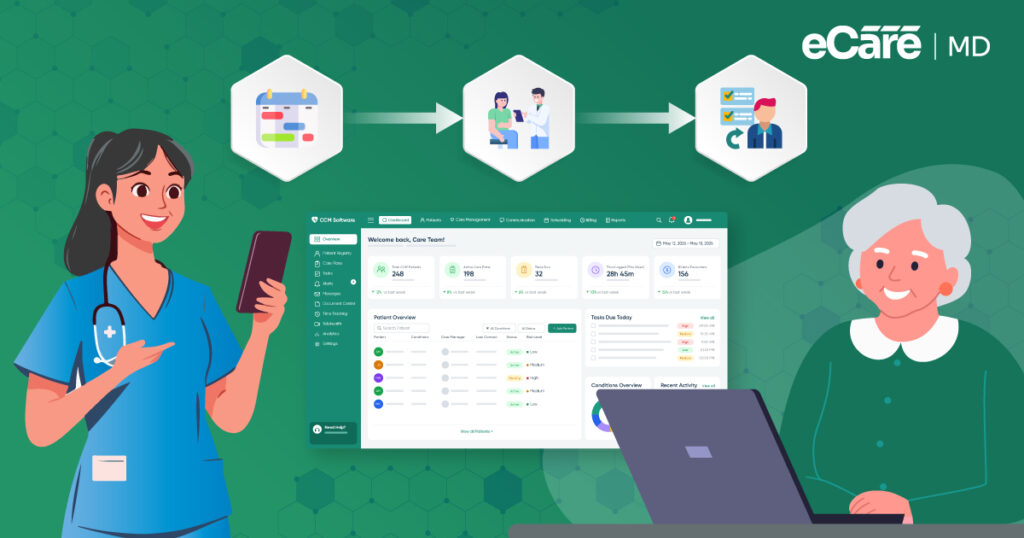
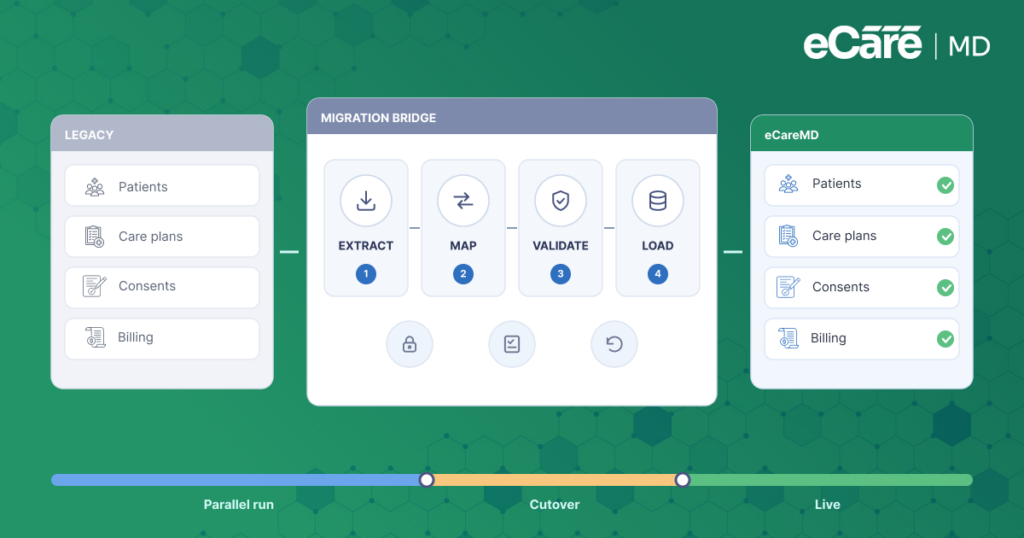
When a CCM program reaches the point where multiple tools start creating more work than they solve, bringing core workflows together can make a noticeable difference. eCareMD takes this approach by providing a centralized environment for managing key CCM activities.
1. Connected CCM Workflows
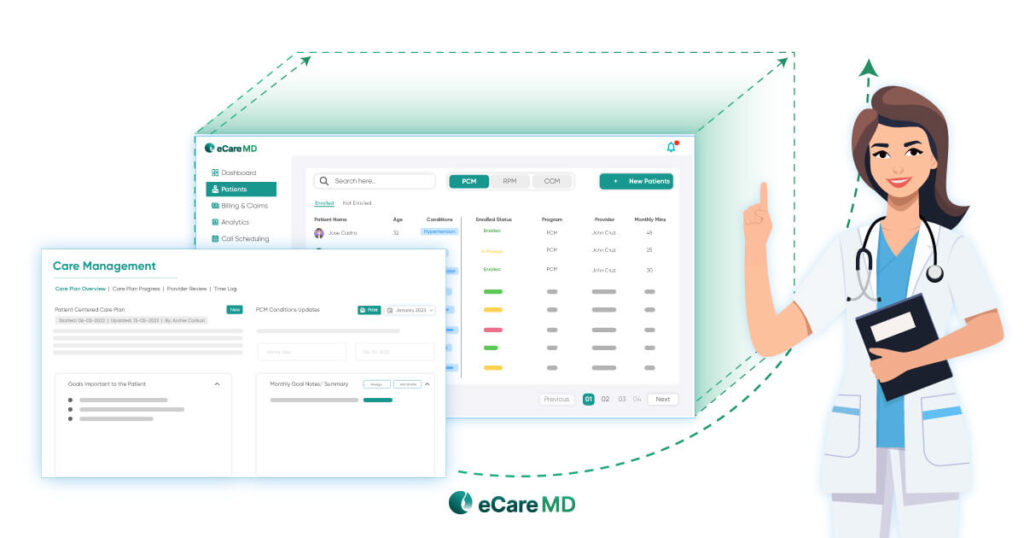
With eCareMD, related CCM activities can be managed within one environment rather than spread across separate tools. This helps teams keep workflows connected and reduces the need to repeatedly move between systems.
2. Centralized Program Visibility
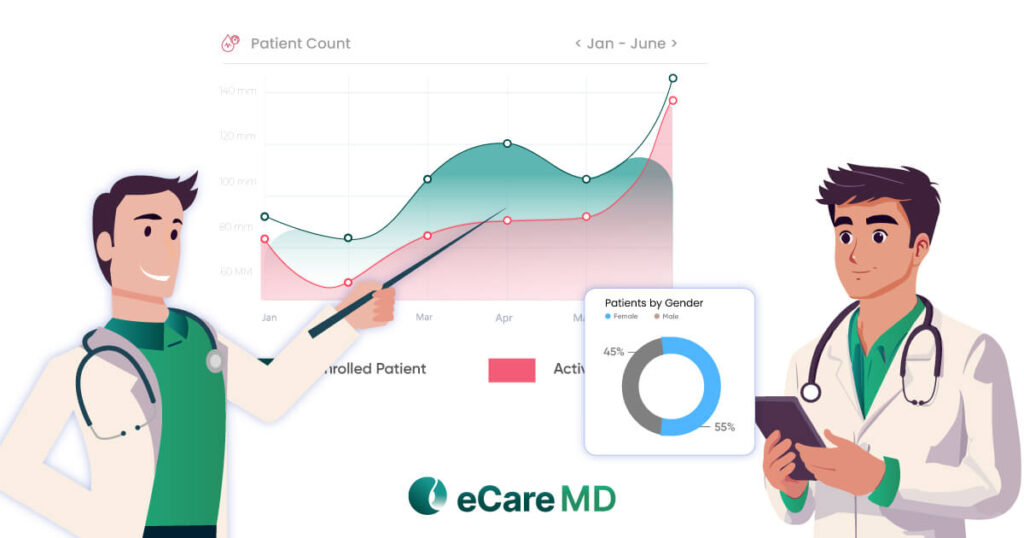
A connected system also gives teams a clearer view of CCM operations. Staff can work with patient and program information in one place, making it easier to follow ongoing activities and identify what needs attention.
3. Reduced Technology Fragmentation
The fewer unnecessary system switches a team has to make, the simpler the workflow can become. eCareMD is designed to reduce fragmentation by bringing core CCM processes together instead of making staff piece information together across multiple applications.
4. Integrated EHR Connectivity
CCM does not operate in isolation from the rest of a practice’s technology. eCareMD can connect CCM operations with existing healthcare technology, helping practices maintain continuity between their CCM workflows and broader clinical systems.
Developed by Medarch Inc., eCareMD is an option for practices looking to move away from a collection of disconnected CCM tools toward a more consolidated technology environment. Rather than adding another system to the stack, the goal is to bring the essential pieces of CCM management closer together.
Conclusion
Choosing between an all-in-one CCM platform and point solutions comes down to how well the technology supports the way a CCM program actually operates. While specialized tools can serve genuine needs, unnecessary system boundaries can create extra handoffs, duplicate work, and gaps in visibility.
The goal is not to eliminate every separate tool. It is to reduce the technology seams that make staff switch systems, reconcile information, and connect workflows manually. Practices should also look beyond individual subscription fees and consider chronic care management software pricing in the context of the total technology cost.
For practices looking to consolidate their core CCM workflows, eCareMD offers an integrated approach that brings key activities into a more connected environment. By reducing unnecessary fragmentation, practices can create a simpler technology setup that is easier for teams to manage as their CCM program grows.
Frequently Asked Question’s
An all-in-one CCM platform brings core CCM functions, such as patient management, care activities, documentation, and time tracking, into one connected environment. Point solutions, on the other hand, are designed to manage individual functions across separate systems. The main difference is how information flows between these functions and how much effort teams need to connect the pieces.
An all-in-one CCM platform can simplify daily operations by reducing system switching and keeping important patient and program information connected. It can also improve team coordination, provide a more unified view of CCM activity, and reduce duplicate data entry and reconciliation. For growing programs, having connected workflows can make it easier to manage operations without adding more technology complexity.
A practice may use point solutions when it has a genuine need for a specialized capability that its primary CCM platform does not provide. For example, a separate tool may be appropriate when it offers a highly specific clinical, technical, or operational function. The key is ensuring that the specialized tool adds value without creating unnecessary handoffs, duplicate work, or disconnected information.
An all-in-one CCM platform reduces workflow complexity by keeping related CCM activities within the same environment. Instead of moving between separate applications to review patient activity, document services, or track time, staff can manage these tasks through connected workflows. This reduces unnecessary handoffs and can make it easier for teams to follow the status of ongoing CCM activities.
Multiple CCM tools can create extra work that is easy to overlook. Staff may need to switch between systems, enter the same information more than once, verify that records match, or search across different applications to find a complete picture of a patient’s activity. Over time, these small tasks can add up, leaving less time for higher-value CCM work.
The true cost of multiple CCM tools goes beyond their individual subscription fees. Practices may also have to account for integration and maintenance, staff time spent switching systems, duplicate data entry, information reconciliation, vendor management, and technical support. When these costs are combined, a collection of lower-priced tools may be more expensive to maintain than it initially appears.
Practices should look beyond feature lists and compare how each approach fits into their actual CCM workflow. Consider data connectivity, workflow integration, program visibility, user experience, EHR connectivity, vendor management, scalability, and total technology costs. The goal is to determine whether multiple specialized tools provide meaningful value or whether a connected platform would better support the program.
Start by identifying the core CCM workflows the practice needs to manage and determine how well the platform connects them. Evaluate patient and program data management, documentation, time tracking, reporting, integrations, usability, and scalability. It is also important to consider how easily the platform fits into existing healthcare technology and whether it can support the program as patient volume grows.
eCareMD provides a centralized environment designed to connect key CCM activities and reduce unnecessary technology fragmentation. It gives teams a more connected view of CCM operations while supporting integration with existing healthcare technology. For practices looking to consolidate core CCM workflows, eCareMD can provide an integrated approach that reduces the need to manage multiple disconnected tools.








![The Future of Remote Patient Monitoring: CMS Innovations & Emerging Trends [2026]](/wp-content/uploads/2024/07/Blog-36-The-Future-of-Remote-Patient-Monitoring_-Trends-AI-Innovation-CMS-Updates-for-2026-1024x538.png)