Last Updated: October 15, 2026
A practitioner may spend weeks choosing CCM software, only to discover that the harder part begins after the system is switched on. Staff are learning new screens, clinicians are adjusting to different workflows, and someone still has to make sure care plans, documentation, time tracking, and billing are handled correctly.
When everyone learns the system differently, small gaps can quickly turn into bigger workflow problems. This is why CCM software onboarding needs to be treated as more than a technology setup.
It is a multi-step process that brings together people, clinical workflows, daily processes, and technology. A structured chronic care management implementation gives the team a clear way to work while supporting consistent CCM operations and CMS compliance.
The right chronic care management software can simplify much of this transition, but successful implementation still depends on the people using it. Staff need practical training based on their roles, teams need time to build confidence with the new workflows, and practices need a plan for encouraging CCM software adoption as the system becomes part of everyday work.
This guide explores CCM software onboarding strategies for healthcare practices, from preparing the team and providing role-based training to improving adoption and scaling workflows as CCM services grow.
After all, getting the software in place is only the first step; getting the whole team on the same page is what makes the difference.
What Is CCM Software Onboarding?
CCM software onboarding is the process of preparing a healthcare practice, its staff, workflows, and technology to use CCM software effectively. It goes beyond installing the system or creating user accounts. The goal is to make sure the software fits into everyday clinical and administrative work.
For example, a practice may replace spreadsheets with CCM software but continue using the same unnecessary steps, duplicate entries, or unclear task assignments. The process is now digital, but the bottleneck remains. Simply putting an old process on a new screen does not solve the problem.
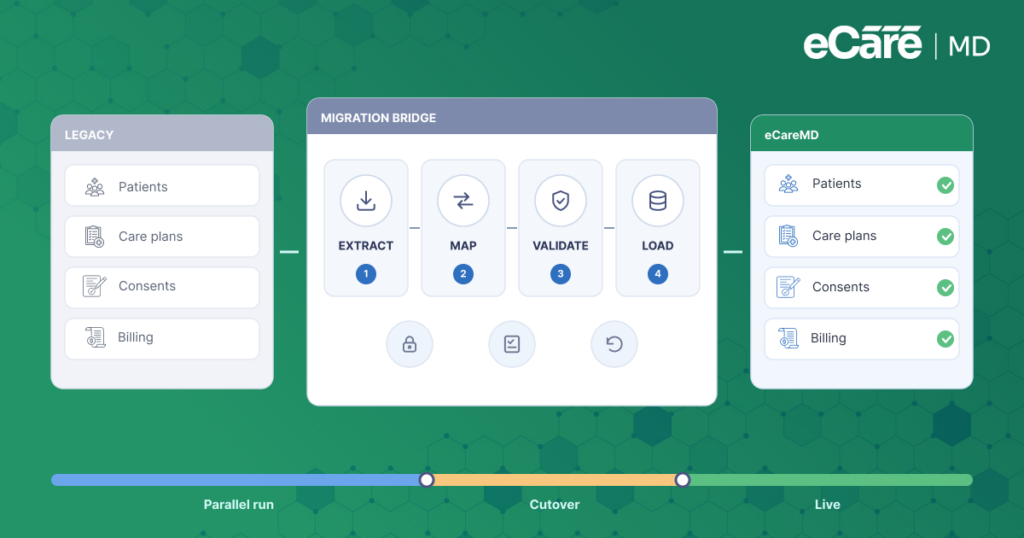
That is why effective onboarding connects the technology with the way the team actually works. A practical CCM software onboarding process typically follows seven stages:
Assess → Prepare → Configure → Train → Launch → Monitor → Refine
Each stage builds on the previous one, helping practices prepare their workflows, provide relevant training, support staff through the launch, and make adjustments as they gain experience with the system. This turns CCM software implementation from a one-time technology setup into a structured process for long-term adoption.
Preparing for Chronic Care Management Software Implementation
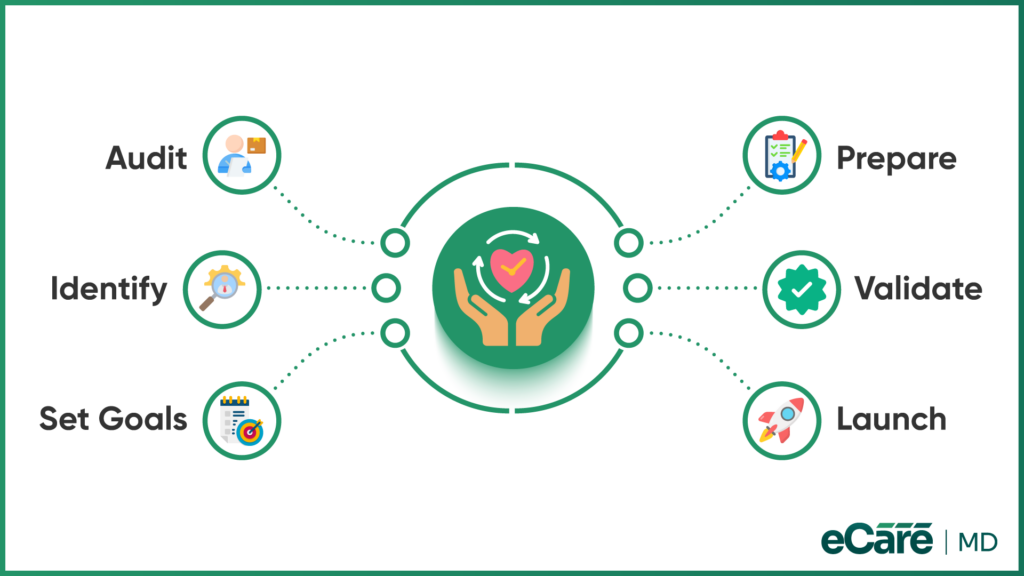
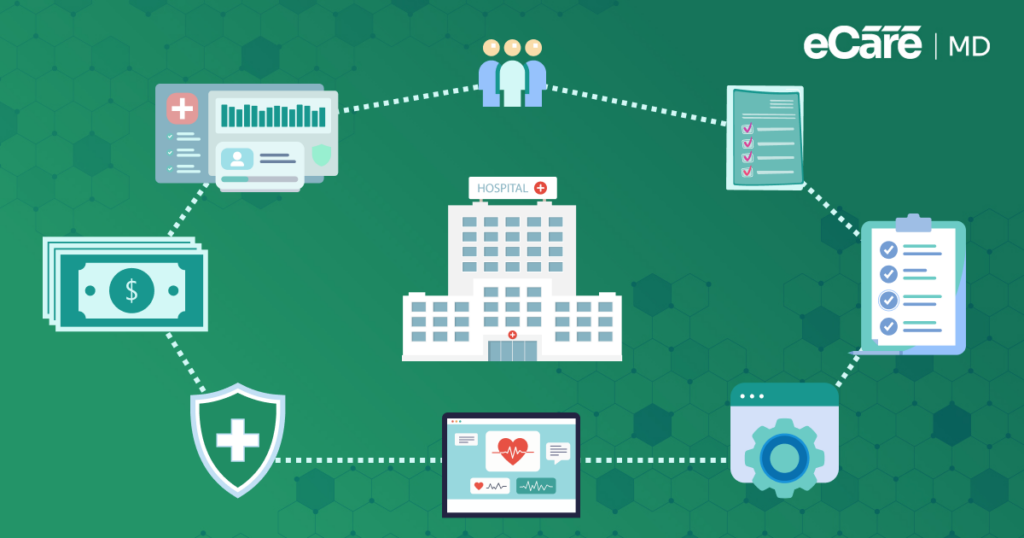
Before starting chronic care management software implementation, a practice should first look at how its CCM work is handled today. Reviewing care-plan workflows, documentation, time tracking, enrollment, and billing can reveal gaps that may otherwise become problems after launch.
1. Pre-Implementation Audit & Goal Setting
Map current workflows to the software’s capabilities and set a few measurable goals, such as improving patient enrollment or reducing billing delays. Leadership should also assign clear ownership and establish a realistic implementation timeline.
2. Risk Mitigation & Timeline Readiness
It is better to spot roadblocks before launch than halfway through it. Check for EHR integration issues, technical or workflow gaps, and relevant compliance and billing requirements.
Staff pushback should also be expected and addressed through clear communication and support. Having an escalation process in place helps the team handle issues quickly as they arise.
These chronic care management software implementation best practices give the practice a stronger starting point and prepare the team for the next step: training.
CCM Staff Training and Workflow Adoption
Once the system is ready, the focus shifts to the people using it every day. Effective CCM staff training should go beyond showing where each button is. Instead, staff should practice the workflows they will actually handle so they can see how the software fits into their daily responsibilities.
1. Role-Specific Training Breakdowns
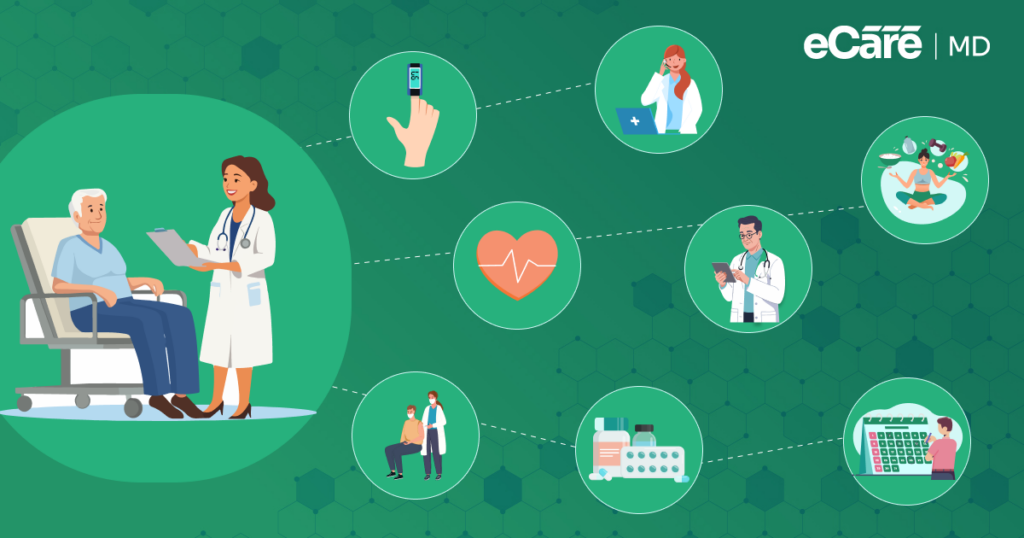
Training should reflect each person’s role. Care managers can practice care-plan creation, patient engagement, documentation, and time tracking. When discussing their responsibilities, it also helps to understand what a care manager handles throughout the CCM process.
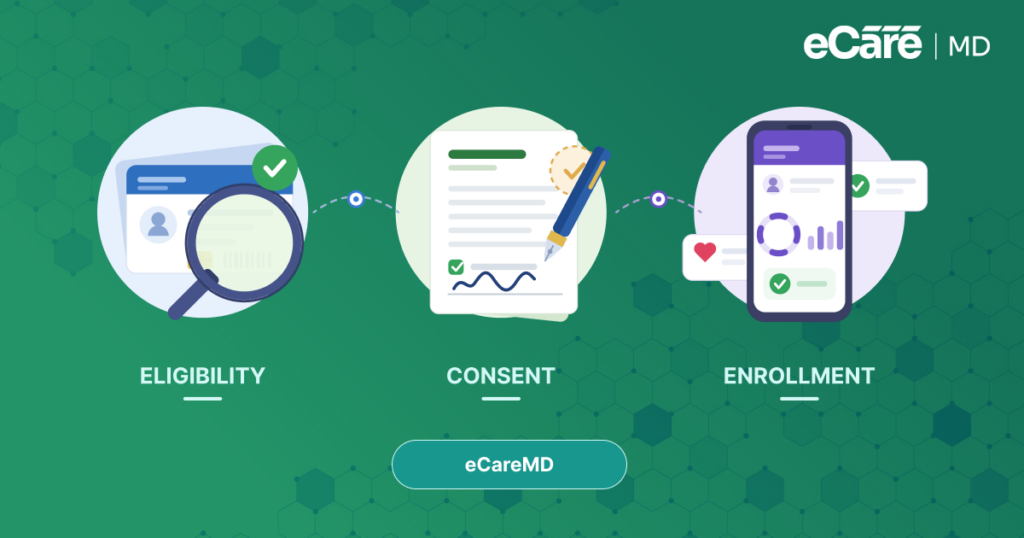
Providers can focus on care-plan reviews, applicable sign-offs, and clinical escalation paths, while administrative staff can practice eligibility, consent, scheduling, and operational workflows.
2. Simulation and Continuous Feedback
Hands-on chronic care management training before launch can help staff become comfortable before real work begins. Use realistic CCM scenarios rather than generic demonstrations, then collect feedback after launch to identify where teams are getting stuck. Refresher training can be added as workflows change, helping CCM software adoption stay on track.
Supporting CCM Teams During Implementation
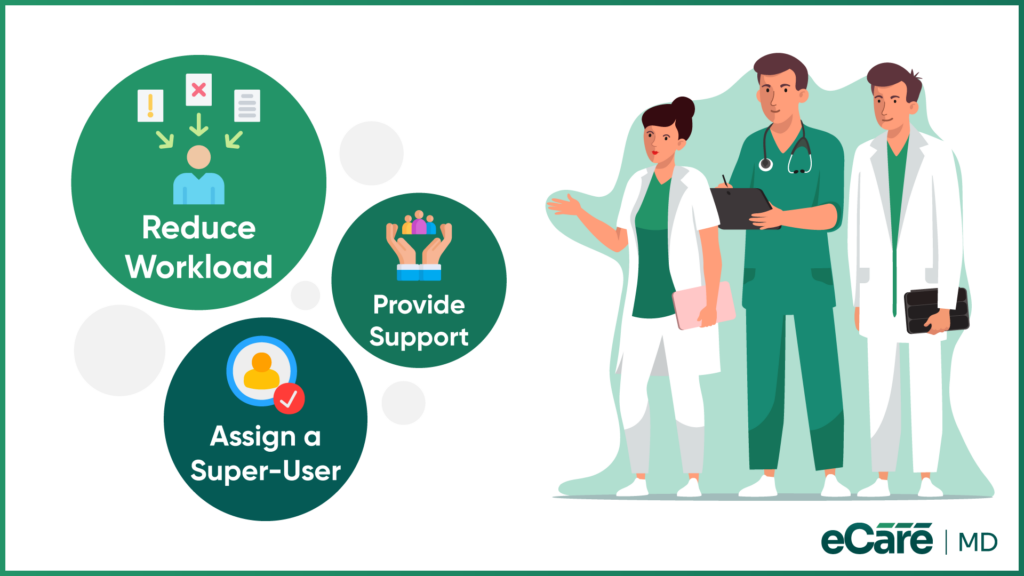
Even with good preparation, a new system can temporarily slow a CCM team down. Staff are learning new workflows while keeping up with patient care, documentation, and daily tasks. That extra pressure can add to the workload and, if not addressed, contribute to frustration and burnout.
One way to ease the transition is to reduce unnecessary administrative work. Where supported, smoother data movement between EHRs and CCM tools can limit duplicate entry and unnecessary double-documentation. Clear escalation channels can also help staff quickly get answers when they face technical issues or workflow questions.
A designated super-user can provide another layer of support during the early stages. Having someone who understands the new system and can guide colleagues can keep small problems from becoming roadblocks. This kind of support can also help address workload pressures and administrative burden, which are closely connected to provider burnout.
Building a Team-Ready CCM Implementation Model
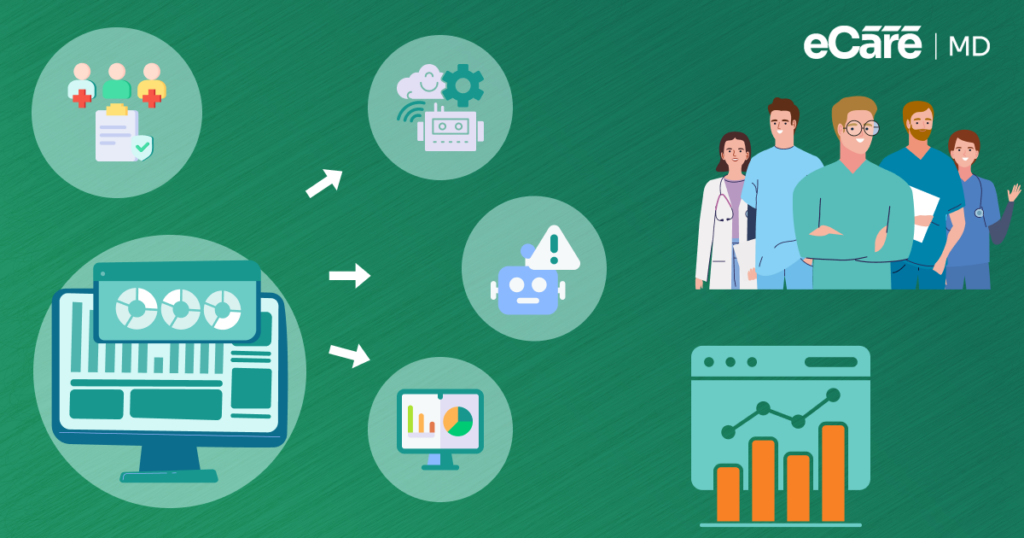
A CCM system works best when everyone knows what they own. Without clear responsibilities, tasks can fall through the cracks, or two team members may unknowingly do the same work. A team-ready implementation model connects team responsibilities with the way CCM software is used each day.
Start by assigning clear ownership for key workflows, including patient outreach, monthly documentation, billing-related pre-checks, care coordination, and escalation. Administrative oversight can help maintain documentation consistency and support billing and audit readiness.
For a deeper look at staffing roles and competencies, practices can also refer to Building a Successful CCM Team: Staffing Model & Competencies. When responsibilities are clear, staff spend less time wondering who should handle the next task and more time completing it.
This role clarity can also make CCM software adoption easier because the software becomes part of an established workflow rather than another system the team has to figure out.
Establishing Sustainable CCM Software Adoption
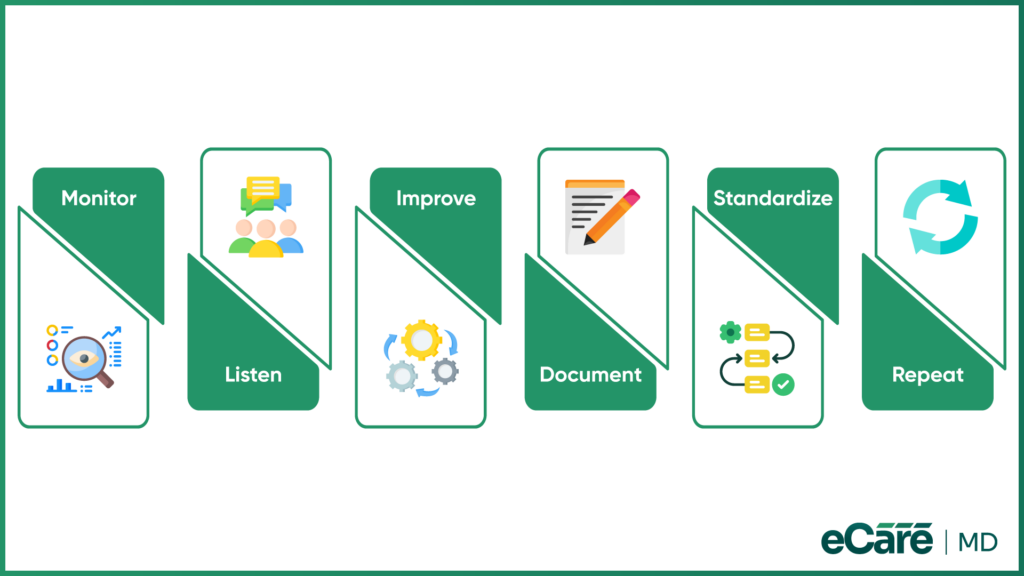
Getting staff to use CCM software on day one is one thing; keeping it part of their daily routine is another. A workflow that looks smooth during training may reveal small problems once the team starts using it with real CCM tasks.
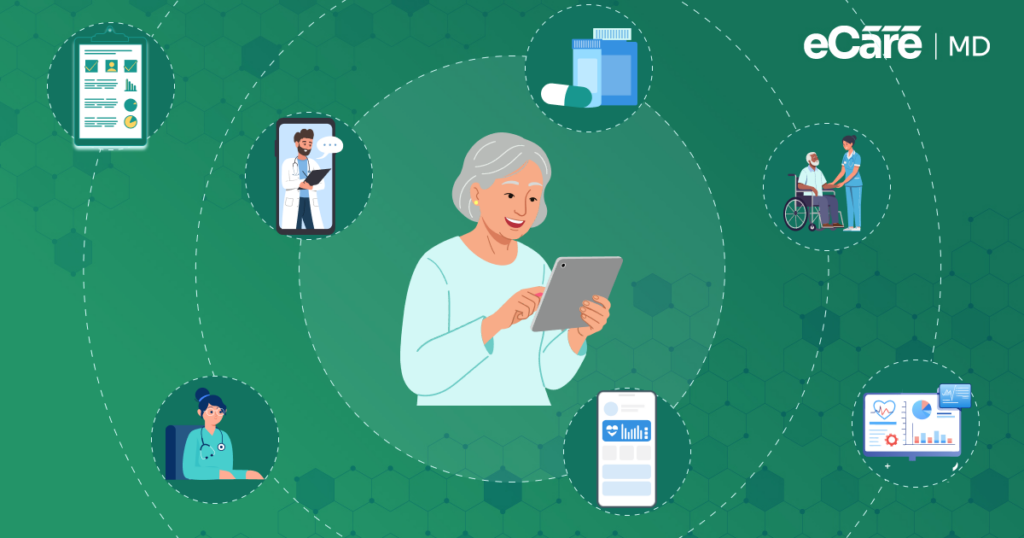
That is why CCM software adoption should be treated as an ongoing process rather than a one-time onboarding step. Practices can monitor meaningful usage and workflow metrics, review incomplete or delayed tasks, and look for patterns in CCM activity and documentation.
Feedback from care managers is equally valuable. Their day-to-day experience can reveal friction that numbers alone may not show, helping the team make practical improvements. The process becomes easier to repeat when these lessons are documented. Updated SOPs, reusable onboarding toolkits, and current training materials can give both existing staff and new hires a consistent starting point.
Standardized workflows also make it easier to coordinate work across care management software and keep onboarding consistent as the practice grows. In this way, CCM implementation best practices become part of the practice’s routine rather than a checklist completed once and forgotten.
Preparing CCM Software for Growth Across Locations
What works for one clinic may not be enough when a CCM program expands to several locations. Each site may have its own routines, but the core CCM workflows should remain consistent. A scalable onboarding blueprint gives every location the same foundation while leaving room for practical local differences.
Create repeatable onboarding playbooks that outline key workflows, training standards, responsibilities, and implementation steps. Practices should also maintain visibility into how each site is progressing with implementation and CCM software adoption.
The goal is not to make every location work in exactly the same way, but to clearly define what must remain standardized and where teams can adapt. This approach makes future rollouts easier and more consistent. For a deeper look at multi-location strategy, see Scaling Your CCM Program Across Multiple Locations.
Make CCM Software Adoption Easier for Your Team
How eCareMD Supports CCM Software Onboarding
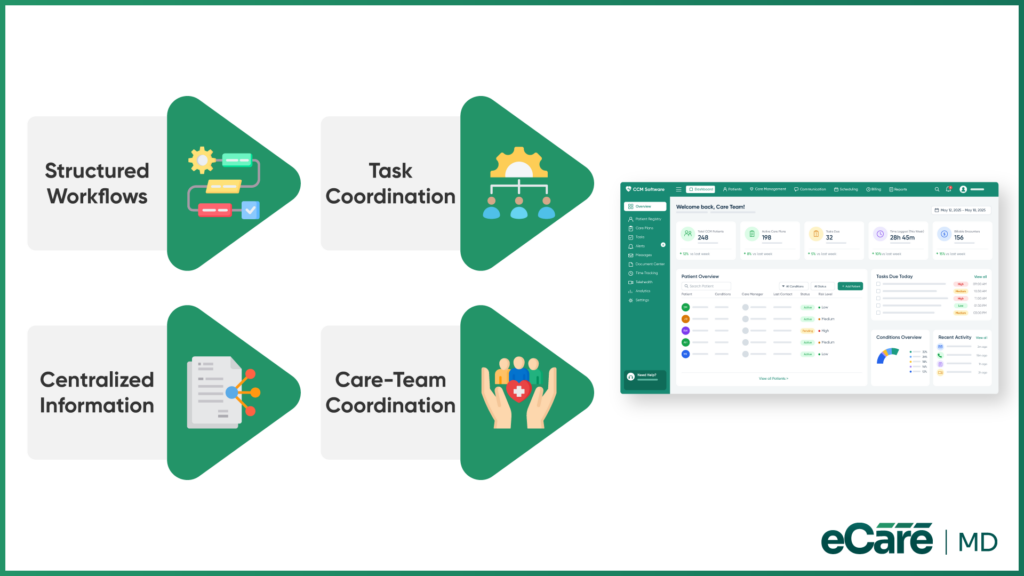
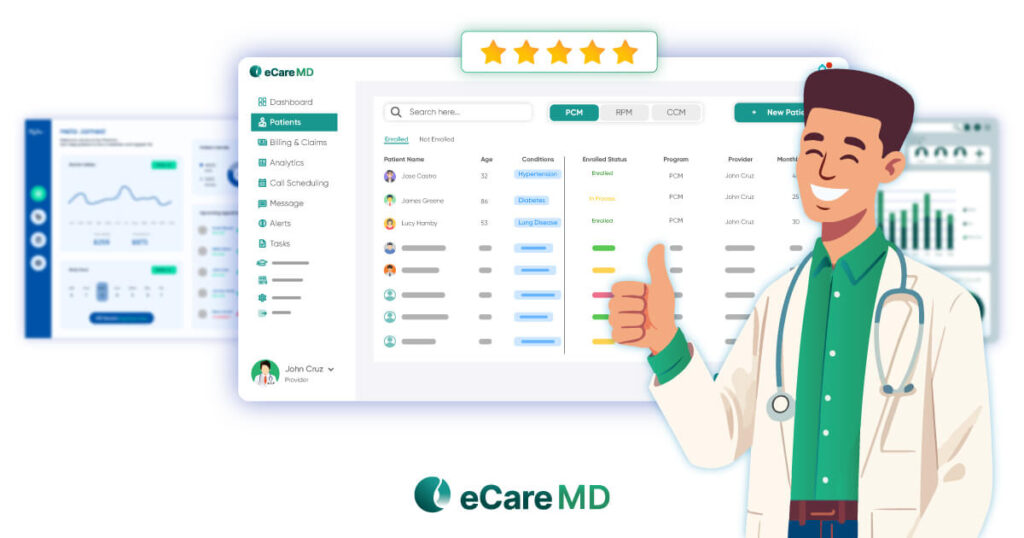
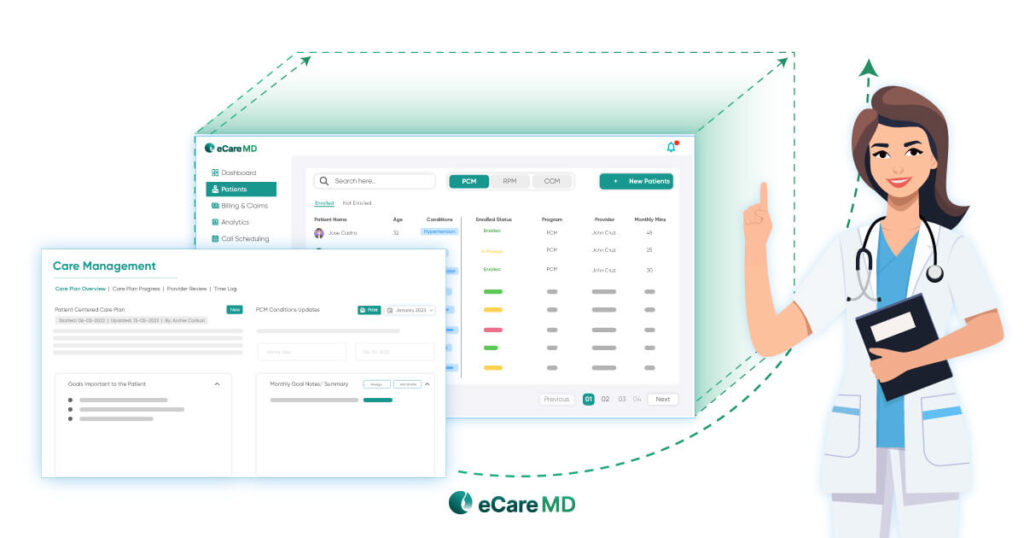
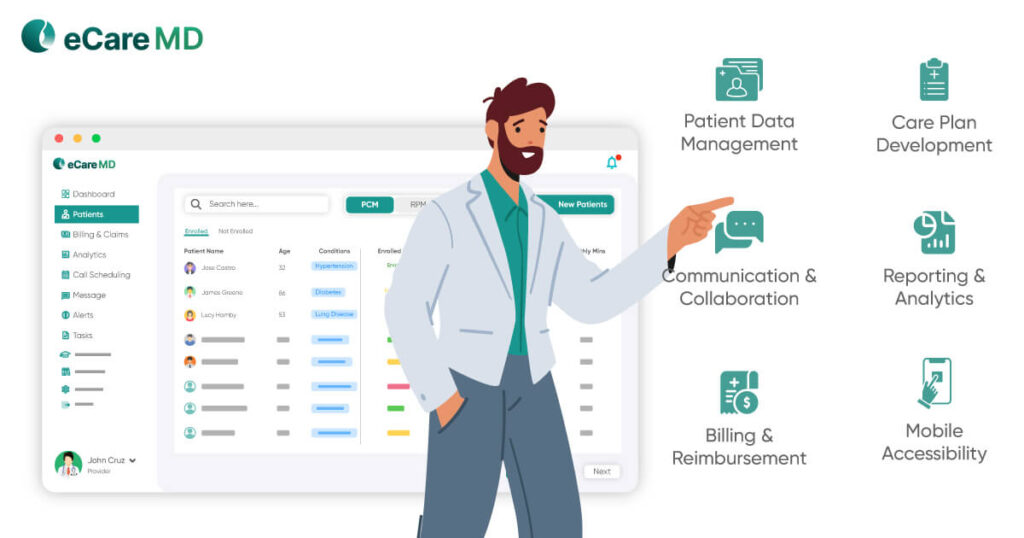
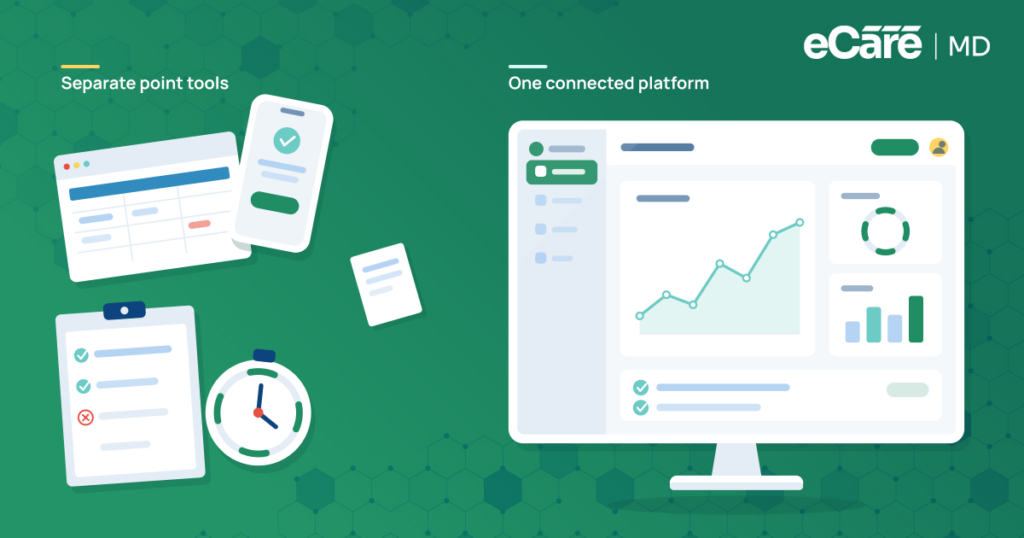
Once a practice begins onboarding, having CCM workflows organized in one environment can make the learning process easier for staff. eCareMD supports organized CCM implementation by bringing key activities into structured workflows, helping teams work through their daily processes without relying on disconnected tools.
For example, structured care-plan workflows can help staff follow consistent steps, while task coordination keeps assigned work organized. Patient and care-management information can be accessed within the platform, and time or activity tracking can support applicable CCM workflows.
Care-team coordination also helps keep communication connected across the people involved in patient care. This structured environment gives staff a consistent place to learn and carry out CCM processes.
Rather than changing the way every team member works independently, practices can use these workflows as a common foundation during CCM software onboarding and ongoing adoption.
Conclusion
Successful chronic care management implementation does not end when the software goes live. The journey moves from Assess → Plan → Configure → Train → Launch → Monitor → Refine → Scale, with each step helping the practice build a more consistent way of managing CCM work.
The strongest adoption happens when technology fits the people and clinical workflows using it. Clear care-manager responsibilities, manageable team workloads, appropriate staffing, and a plan for multiple locations all play a role in making that possible. Even after launch, regular feedback, updated SOPs, refresher training, and workflow improvements keep the process moving in the right direction.
eCareMD supports this ongoing process by providing structured workflows for care plans, task coordination, care-management information, time and activity tracking where applicable, and care-team coordination. By giving teams a consistent operational environment, it can help reduce friction as practices onboard, adapt, and scale their CCM workflows.
Frequently Asked Question’s
Common mistakes include skipping workflow assessment, providing generic training, assigning unclear responsibilities, and launching before staff is ready. Practices may also overlook EHR integration issues or fail to collect feedback after launch. Addressing these areas early can make onboarding more organized and easier for teams to manage.
Practices can monitor measures such as platform usage, workflow completion, documentation patterns, patient enrollment, and billing workflow performance. Staff feedback also provides valuable insight into usability and adoption. Reviewing these measures regularly helps leadership identify gaps, understand where teams need support, and make informed workflow adjustments.
Staff may resist new software when they are comfortable with existing processes, unclear about the benefits, or concerned about added workload. Practices can address this through role-based training, hands-on practice, clear communication, and accessible implementation support. Giving staff opportunities to share concerns can also reveal practical barriers.
Practices can reduce disruption by planning the rollout around existing workloads, training staff before launch, and introducing workflow changes in manageable stages. Clear responsibilities and escalation channels can help resolve issues quickly. Where supported, smoother data movement between systems can also reduce duplicate documentation during the transition.
A checklist should cover workflow assessment, implementation goals, software configuration, EHR integration, staff responsibilities, role-based training, testing, launch readiness, and support channels. It should also include post-launch monitoring, feedback collection, SOP updates, and refresher training so onboarding continues beyond the initial rollout.
Practices can maintain consistency by documenting standard workflows, keeping SOPs current, monitoring workflow performance, and providing refresher training when processes change. Regular feedback from staff can also highlight areas that need adjustment. For growing practices, repeatable onboarding materials can help maintain the same core processes across teams.
Leadership should establish clear goals, assign implementation ownership, set timelines, and provide the resources needed for training and support. Leaders should also monitor progress and listen to staff feedback during implementation. Visible leadership support can help teams understand that the new workflow is an organizational priority rather than simply another technology change.
Start by mapping how CCM tasks are currently completed, from patient enrollment and care planning to documentation, time tracking, and billing. Look for duplicate work, manual steps, delays, and unclear responsibilities. Comparing these findings with the software’s capabilities can help practices identify which workflows need improvement before launch.
New employees should receive the same core onboarding used during the original implementation, adapted to their specific role. Reusable training materials, SOPs, workflow guides, and hands-on practice can make this easier. Assigning an experienced team member or super-user to provide initial support can also help new staff adjust.
Before expanding, practices should review the existing site’s workflows, training approach, adoption patterns, technical requirements, and implementation lessons. They should also determine which processes must remain standardized and where local flexibility is appropriate. A repeatable onboarding playbook can then provide each new location with a consistent starting point.
Practices can standardize core processes that support consistency while allowing teams some flexibility in how they complete appropriate day-to-day tasks. Clearly defining which steps are required and which can be adapted gives teams structure without making workflows unnecessarily rigid. Regular feedback can help identify where adjustments are needed.
A practice should reassess its strategy when workflow problems persist, staff feedback identifies recurring friction, processes change, or the CCM program expands. Major system, staffing, or location changes may also warrant a review. Regular reassessment helps ensure that software workflows, training, and SOPs continue to match the practice’s needs.







![The Future of Remote Patient Monitoring: CMS Innovations & Emerging Trends [2026]](/wp-content/uploads/2024/07/Blog-36-The-Future-of-Remote-Patient-Monitoring_-Trends-AI-Innovation-CMS-Updates-for-2026-1024x538.png)